Think about your daily digital routine. You open your browser, click a new tab, and what greets you? A stark white void. A blank, sterile space that serves a function but offers zero inspiration. In an age where we spend more time in our browsers than almost anywhere else, this is a profound missed opportunity.
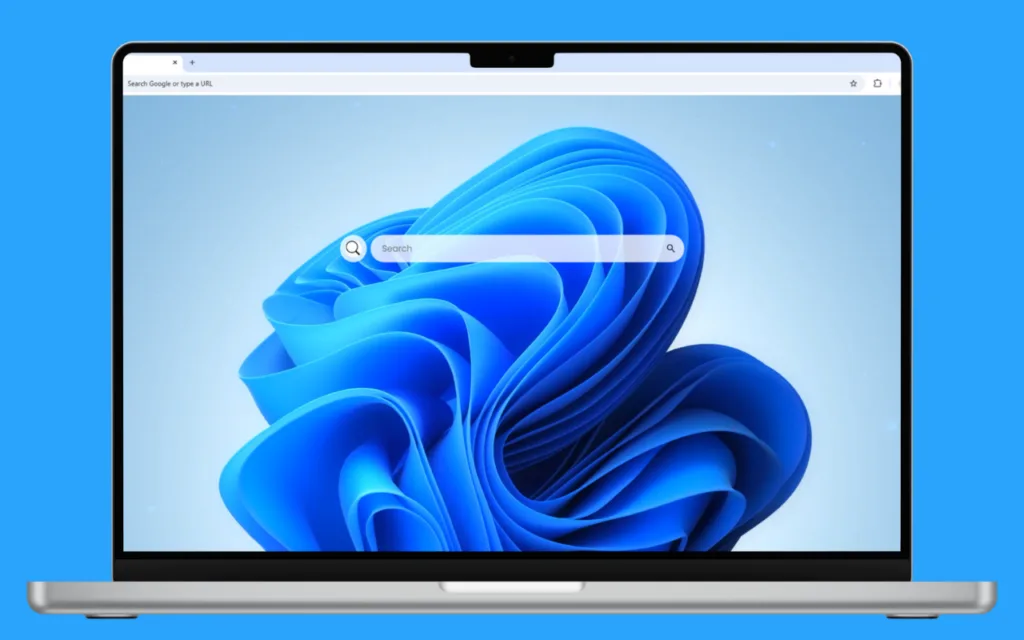
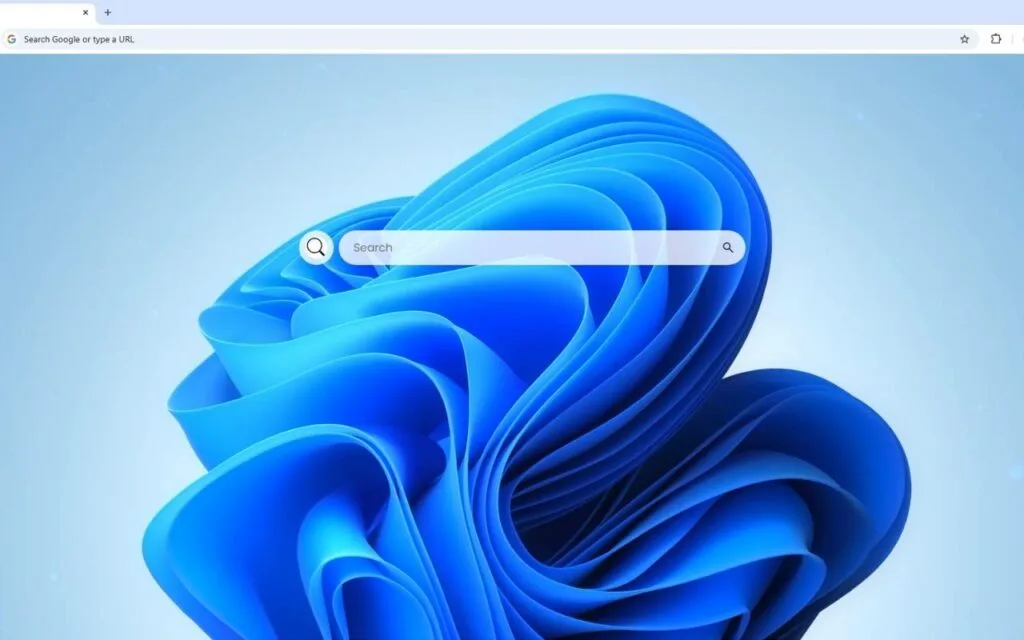
Now, imagine a different experience. You open a new tab, and your screen blossoms to life. A classic flower, bathed in soft, calming blue hues, gracefully unfurls its delicate petals in the center of your screen. This isn't a static image; it's a living, breathing
Windows 11 Live Wallpaper that evokes a sense of peace and timeless beauty. This serene, floral touch is perfectly balanced by the modern, minimalist design of a full productivity dashboard.
This article explores this powerful fusion of nature's elegance and digital function. We’ll delve into why this "calm computing" trend is so popular, the psychology behind its design, and how you can transform your own browser from a blank tool into a personal sanctuary.
Are you ready to make your digital workspace a place you genuinely
enjoy being?
The "Calm Computing" Philosophy: Why Your Browser Needs a Floral Makeover
This blue, floral
Windows 11 Live Wallpaper concept isn't just a pretty picture; it's a direct extension of the core design philosophy behind Windows 11 itself: "calm computing."
The Psychology of Blue and Biophilia
Microsoft’s design team made a conscious shift with Windows 11, moving away from sharp, sterile interfaces to softer, rounded corners, natural themes, and centered layouts. The goal was to create a digital environment that feels less like a demanding machine and more like a calm, focused personal space.
This theme taps into two powerful psychological triggers:
- The Color Blue: Numerous studies in color psychology link the color blue to a state of calm, focus, and mental clarity. Unlike jarring reds or yellows, blue is known to lower heart rates and reduce anxiety. It is the perfect color for a workspace where focus and productivity are paramount.
- Biophilia: This is the term for humanity's innate, genetically-driven need to connect with nature. Staring at digital screens all day can be draining. Introducing natural elements, even digital ones like a "classic flower...as its delicate petals slowly unfurl," can:
- Reduce stress and mental fatigue.
- Improve mood and concentration.
- Provide a micro-dose of "restorative" peace during a busy day.
This
Windows 11 Live Wallpaper theme, therefore, isn't a distraction; it’s a productivity tool in disguise, helping you stay centered and calm.
Why Is This Trend So Popular?
The demand for personalized, aesthetic, and functional dashboards has exploded. We’ve moved beyond default settings. Users want their digital spaces to reflect their personality and, more importantly, to serve their needs.
This theme is the perfect middle ground. It rejects the chaos of a cluttered, "busy" new tab in favor of something that is both beautiful and highly functional. It proves that you don't have to choose between an inspiring aesthetic and a practical tool.
The Functional Core: More Than Just a Pretty Picture
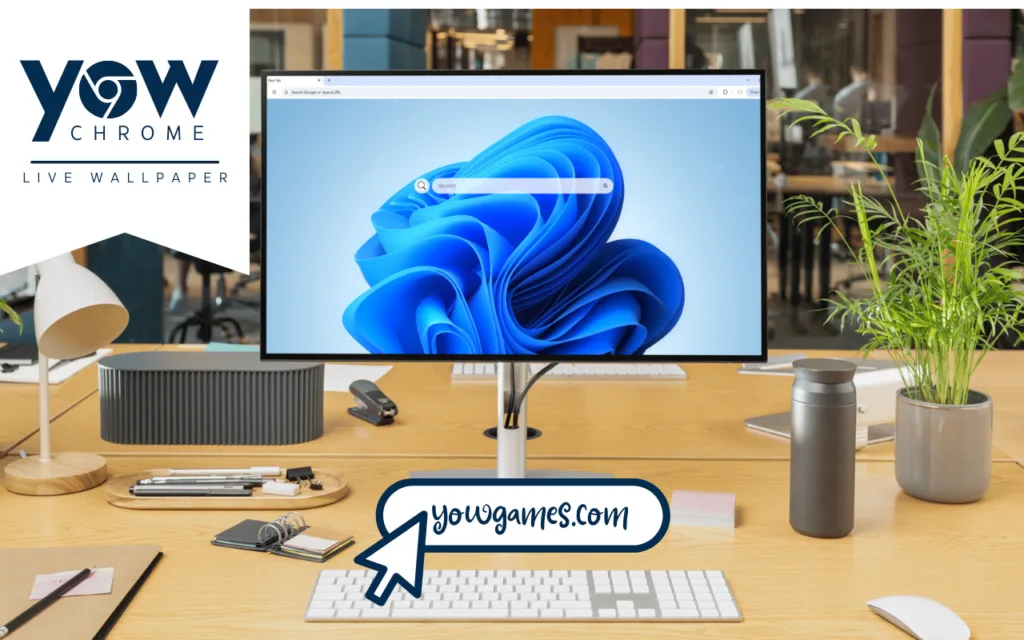
The true power of this theme lies in its seamless integration of a complete dashboard. The calming
Windows 11 Live Wallpaper acts as the foundation, not a distraction, for a full suite of productivity tools. This turns your new tab page from a simple placeholder into your digital command center.
Here are the key functional elements described:
- 🕒 Clock & Date: A "modern, clean display of the current time and date." This essential widget keeps you grounded and on schedule without you ever having to check your phone or taskbar.
- 🔍 Search Bar: This is your portal to the web, "seamlessly connected to your default search engine." It's placed intuitively for immediate access, reducing friction.
- 🔗 Quick Access Shortcuts: One-click access to your most-visited essentials like YouTube, Netflix, and ChatGPT.
- ➕ Custom Shortcuts: This is the most crucial part of personalization. You can "add your own favorite websites with ease," building a custom toolbelt for your work, school, or hobbies.
This blend of serene visuals and practical tools ensures that your workflow is not only efficient but also enjoyable.
How to Create Your Own Serene, Functional Dashboard
You might be wondering, "How can I get this on my browser?" The prompt isn't describing the actual Windows 11 desktop, but rather a specialized
browser new tab extension that mimics this beautiful aesthetic. Natively, browsers like Chrome or Edge don't support live video backgrounds on their new tab pages.
Here’s how you can find and set up a similar experience.
Finding the Right "New Tab" Extension
You'll need to search the Chrome Web Store, Firefox Add-ons store, or Microsoft Edge Add-ons store for a "new tab" or "start page" extension that allows for deep customization.
Look for extensions with these keywords:
- Live wallpaper new tab
- Video background start page
- Custom new tab dashboard
- Animated new tab
Popular extensions that offer this kindof functionality include "Live Start Page," "Wallsflow New Tab," or "SuperStart New Tab Page."
Key Features to Look for in a New Tab Extension
| Feature |
Why It's Important |
Pro-Tip |
| Video Backgrounds |
This is essential for the "live wallpaper" effect of the unfurling flower. The extension must support .mp4, .webm, or GIF files. |
Find a high-quality, seamlessly looping video of a blue flower to avoid a jarring "jump" every time it restarts. |
| Widget Customization |
You need the ability to add, remove, and reposition the 🕒 Clock, 🔍 Search Bar, and shortcuts. |
Look for minimalist or "glass" style widgets that will float cleanly over the floral background, matching the Windows 11 aesthetic. |
| Custom Shortcuts ➕ |
The ability to add your own links (not just the defaults) is what makes the dashboard truly yours. |
Choose an extension that allows you to upload your own icons or hide labels for the cleanest, most minimalist look. |
| Search Bar Options |
The 🔍 Search Bar should be configurable to use your preferred search engine (Google, DuckDuckGo, Bing, etc.). |
Check if you can adjust the search bar's transparency to better blend it with the wallpaper. |
| Lightweight & Fast |
A heavy, poorly-coded extension will slow down your browser every time you open a tab. |
Read the reviews! Users will quickly complain if an extension is "laggy" or "bloated." Prioritize performance. |
Your Digital Sanctuary Awaits
In our modern, fast-paced digital world, a moment of peace can feel like a luxury. A
Windows 11 Live Wallpaper theme, designed around a serene, blue-blooming flower, does more than just personalize your browser. It transforms your most-visited digital space into a calm, focused, and efficient command center.
It’s a functional piece of art that embraces the "calm computing" philosophy, helping you reduce stress and stay focused every time you click "new tab." Why settle for a blank void when you can have a space that is both beautiful and productive?
What other serene, natural themes do you think would make for a great productivity dashboard? A rainy window, a calm beach, or a forest scene? Let me know your ideas in the comments below!