For decades, anime fans have sought ways to imprint their passion onto their digital environments. From the early days of Windows 98 desktop themes to Winamp skins and MySpace layouts, the drive to customize has always been a core part of fandom culture. Today, that spirit lives on in the browser.
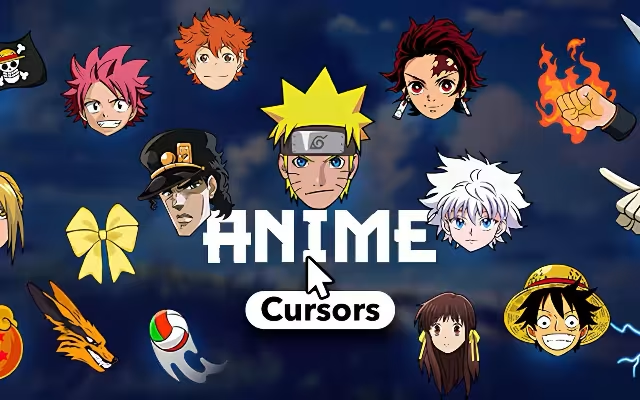
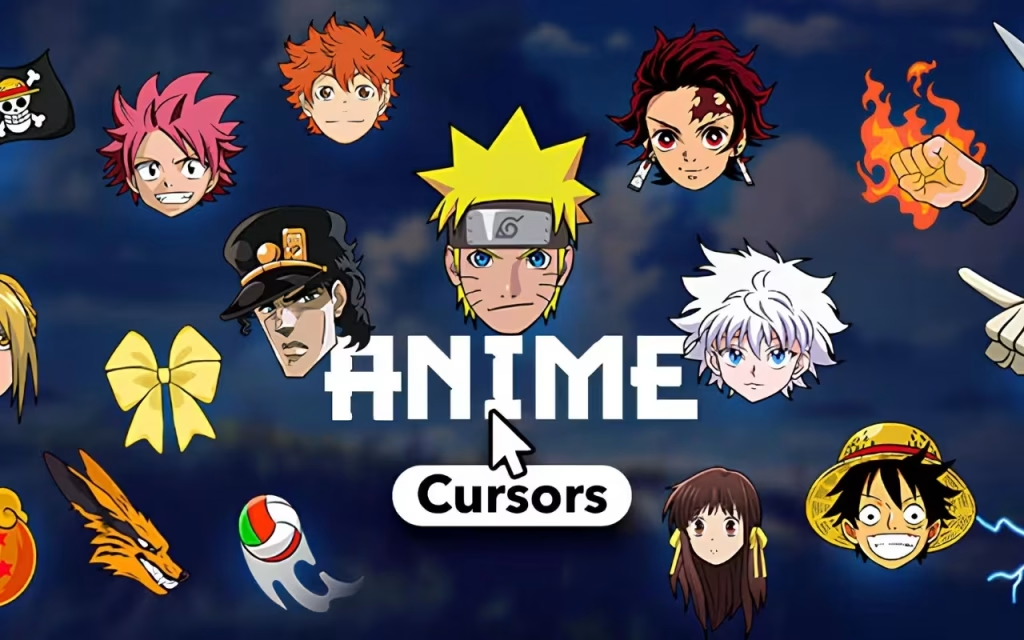
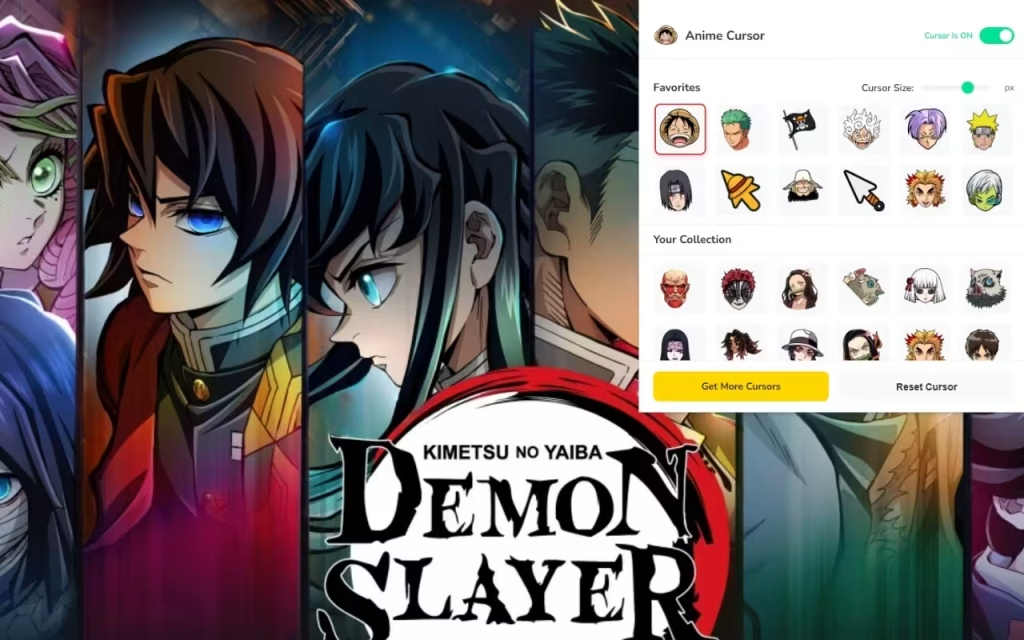
Anime Cursor ★ Custom Cursor for Chrome™ represents the modern evolution of this trend, offering a seamless way to bring the vibrant worlds of shonen and seinen masterpieces directly to your fingertips—literally. With over 80 unique designs, this extension transforms the most fundamental tool of your digital interaction: the mouse cursor.
In this article, we will explore why this tool is a game-changer for fans, dive deep into the specific icons available, and provide an expert guide on how to get the most out of your custom cursor experience.
The Evolution of Digital Fandom: Why Custom Cursors?
Why do we obsess over customizing our screens? The answer lies in the psychology of "digital ownership." As we spend increasing hours online, our browser becomes a personal sanctuary. Standard white arrows feel sterile and corporate. In contrast, a Naruto kunai or a One Piece straw hat adds a layer of warmth and identity to every click.
The Anime Cursor ★ Custom Cursor for Chrome™ extension taps into this by offering a high-performance, lightweight solution. Unlike old desktop buddies that slowed down computers, modern Chrome extensions use efficient code to overlay images without dragging down your browsing speed.
Features That Set It Apart
This isn't just a static image swapper; it's a fully featured personalization suite.
-
🎌 80+ Unique Anime Cursors: The library is vast, covering everything from iconic weapons to chibi character heads.
-
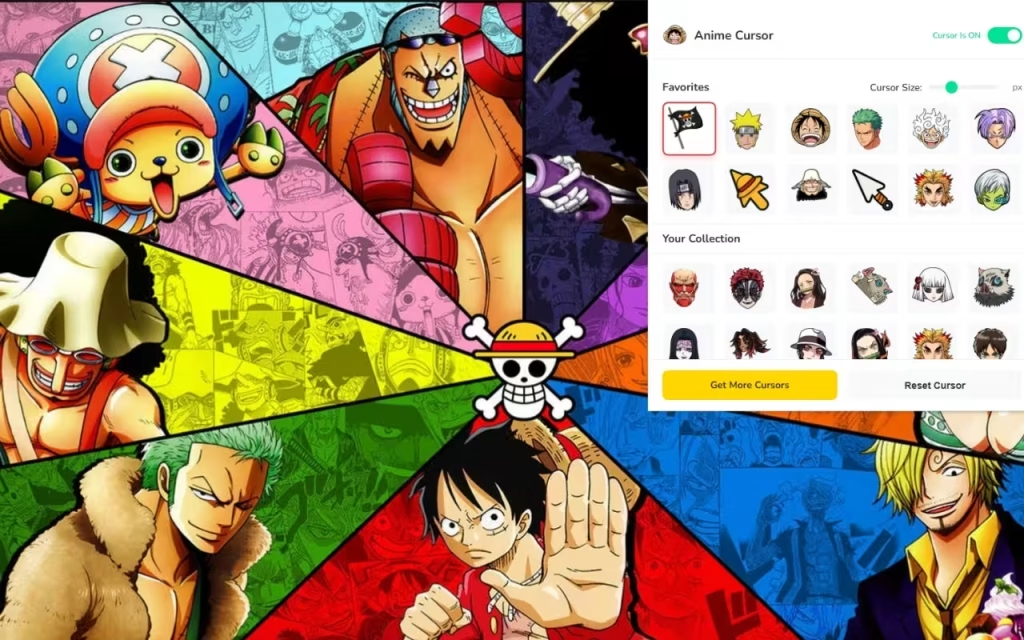
⭐ Favorites System: Just like bookmarking your favorite episodes, you can "heart" the cursors you use most for quick rotation.
-
⚡ One-Click Apply: Gone are the days of downloading
.curfiles and digging through Windows Control Panel settings. This extension handles the swap instantly within the browser. -
🔘 On/Off Toggle: Need to switch back to a standard pointer for a professional presentation? The toggle feature makes it instant.
-
🚀 Lightweight & Fast: Optimized to ensure your RAM stays free for your 50 open tabs.
The Tech Behind the Magic: Size and Clarity
One of the standout features of this extension is the Adjustable Size capability, ranging from 16px to 128px. But why does this matter?
The "Sweet Spot" for Cursor Visibility
Standard operating system cursors are typically 32x32 pixels. This size is chosen for a balance of visibility and precision. However, anime designs often have complex details—think of the intricate hilt of a Nichirin sword from Demon Slayer or the detailed crest of the Survey Corps from Attack on Titan.
-
16px: Best for low-resolution screens or users who prefer a minimalist look.
-
32px - 48px: The "Golden Zone." This size offers the best balance where the art is crisp, but the cursor doesn't obscure the text you are trying to read.
-
128px: Ideal for 4K monitors or for users with visual impairments who need a larger pointer. It’s also great for showing off specific, detailed fan art.
Pro Tip: If you are doing precision work like photo editing, use the On/Off Toggle to switch to the default pointer, as large custom cursors can sometimes block your view of pixel-perfect details.
Iconic Anime Cursors: A Deep Dive into the Collection
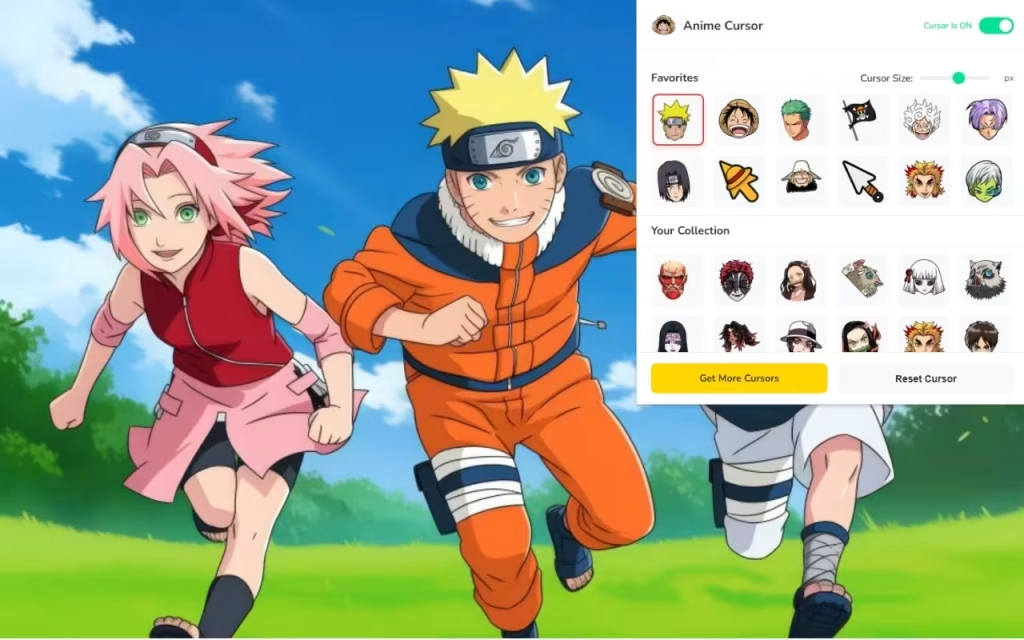
The true value of Anime Cursor ★ Custom Cursor for Chrome™ lies in its art assets. Let's break down the "Big Three" and modern classics included in the 80+ collection.
Naruto: The Way of the Ninja
The Naruto franchise offers some of the most recognizable silhouettes in anime history.
-
Kunai & Shuriken: These aerodynamic shapes are perfect for mouse pointers because they naturally come to a sharp point, mimicking the "hotspot" of a traditional arrow cursor.
-
Konoha Headband: A symbol of loyalty and perseverance, often used as the "hover" state cursor (the icon that appears when you click a link).
One Piece: The Great Pirate Era
For fans of Luffy and the Straw Hats, the cursor options often embody the spirit of adventure.
-
The Straw Hat: The ultimate symbol of freedom.
-
Zoro’s Swords: Specifically, the Wado Ichimonji makes for a sleek, elongated cursor that feels precise and sharp.
-
Devil Fruits: The distinct shapes of the Gomu Gomu no Mi (Gum-Gum Fruit) add a pop of color to the screen.
Attack on Titan & Demon Slayer: Modern Masterpieces
-
Wings of Freedom (AOT): The blue and white shield of the Survey Corps is a popular choice for those who value freedom above all else.
-
Tanjiro’s Earrings (Demon Slayer): The Hanafuda earrings are a subtle, aesthetic choice that looks like a piece of jewelry moving across your screen.
-
Nezuko’s Bamboo: A cute, chibi-style option that often appeals to fans looking for a "kawaii" aesthetic.
DIY: How to Create Your Own Anime Decoration
Inspired by the extension? You might want to try creating your own digital assets. Understanding how these cursors are made can give you a greater appreciation for the art.
The Art of the Transparent PNG
To create a similar decoration, you need to understand the .png file format.
-
Transparency is Key: Unlike JPEGs, PNGs support transparency. This is vital for cursors; otherwise, your mouse pointer would look like a square box floating on the screen.
-
The Hotspot: Every cursor has a "hotspot"—the single pixel that registers the click. For an arrow, it's the tip. For a sword, it's the point. When designing your own, you must ensure the visual tip aligns with the programmed active pixel.
Steps to design your own:
-
Source: Find a high-res image of your favorite anime symbol.
-
Cutout: Use a tool like Photoshop or a free online background remover to delete the background.
-
Resize: Scale it down to 128x128 pixels for maximum compatibility.
-
Upload: Use the "Upload" feature often found in these extensions to add your personal creation to the local library.
| Feature | Standard Cursor | Custom Anime Cursor |
| Visual Appeal | Low (Generic) | High (Personalized) |
| Hotspot Precision | High | Variable (Depends on design) |
| File Type | .cur / .ani | .png / .svg |
| Emotional Connection | None | High (Fandom pride) |
Tips for Collectors: Curating Your Digital Experience
With 80+ unique anime cursors available, it can be tempting to switch them every five minutes. However, seasoned "digital decorators" recommend a curated approach.
Theming Your Browser
Don't just change the cursor; match it to your entire browser theme.
-
Color Coordination: If you choose a Naruto (orange/black) cursor, install a matching dark mode Chrome theme with orange accents.
-
Soundscapes: Some advanced users pair their cursors with browser sound extensions that play a small sound effect (like a sword shing or a ninja poof) when clicking.
The "Favorites" Strategy
Use the Favorites System to categorize your cursors by mood or activity:
-
Work/Study: Use sleek, sharp cursors like swords or distinct symbols (e.g., Fullmetal Alchemist Flamel symbol) that are easy to see but not distracting.
-
Browsing/Relaxing: Switch to fun, larger "chibi" characters or colorful items (e.g., Pokemon balls or Sailor Moon wands) when you are just surfing the web.
The Anime Cursor ★ Custom Cursor for Chrome™ is more than just a novelty; it is a tool for expression. In a world where our digital lives are increasingly standardized, these small pockets of customization allow us to reclaim our space. Whether you are a ninja from the Hidden Leaf, a pirate sailing the Grand Line, or a Demon Slayer protecting humanity, there is a cursor here that fits your journey.
Ready to transform your browsing experience? Which anime world will you choose to guide your clicks today? The high seas of One Piece or the walled cities of Attack on Titan?






