Are your power levels feeling a little low while browsing the web? Does your standard mouse pointer lack the fighting spirit required to tackle that endless stream of emails or homework? For millions of fans around the world, Dragon Ball isn't just an anime; it’s a lifestyle defined by breaking limits, epic transformations, and high-octane energy.
So why settle for a boring, default white arrow when you could be navigating the internet with the power of a Super Saiyan?
In this deep dive, we explore the Dragon Ball Cursor ★ Custom Cursor for Chrome™, a fan-made browser modification that brings over 150+ legendary characters to your fingertips. We will examine its features, explore the history of the anime that inspired it, and even look at the digital artistry behind creating these pixelated warriors.
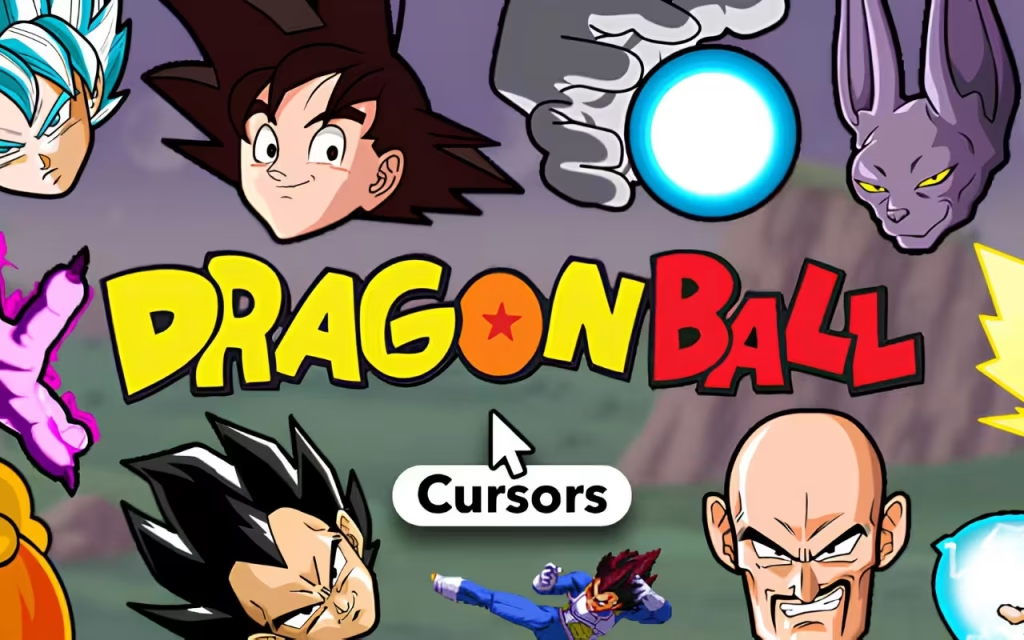
The Kamehameha of Browser Extensions: What is it?
The Dragon Ball Cursor extension is a digital transformation tool for your Google Chrome browser. It replaces the standard system cursor with high-quality, fan-made pixel art representing the vast universe of Dragon Ball.
From the nostalgic beginnings of the original Dragon Ball saga to the intense battles of Dragon Ball Z, and the cosmic scales of Dragon Ball Super, this pack covers it all. It is designed to be lightweight, fun, and incredibly easy to use.
🔹 Features That Break the Scouter
What makes this specific extension the "Ultimate Form" of browser customization? It isn't just about the aesthetics; it is about the user experience.
-
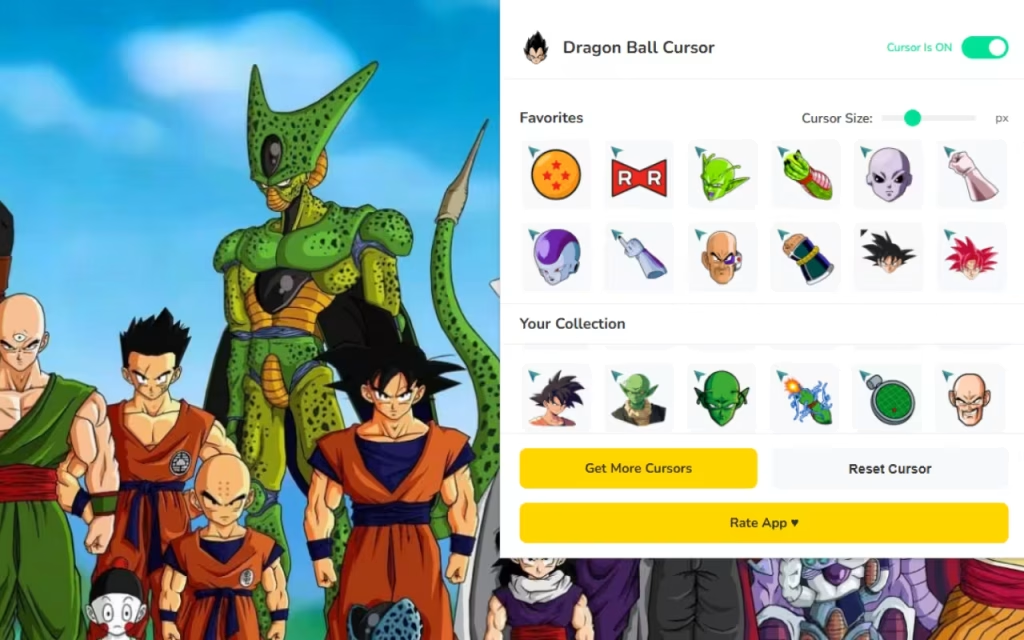
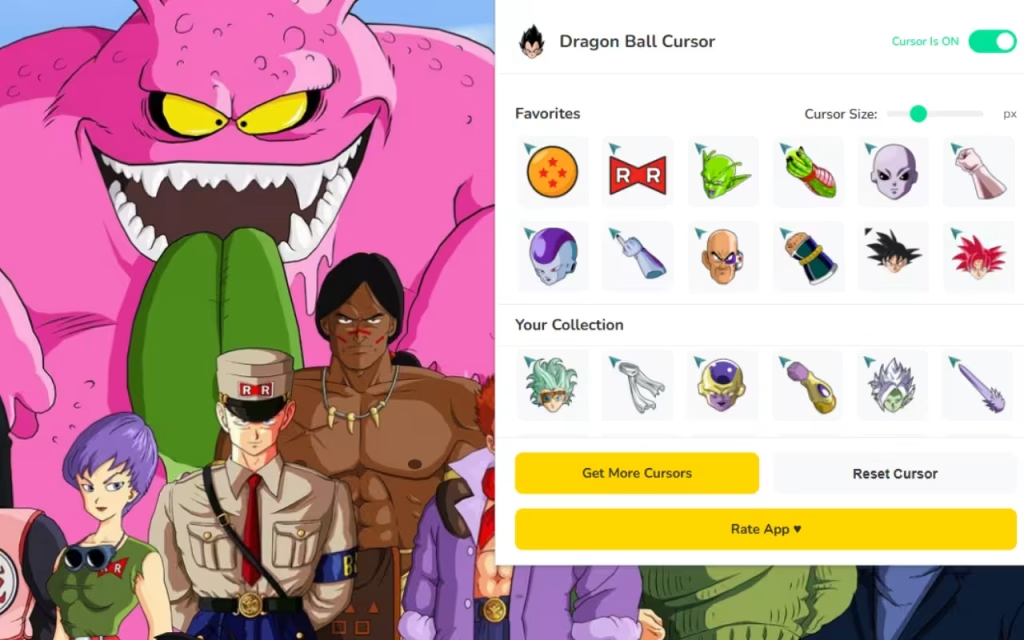
🔥 150+ Unique Cursors: The library is massive. It features legendary forms (Super Saiyan, Ultra Instinct), iconic logos (Capsule Corp, Red Ribbon Army), and unforgettable moments. You can switch between Goku, Vegeta, Gohan, Piccolo, Trunks, Frieza, Cell, Majin Buu, Beerus, Whis, Bulma, and dozens more.
-
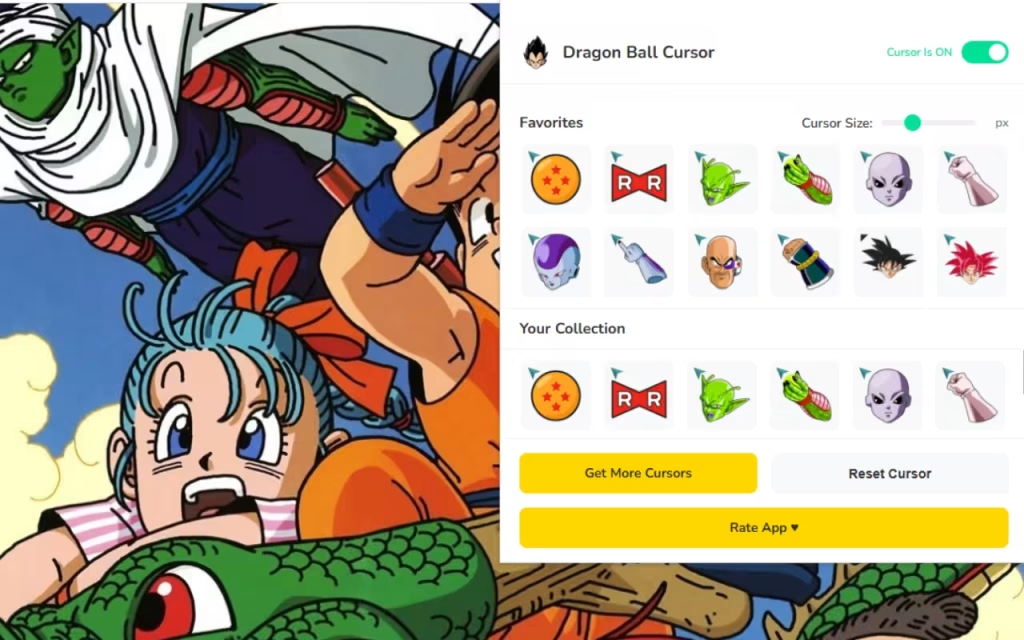
⭐ Favorites System: With over 150 choices, finding your "main" can be tough. The built-in favorites system allows you to star your top picks for One-Click Swap access later.
-
📏 Resizable Interface: Whether you are on a massive 4K monitor or a compact laptop, you can adjust the cursor size between 16px and 128px.
-
🔘 Enable/Disable Toggle: Need to switch back to professional mode for a presentation? The toggle button gives you instant control.
-
🚀 Smooth Performance: The extension is optimized for speed, ensuring that your new Super Saiyan cursor doesn't cause your browser to lag like Yamcha in a fight against a Saibaman.
A Legacy of Power: Origins and Popularity
To understand why this extension is a must-have, we have to look at the cultural juggernaut behind it.
The Anime Phenomenon
Dragon Ball, created by Akira Toriyama, debuted in Weekly Shōnen Jump in 1984. It revolutionized the shōnen genre, establishing tropes that are still used today: the spiky hair, the beam struggles, and the constant escalation of power.
The series' popularity exploded globally in the 90s and 2000s, particularly with Dragon Ball Z. For many who grew up during this era, Goku represents the ultimate hero—a symbol of hard work and self-improvement. By installing the , fans are tapping into decades of nostalgia and admiration.
Quick Question: Who is your favorite villain from the franchise? Is it the tyrant Frieza, the perfect android Cell, or the chaotic Kid Buu? Tell us in the comments below!
Digital Customization
Why do we change our wallpapers, skins, and cursors? It comes down to Digital Identity.
In a physical office or classroom, we decorate our desks with action figures or posters. In the digital realm, the browser is our workspace. Customizing the UI (User Interface) is a way of reclaiming that space and making it feel like "home." Using a Dragon Ball cursor is a subtle signal of your interests—a secret handshake with other fans who might see your screen.
How to Create a Similar Decoration
Have you ever looked at a pixel art Vegeta and wondered, "How did they make that?" The creation of custom cursors is a fascinating blend of art and code.
The Art of Pixelation
Creating a cursor requires "Pixel Art" skills. Because cursors are small (standard size is often 32x32 pixels), artists cannot rely on high-resolution details. They must convey the essence of the character using a limited grid.
-
Silhouette: The character must be recognizable by outline alone. Goku's hair is a perfect example of a strong silhouette.
-
Color Palette: Artists use limited colors to ensure the cursor stands out against white or dark web pages.
-
The Hotspot: This is the technical part. The "hotspot" is the specific pixel that registers the click. For a cursor of Frieza pointing a finger, the hotspot must be exactly at the fingertip, otherwise, the user will miss what they are trying to click.
Coding the Extension
For those interested in the tech, these extensions utilize a file called manifest.json. This file acts as the instructions for the browser, telling it to override the default CSS cursor property with the custom image file provided by the extension. It is a simple yet powerful way to modify the web experience.
Tips for Collectors: Managing Your Roster
With 150+ cursors at your disposal, you are essentially the manager of your own Universe 7 team. Here is how to get the most out of the collection.
Organizing by Saga
To keep things fresh, try rotating your cursor based on the anime arcs:
-
Monday (Saiyan Saga): Stick to base form Goku, Vegeta (Scouter), and Nappa.
-
Wednesday (Frieza Saga): Switch to Super Saiyan Goku, Frieza (Final Form), and Piccolo.
-
Friday (Super Saga): Go all out with Ultra Instinct, Jiren, or Beerus to finish the week strong.
Size Matters
While the extension allows for a 128px cursor, bigger isn't always better.
-
For Gaming/Reading: Larger cursors are fun and easy to track.
-
For Work/Data Entry: Scale it down to 32px or 48px. This ensures the artwork doesn't block text or essential buttons.
Standard vs. Saiyan Style
Is the switch worth it? Let’s look at the data.
| Feature | Default System Cursor | Dragon Ball Custom Cursor |
| Aesthetics | Neutral, Basic Arrow | 150+ Iconic Anime Characters |
| Customization | System-wide only | Instant Browser Swapping |
| Sizing | Fixed by OS | Adjustable (16px - 128px) |
| Engagement | Low (Purely functional) | High (Fun & Nostalgic) |
| Resource Use | Zero | Optimized/Lightweight |
| Best For | Corporate Environments | Fans, Gamers, Students |
Why Is It So Popular?
The enduring popularity of this extension mirrors the franchise itself. Dragon Ball is multigenerational. Parents who watched Dragon Ball Z are now watching Dragon Ball Super with their children.
Furthermore, the "Gamification" of the browser plays a huge role. Using a Dragon Ball Cursor adds a layer of interactivity to the web. Clicking a "Submit" button feels more impactful when it is done with a Spirit Bomb cursor.
Did You Know? The "Instant Transmission" move used by Goku is technically a form of teleportation. With the One-Click Swap feature, you can "teleport" between cursors just as fast!
The Dragon Ball Cursor ★ Custom Cursor for Chrome™ is the ultimate accessory for any anime fan. It successfully bridges the gap between utility and fandom, allowing you to bring the high-energy world of Dragon Ball into your daily digital routine.
With features like Smooth Performance, a massive library of 150+ Unique Cursors, and total control over size and visibility, it is a well-designed tool that respects both the source material and the user's need for a functional browser.
Whether you want to channel the calm focus of Whis or the raw power of Broly, this extension has you covered.
Ready to ascend? Head to the Chrome Web Store and install the extension today. Don't let your browser power level stay at zero.We want to hear from you: If you could request a new cursor for the next update, which obscure character would you choose? Maybe the Ginyu Force or King Kai? Leave your suggestions in the comments!