Is your digital lawn looking a little overgrown and boring? We spend hours every day clicking through tabs, answering emails, and navigating the web. Yet, most of us settle for the standard, lifeless white arrow provided by our operating systems. It works, but it lacks brains.
If you are a fan of strategy, humor, and iconic horticultural warfare, it is time to plant your defenses.
In this deep dive, we explore the Plants vs. Zombies Cursor ★ Custom Cursor for Chrome™, a fan-made browser modification that brings the charm of PopCap’s legendary game to your fingertips. We will analyze its features, explore the history of the franchise that inspired it, and even look at the digital artistry required to bring these pixelated plants to life.
The Digital Garden: What is the Plants vs. Zombies Cursor?
The Plants vs. Zombies Cursor extension is a vibrant customization tool for Google Chrome. It replaces your default mouse pointer with high-quality, animated, and static designs from the PvZ universe.
Imagine scrolling through a long article, guided not by a white triangle, but by a cheerful Sunflower. Imagine clicking on a link with the snapping jaws of a Chomper. With over 180+ unique cursors, this extension turns your browser into the ultimate battleground of nature versus the undead.
🔹 Features That Bloom
Why is this specific extension a "Masterpiece" for fans? It isn't just about the nostalgia; it is about the user experience. Let's dig into the soil and look at the features:
-
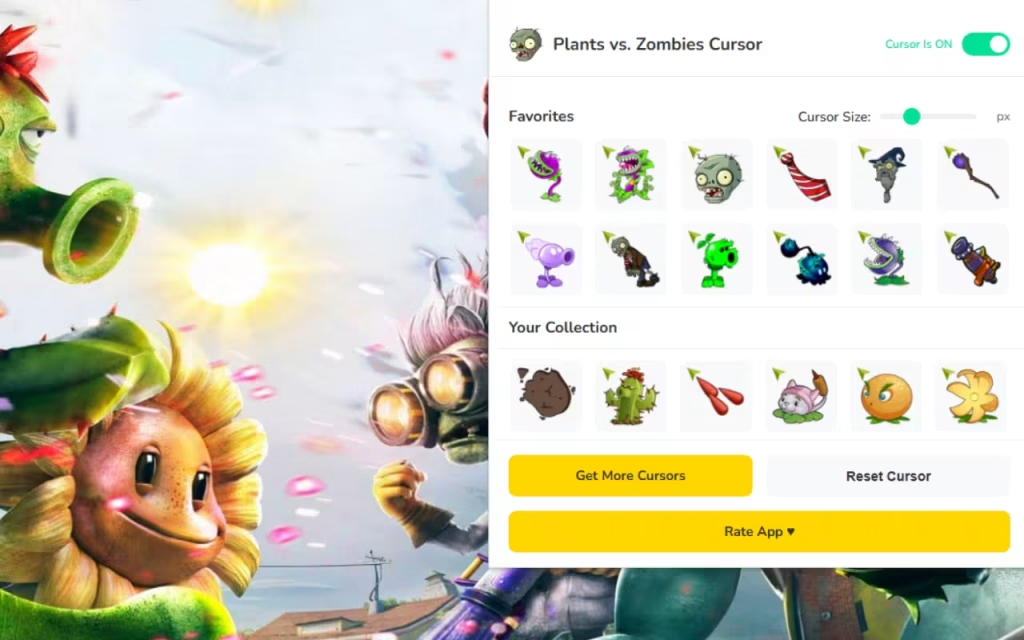
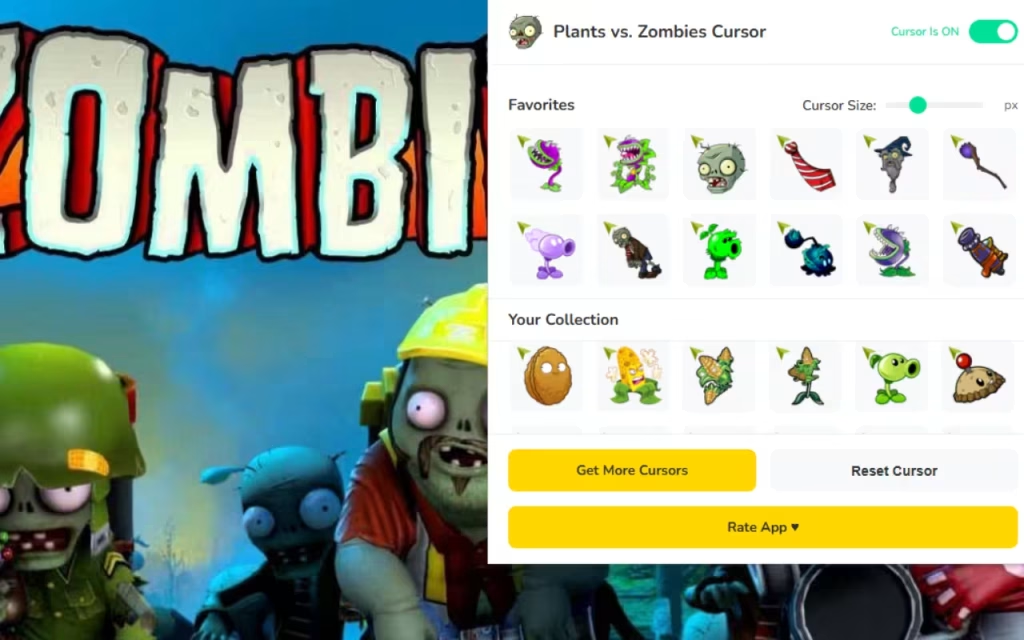
🌻 180+ Unique Cursors: The library is massive. It covers the basics (Peashooter, Zombie) but goes deep into the almanac. You can find elemental variants, specific zombie types (Buckethead, Football Zombie), and even the erratic Crazy Dave.
-
⭐ Favorites System: Just like picking your seed packets before a level, you can choose your loadout. The favorites system allows you to save your top cursors for instant switching.
-
📏 Adjustable Size: Screens vary from compact laptops to 4K monitors. This feature lets you resize your cursor from a subtle 16px to a massive 128px so you never lose track of your pointer.
-
⚡ One-Click Swap: Need to switch strategies? Click, and your cursor transforms instantly.
-
🔘 Toggle Button: If you need to revert to a standard cursor for a professional presentation, the easy on/off toggle gives you total control.
-
🚀 Lightweight & Fast: The extension is optimized to ensure your browser remains as fast as a specialized speed-runner, without the lag.
From the Lawn to the Web: Origins and Popularity
To understand why this extension is essential, we have to look at the roots of the franchise.
The PopCap Legacy
Plants vs. Zombies was released in 2009. It took the "Tower Defense" genre—which was often niche and complex—and made it accessible to everyone. The premise was absurd: you use weaponized flora to stop zombies from eating your brains.
The game’s art style was crucial to its success. It was colorful, expressive, and brimming with personality. By installing the , you are preserving a piece of internet history. You are keeping the spirit of that original "Bloom and Doom" era alive on your modern screen.
Quick Question: Which plant was your MVP (Most Valuable Plant) in the original game? The reliable Repeater or the explosive Cherry Bomb? Let us know in the comments below!
Why Is It So Popular?
Why do we love customizing our cursors? It comes down to Gamification.
Work and study can be tedious. By adding elements of a game we love into our workspace, we trigger positive associations.
-
Nostalgic Fun: Seeing a pixelated Wall-nut reminds us of the satisfaction of holding off a massive wave of zombies.
-
Visual Dopamine: The bright greens and purples of the PvZ palette are scientifically more stimulating than a monochrome arrow.
How to Create a Similar Decoration
For the creatives reading this, you might be inspired. How does a 2D drawing become a functional browser tool?
The Art of the Pixel
Creating a cursor for an extension like the requires "Pixel Art" skills.
-
The Canvas: Artists work on small grids (usually 32x32 or 64x64 pixels).
-
The Silhouette: Because cursors are small, the outline must be bold. A Peashooter needs to be instantly refreshing, not a green blob.
-
The Hotspot: This is the most technical part. Every cursor has a "hotspot"—the single pixel that registers the click. For a zombie hand cursor, the hotspot isn't the palm; it is the tip of the index finger. If this is misplaced, the user will miss every link they try to click.
Coding the Extension
Behind the art is a file called manifest.json. This acts as the brain of the extension. It tells Chrome: "When the user activates this tool, override the system's CSS cursor property with this image of a Squash." It is a blend of art and logic, much like the game itself.
Strategy for Your Screen
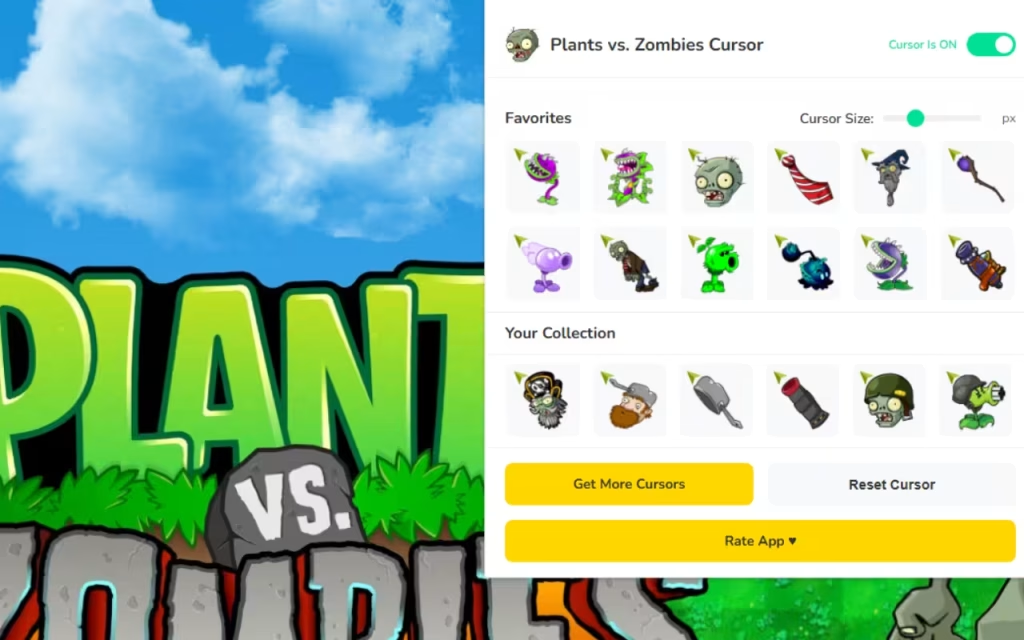
With 180+ options, your cursor library is now as full as your Zen Garden. Here is how to manage your roster effectively.
1. The Day/Night Cycle
In the game, your strategy changes from Day to Night. Why not do the same for your browser?
-
Daytime (Work/School): Use "Sun" producing plants like the Sunflower or Sun-shroom. They feel bright and productive.
-
Nighttime (Browsing/Gaming): Switch to the Puff-shroom or Hypno-shroom. Their darker colors are easier on the eyes in low light.
2. Managing Visibility
While the 128px size is fun, it can sometimes block text.
-
Recommendation: Keep your cursor size between 32px and 48px. This offers the perfect balance of appreciating the art without obstructing your view.
-
The "Boss Battle" Mode: If you are watching a video or just relaxing, crank it up to 128px and let Dr. Zomboss take over the screen.
Standard vs. PvZ Cursor
Is it worth the download? Let’s look at the stats.
| Feature | Standard System Cursor | Plants vs. Zombies Cursor Extension |
| Visual Style | Plain White Arrow | 180+ Colorful Characters |
| Customization | System-wide settings only | Instant Browser Swapping |
| Sizing | Fixed by OS | Adjustable (16px - 128px) |
| Fun Factor | Zero | High (Nostalgic & Interactive) |
| Resource Usage | Zero | Lightweight / Optimized |
| Target Audience | General Users | Gamers, Fans, Students |
The Plants vs. Zombies Cursor ★ Custom Cursor for Chrome™ is more than just a novelty; it is a way to defend your digital happiness against the hordes of boredom. It brings the humor, color, and iconic design of one of the world's best strategy games directly into your daily workflow.
With robust features like One-Click Swap, Adjustable Sizing, and a massive library of 180+ Cursors, it ensures that your browsing experience is always fresh and never brain-dead.
Ready to plant your defenses? Head over to the Chrome Web Store and search for the extension today. The zombies are coming... to your browser!We want to hear from you: If you could design a cursor based on the plants from PvZ 2, which one would you choose? The Bonk Choy or the Laser Bean? Drop your ideas in the comments!