If you find yourself missing the tension of Playtime Co. while scrolling through social media or working on homework, it’s time to unlock a new level of customization.
In this deep dive, we explore the Poppy Playtime Cursor ★ Custom Cursor for Chrome™, a fan-made modification that brings the terrifyingly colorful world of Huggy Wuggy, Kissy Missy, and Mommy Long Legs directly to your screen. We will analyze its features, explore the dark lore that inspired it, and even teach you how to craft your own digital monsters.
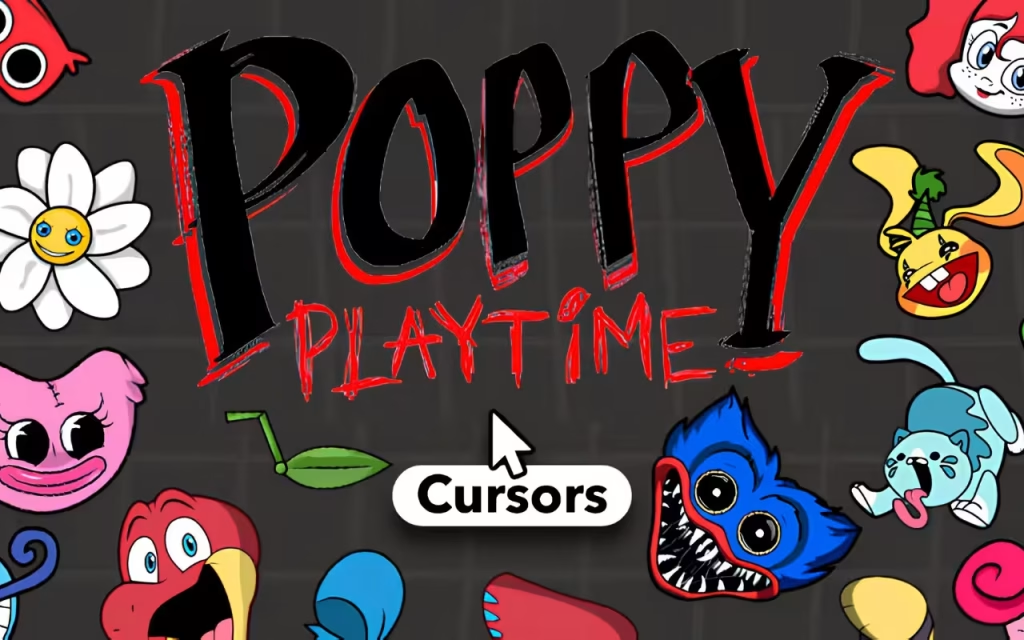
Unpacking the Toy Box: What is the Poppy Playtime Cursor?
The Poppy Playtime Cursor extension is more than just a visual tweak; it is a digital tribute to modern horror. It replaces your standard, monotonous mouse pointer with high-quality, pixel-perfect art inspired by the characters and props of the hit game.
With over 100+ unique cursors, this tool transforms your browser into a mini-Playtime Co. factory. Whether you want the blue fur of a mascot or the mechanical grip of a GrabPack, this extension puts the power of the game in your hand.
🔹 Features That Will Grab You
Why are horror fans flocking to this extension? It isn't just about the scares; it's about the robust functionality. Let's look at the specs:
-
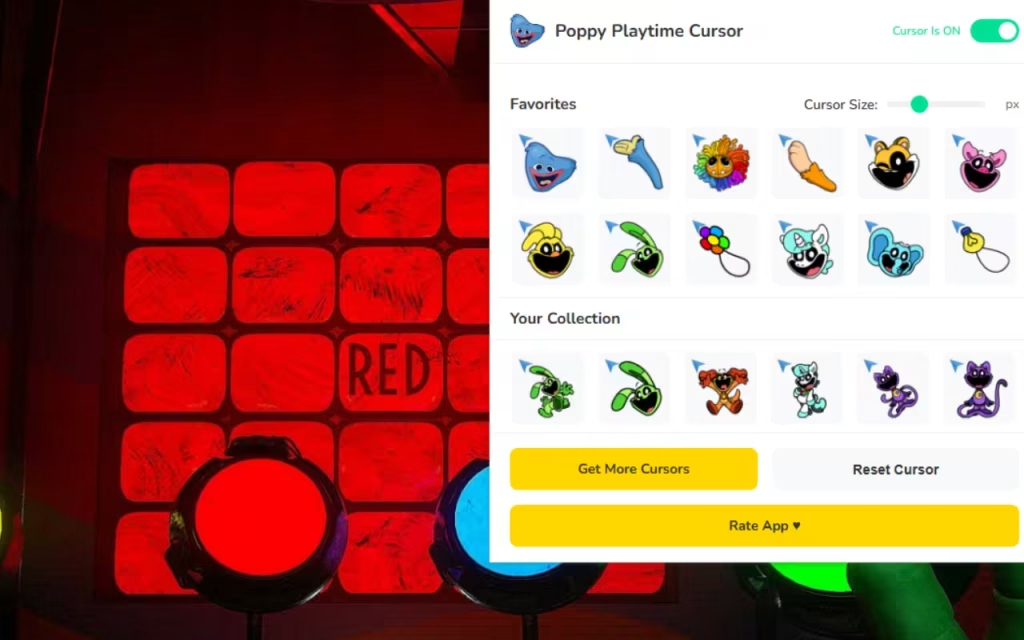
🧸 100+ Unique Cursors: The collection is massive. It doesn't just feature the main villains; it includes obscure toys, VHS tapes, and the iconic GrabPack hands (Red, Blue, and Green).
-
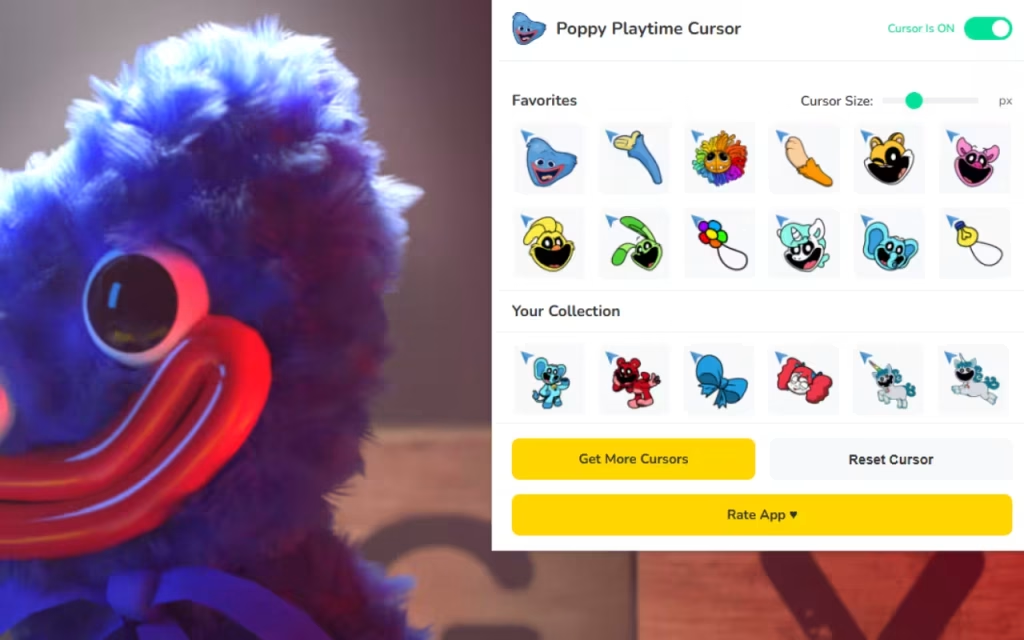
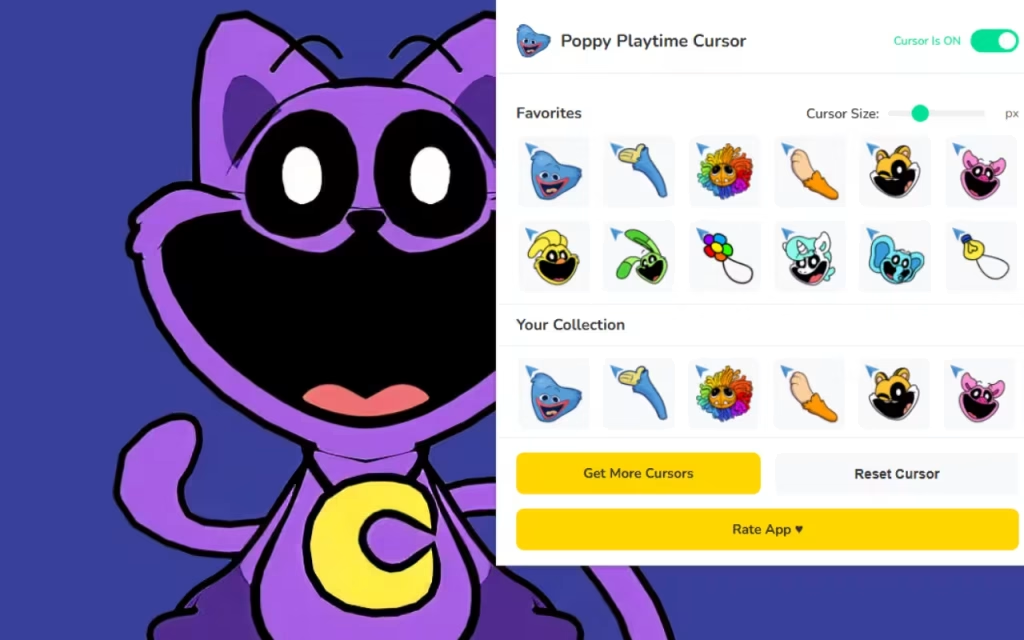
⭐ Favorites System: Just like managing your inventory in-game, you can save your "best tools" for quick access. Mark your favorite cursors to swap between them instantly without searching the full list.
-
📏 Adjustable Size: Whether you are playing on a laptop or a massive 4K monitor, you can resize your cursor from a tiny 16px to a looming 128px.
-
⚡ One-Click Swap: No complex coding required. Click the extension, choose your monster, and your cursor transforms immediately.
-
🔘 Toggle Button: Need to hide the horror for a professional meeting? The easy on/off toggle lets you revert to the standard cursor in seconds.
-
🚀 Lightweight & Fast: Optimized code ensures that your browser doesn't lag—because the last thing you want when running from monsters is a slow connection.
The Lore Behind the Lens: Origins of the Terror
To understand the massive appeal of this extension, we must look at the cultural juggernaut behind it.
The Rise of Playtime Co.
Released in 2021 by MOB Games, Poppy Playtime quickly became a viral sensation. It revitalized the "Mascot Horror" genre—a style of horror that takes childhood innocence (toys, playgrounds) and twists it into something nightmare-inducing.
The game’s antagonists are not just monsters; they are tragic figures. Huggy Wuggy, the 10-foot tall blue mascot, was designed to hug you forever. Mommy Long Legs, introduced in Chapter 2, treats the player like a child she wants to "take care of." By installing the Poppy Playtime Cursor ★ Custom Cursor for Chrome™, fans are celebrating this complex mix of nostalgia and fear.
Why Is It So Popular?
Why do we want scary things on our screens?
-
Adrenaline Micro-Dosing: Seeing a small reminder of a scary game triggers a tiny, safe rush of excitement, breaking the boredom of daily tasks.
-
The "Cute-Scary" Aesthetic: The designs in Poppy Playtime are undeniably colorful. Huggy Wuggy is fluffy and bright blue; Kissy Missy is vibrant pink. They look great as cursors because they pop against white web pages.
-
Community Identity: It’s a signal to other fans. If someone sees your screen and recognizes the "GrabPack" hand, you instantly have a shared connection.
Quick Question: Who is the scariest toy in the factory? Is it the silent, stalking Huggy Wuggy, or the manipulative Mommy Long Legs? Let us know in the comments!
DIY Terror: How to Create Your Own Haunted Cursor
Inspired by the 100+ cursors in the pack? You might be wondering, "How do they make these?" Creating a custom cursor is a blend of digital art and simple coding.
The Art of the Pixel Monster
To make a cursor that looks good at small sizes (like 32x32 pixels), artists use a technique called Pixel Art.
-
Simplicity is Key: You can't draw every strand of fur on Huggy Wuggy. Instead, you use blocks of blue and shading to suggest texture.
-
The Hotspot: This is crucial. Every cursor has a "hotspot"—the single pixel that actually clicks links. For a GrabPack cursor, the hotspot must be exactly in the center of the palm or the tip of a finger. If it's off, you'll struggle to click buttons.
Tips for Aspiring Creators
If you want to try making your own:
-
Use a transparent background (PNG format).
-
Keep the edges sharp so the cursor doesn't look blurry.
-
Test it on both dark and light backgrounds to ensure visibility.
Managing Your Monster Menagerie
With 100+ options, your cursor library is now a digital museum of horror. Here is how to curate your collection effectively.
1. Match the Cursor to the Activity
-
Gaming Mode: Use the GrabPack Hand cursor. It feels like you are interacting with the web just like you interact with puzzles in the game.
-
Reading/Study Mode: Switch to Poppy (the doll). She is small, precise, and less distracting than the larger monsters.
-
Night Mode: Use Kill Mode Huggy (the one with the teeth) for late-night browsing sessions to set the mood.
2. Comparison: Standard vs. Poppy Playtime
Is it worth the install? Let’s compare the experience.
| Feature | Standard System Cursor | Poppy Playtime Cursor Extension |
| Visual Style | Boring White Arrow | 100+ Vibrant Horror Icons |
| Customization | Zero (System default) | Instant Browser Swapping |
| Sizing | Fixed by OS | Adjustable (16px - 128px) |
| Atmosphere | Corporate / Plain | Spooky / Playful |
| Resource Usage | None | Lightweight / Optimized |
| Best For | Office Work | Fans, Gamers, Streamers |
The Poppy Playtime Cursor ★ Custom Cursor for Chrome™ is the perfect tool for anyone who wants to add a little bite to their browser. It bridges the gap between the mundane world of the internet and the thrilling, colorful horror of Playtime Co.
With features like One-Click Swap, Adjustable Sizing, and a massive library of 100+ designs, it offers endless ways to customize your digital identity. Whether you are Team Huggy or Team Mommy, there is a cursor waiting for you.
We want to hear from you: If you could design a cursor for Chapter 3's villain, CatNap, what would it look like? A sleeping cat or a cloud of red smoke? Drop your ideas in the comments below!