Do you remember the first time you heard that cheerful "Hii!" or watched a pink puffball inhale a massive enemy to steal their powers? for over three decades, Kirby has been a symbol of whimsy, resilience, and colorful fun in the gaming world. Yet, when we browse the internet today, most of us are still stuck staring at the same dull, white, motionless arrow that has existed since the dawn of the digital age.
Why keep your digital workspace sterile when you can bring the colorful world of Dream Land right to your mouse pointer?
With the rise of browser personalization, the Kirby Cursor ★ Custom Cursor for Chrome™ has become an essential extension for fans of retro gaming and kawaii aesthetics. Whether you are crunching numbers in a spreadsheet or scrolling through social media, swapping your default pointer for a dynamic, fan-made design injects a dose of dopamine into every click.
In this article, we will explore how you can enjoy over 200+ unique cursors, dive into the history behind these iconic characters, and learn how to optimize your browser for the ultimate fan experience.
The Allure of Dream Land: A History of Charm
To understand why the Kirby Cursor ★ Custom Cursor for Chrome™ is so incredibly popular, we must look at the origins of the character himself.
From "Popopo" to Global Icon
Kirby was created by Masahiro Sakurai for HAL Laboratory and Nintendo in the early 1990s. Originally a placeholder sprite named "Popopo" during development, the character was loved so much by the developers that he became the star of Kirby’s Dream Land on the Game Boy in 1992.
What makes Kirby unique—and perfect for a cursor tool—is his inherent malleability. In the games, Kirby uses "Copy Abilities" to transform his appearance and powers based on what he inhales. This concept translates perfectly to the Kirby Cursor ★ Custom Cursor for Chrome™. Just as Kirby changes form to suit the situation in a game, your cursor can shift from a Sword Knight to a sleeping Waddle Dee, keeping your interface fresh and engaging.
The Psychology of Customization
Why do we love changing our cursors? Psychologically, customization creates a sense of ownership.
-
Nostalgia: It connects Millennials and Gen Z to their childhood favorites.
-
Visual Stimulation: Bright colors and animations reduce visual fatigue compared to high-contrast static arrows.
-
Self-Expression: It signals to anyone looking at your screen that you value fun and creativity.
What makes this Extension Special?
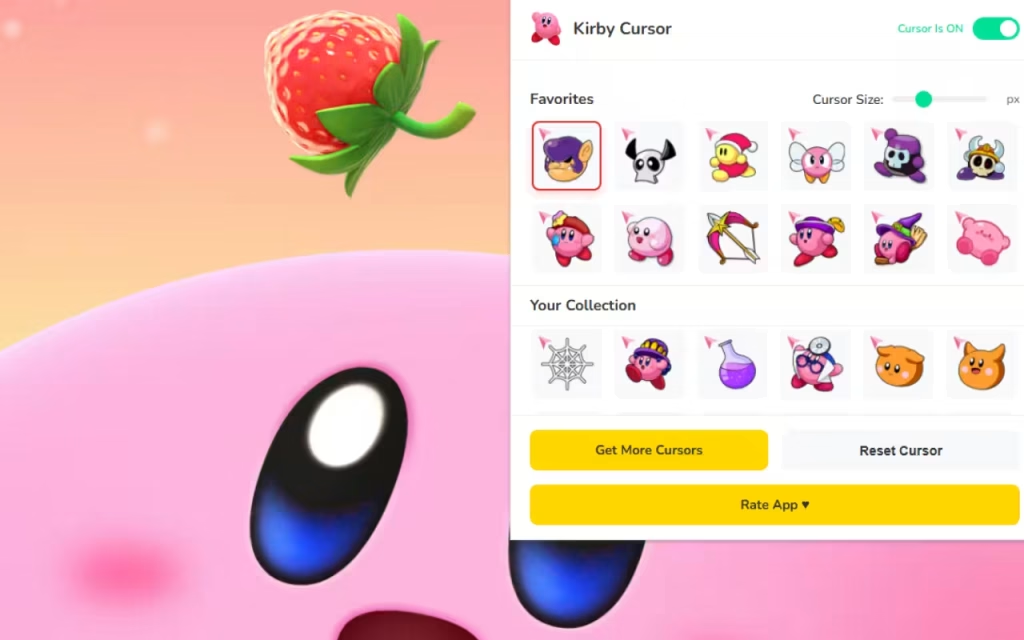
This isn't just about slapping a static Jpeg on your screen. The Kirby Cursor ★ Custom Cursor for Chrome™ offers a suite of features designed for performance and usability. Let’s break down the technical magic that makes this extension a "lightweight & fast" addition to your browser.
1. A Massive Library of 200+ Unique Cursors
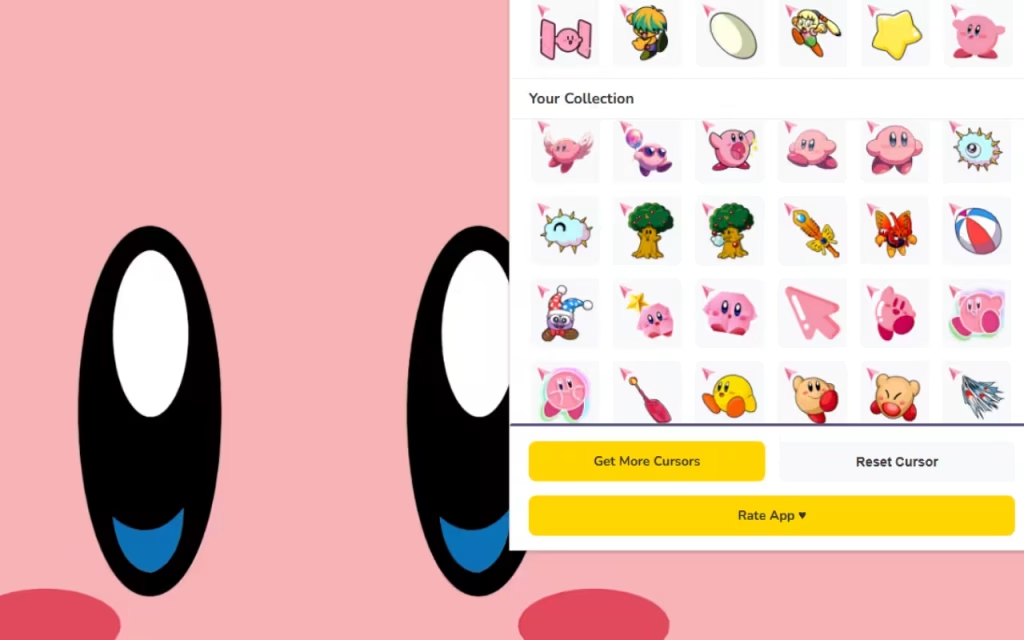
The standout feature is the sheer volume of options. With over 200 designs, you aren't limited to just standard Pink Kirby. The collection dives deep into the lore of the franchise:
-
⭐ Copy Forms: From the fiery heat of Fire Kirby to the electric spark of Plasma Kirby.
-
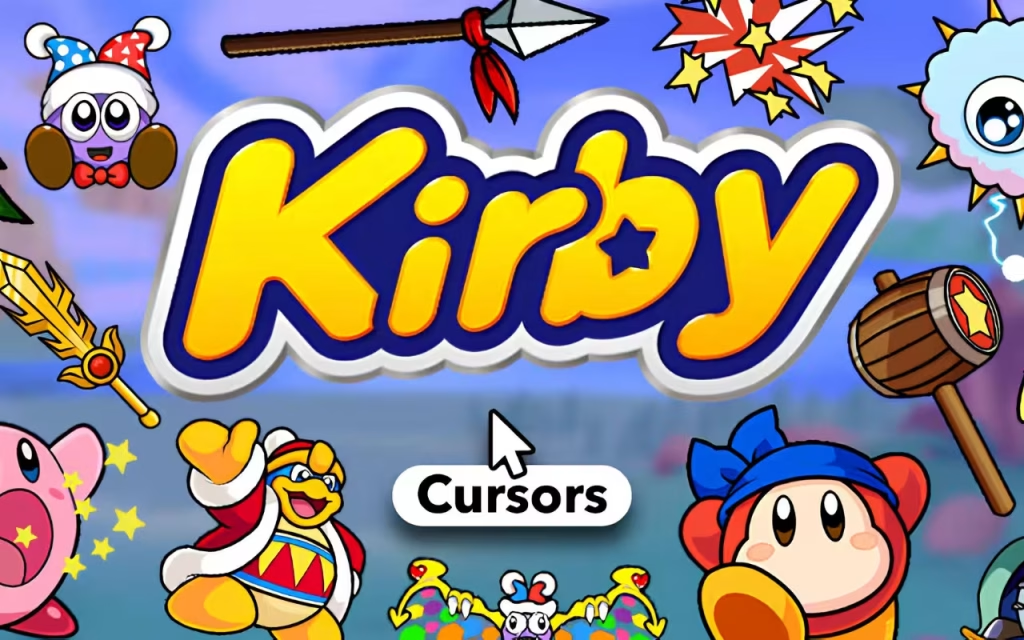
🌀 Meta Knight & Dedede: For those who prefer the anti-heroes, you can wield Meta Knight’s Galaxia sword or King Dedede’s massive wooden mallet as your pointer.
-
🧡 Waddle Dee: The unsung hero of the series makes for an adorable, less intrusive cursor option.
2. Performance and "Zero Lag" Optimization
Many users worry that installing a custom cursor will slow down their browsing or eat up RAM. However, the Kirby Cursor ★ Custom Cursor for Chrome™ is optimized for zero lag. It is lightweight, ensuring that your scrolling remains smooth even on media-heavy websites.
3. Essential Usability Tools
-
📏 Adjustable Size: Accessibility is key. You can resize your cursor between 16px and 128px. A 16px cursor is precise for text editing, while a 128px cursor is fantastic for high-resolution 4K monitors.
-
⚡ One-Click Swap: Gone are the days of diving into complex Windows control panel settings. The extension provides a user-friendly panel where you can switch from "Drill Kirby" to "Sleep Kirby" instantly.
-
🔘 Toggle Button: Need to do professional work or present your screen in a meeting? You can easily enable or disable the extension with a single click.
Default vs. Dream Land
To help you decide if this switch is right for you, here is a detailed comparison of the standard browsing experience versus using the Kirby Cursor ★ Custom Cursor for Chrome™.
| Feature | Standard System Cursor | Kirby Cursor ★ Custom Cursor for Chrome™ |
| Visual Appeal | Monochromatic, static, utilitarian. | Colorful, animated, and nostalgic. |
| Variety | Limited to system defaults (usually white/black). | 200+ Characters (Kirby, Meta Knight, Waddle Dee). |
| Sizing | Requires deep system menu navigation. | Slider adjustable (16px – 128px) on the fly. |
| Atmosphere | Corporate and sterile. | Whimsical, fun, and personalized. |
| Flexibility | Difficult to change quickly. | One-Click Swap & Favorites System. |
| Origin | Operating System default. | Fan-Made (Created by fans, for fans). |
Tips for Collectors: Curating Your Digital Space
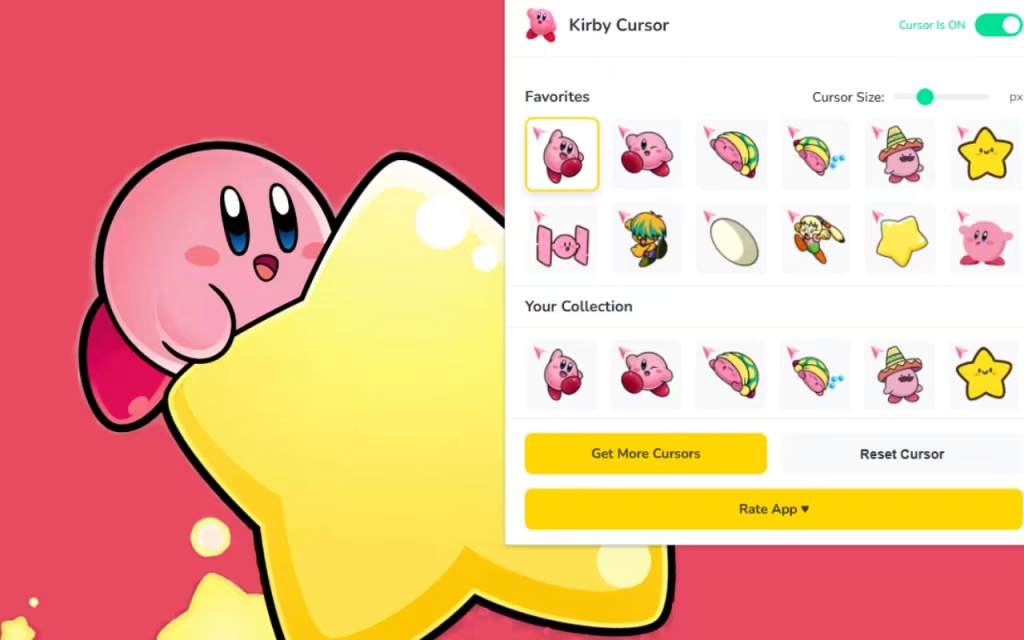
Installing the extension is just the first step. To truly enjoy the experience, you should curate your collection using the Favorites System. Here is how the pros do it:
Use the Favorites System Effectively
With over 200 options, scrolling through the list every time can be tedious. Use the 💜 Favorites System to save your top picks.
-
Categorize by Mood: Save "Sleep Kirby" for late-night browsing and "Fighter Kirby" for intense study or work sessions.
-
Match Your Theme: If your browser uses Dark Mode, use bright cursors like Spark Kirby or Star Rod Kirby for better contrast. If you use a light theme, Meta Knight or Dark Matter cursors stand out beautifully.
-
The Weekly Rotation: Change your cursor weekly to keep the experience fresh.
DIY: How to Create Similar Decorations
Are you inspired by the fan-made nature of this extension? The description notes that all content is fan-made and unofficial. If you are an artist, you can join the fun!
-
Pixel Art Tools: Use tools like Aseprite or Piskel to draw your own 32x32 pixel designs.
-
File Formats: Convert your PNGs to
.curor.anifiles if you want to use them at a system level. -
Community: Many fans share their designs on creative hubs like DeviantArt, contributing to the ecosystem that makes extensions like Kirby Cursor ★ Custom Cursor for Chrome™ possible.
Ready to Warp Star Into a New Experience?
The internet is a vast, infinite place, much like the galaxy Kirby explores on his Warp Star. There is no reason to navigate it with a boring, colorless tool. By installing the Kirby Cursor ★ Custom Cursor for Chrome™, you aren't just changing a mouse pointer; you are inviting the joy, color, and creativity of Dream Land into your daily life.
From the adjustable size options to the inclusion of iconic characters like King Dedede and Waddle Dee, this extension offers a blend of functionality and fandom that is hard to beat. It is time to say goodbye to the white arrow and hello to the pink hero.
Features Recap:
-
⭐ 200+ Unique Cursors
-
💜 Favorites System
-
📏 Size Control (16px-128px)
-
🚀 Lag-Free Performance