Is your digital workspace feeling a little too... Burns-ish? Drab, grey, and strictly professional? We spend countless hours staring at our screens, navigating through spreadsheets, essays, and endless tabs. Yet, most of us settle for the standard, boring white mouse arrow. Why accept monotony when you could be navigating the web with the vibrancy of Springfield?
If you are a fan of America’s favorite animated family, it is time to inject some "Ay Caramba!" into your daily workflow.
In this deep dive, we explore the The Simpsons Cursor ★ Custom Cursor for Chrome™, a fan-made modification that brings the hilarity and charm of Homer, Marge, Bart, Lisa, and Maggie right to your fingertips. We will cover its features, the history of the show that inspired it, and how digital customization can boost your mood.
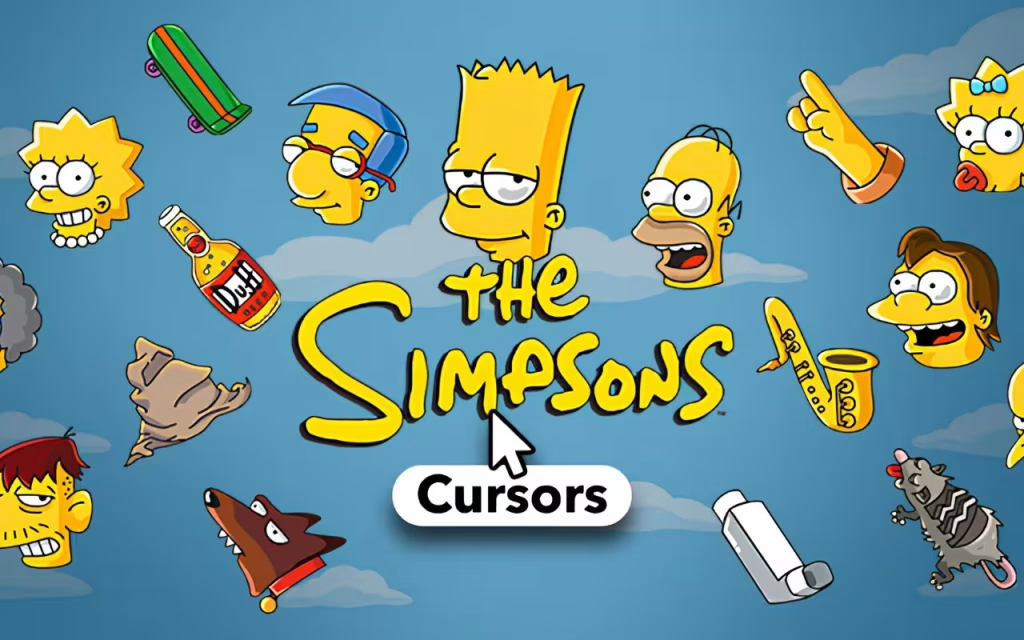
Welcome to Springfield: What is The Simpsons Cursor?
The internet is a vast place, but it can often feel impersonal. The The Simpsons Cursor extension acts as a portal to a more colorful digital experience. It is a browser extension that replaces your default system cursor with high-quality, pixel-perfect images from the longest-running scripted show in television history.
With a library of 130+ unique cursors, this tool allows you to swap your pointer for a donut, a skateboard, or even the iconic family members themselves.
🔹 Features That Make You Say "Excellent"
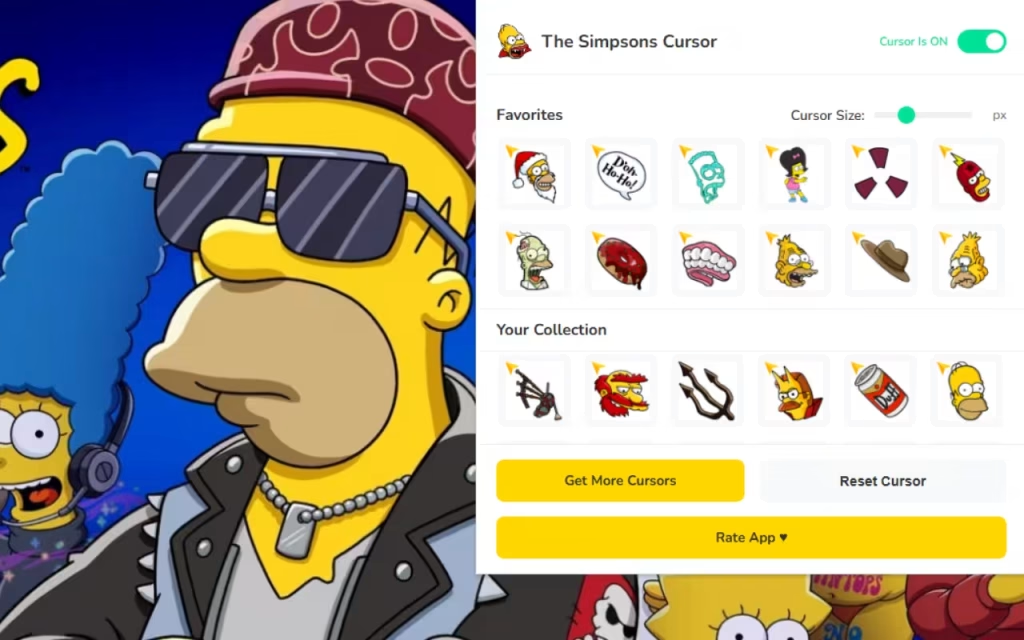
This isn't just a static image overlay; it is a fully functional tool designed for modern browsing. Let's break down the features that make this extension a must-have for fans:
-
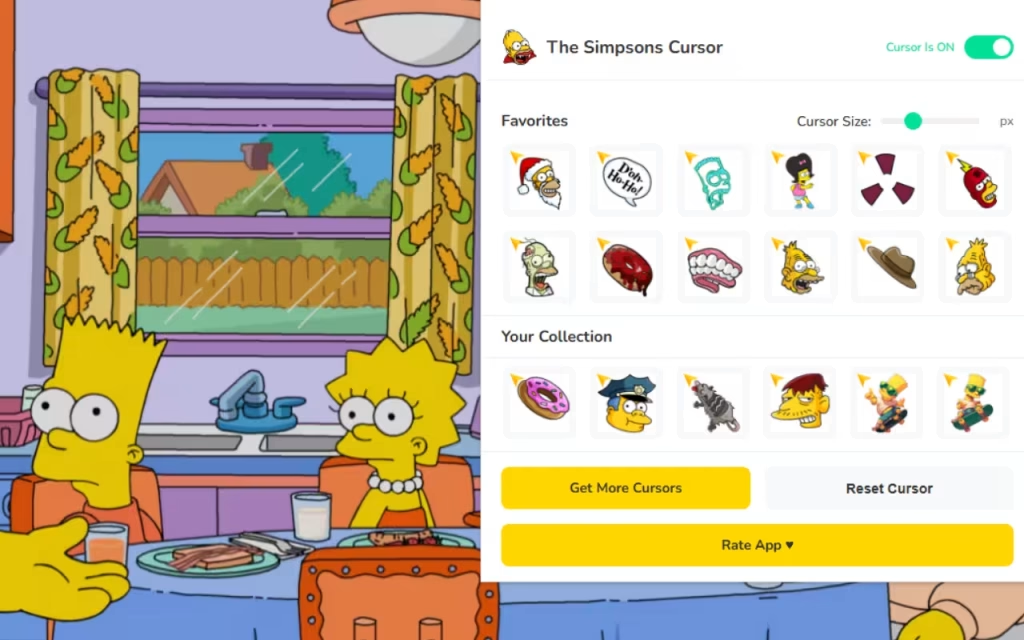
🍩 130+ Unique Cursors: The variety is staggering. You aren't just getting the five family members; you get props (the pink donut, Duff can), side characters (Ned Flanders, Krusty the Clown), and specific iconic moments.
-
⭐ Favorites System: With over 130 options, scrolling can get tedious. The favorites system allows you to "star" your top choices—perhaps a calm Lisa for studying and a chaotic Bart for gaming—saving them for instant access.
-
📏 Adjustable Size: Accessibility matters. Whether you prefer a subtle 16px pointer or a massive 128px icon that dominates the screen, the choice is yours.
-
⚡ One-Click Swap: The interface is built for speed. See a cursor you like? Click it, and it is live. No browser restarts required.
-
🔘 Toggle Button: Need to get serious for a moment? The extension features an easy on/off switch to revert to your system cursor instantly.
-
🚀 Lightweight & Fast: Unlike some extensions that eat up your RAM, this is optimized for smooth, lag-free browsing.
Why We Love These Characters
To understand the popularity of The Simpsons Cursor, we have to look at the source material. Why, after over three decades, do we still want these yellow characters on our screens?
The Origin of the Yellow Family
The Simpsons debuted as a standalone series in December 1989, created by Matt Groening. It quickly became a cultural juggernaut, satirizing American life, politics, and the human condition.
The show’s longevity creates a unique multi-generational appeal. Parents who watched the premiere in the 90s are now sharing the show (and memes) with their children. By installing a The Simpsons Cursor, you aren't just changing an icon; you are tapping into a legacy of comedy.
Quick Question: Who is your favorite side character? Is it the grumpy Moe Szyslak, the sinister Sideshow Bob, or the clueless Ralph Wiggum? Let us know in the comments below!
Digital Decoration
Why do we feel the need to customize our browsers? It is a concept known as "Digital Nesting." Just as we put posters on our bedroom walls or photos on our office desks, we have an innate desire to personalize the digital spaces where we spend the most time.
Using a Simpsons cursor adds a layer of "micro-joy" to your day. Clicking a link isn't just a functional action; it becomes a tiny interaction with a character you love. It turns the mundane into the entertaining.
How to Create a Similar Decoration
Perhaps browsing the 130+ cursors has inspired you. You might be wondering, "How do they make these?" or "Can I make my own?"
The Art of the .CUR File
Creating a custom cursor is a great entry point into digital design. Here is the basic process behind the magic:
-
Design: Artists create the image, usually in a pixel-art style to ensure clarity at small sizes. High contrast is key so the cursor doesn't disappear on white backgrounds.
-
Format: The images are typically saved as PNGs with transparent backgrounds.
-
The Hotspot: This is the most critical technical detail. The "hotspot" is the single pixel that registers the click. For a standard arrow, it is the top-left tip. For a cursor of Homer reaching for a donut, the creator must define whether the click happens at his hand or the donut.
-
Implementation: The extension uses a
manifest.jsonfile to tell the Chrome browser, "Hey, when the user is on a webpage, hide the normal arrow and show this image of Bart instead."
Tips for Collectors: Building Your Springfield
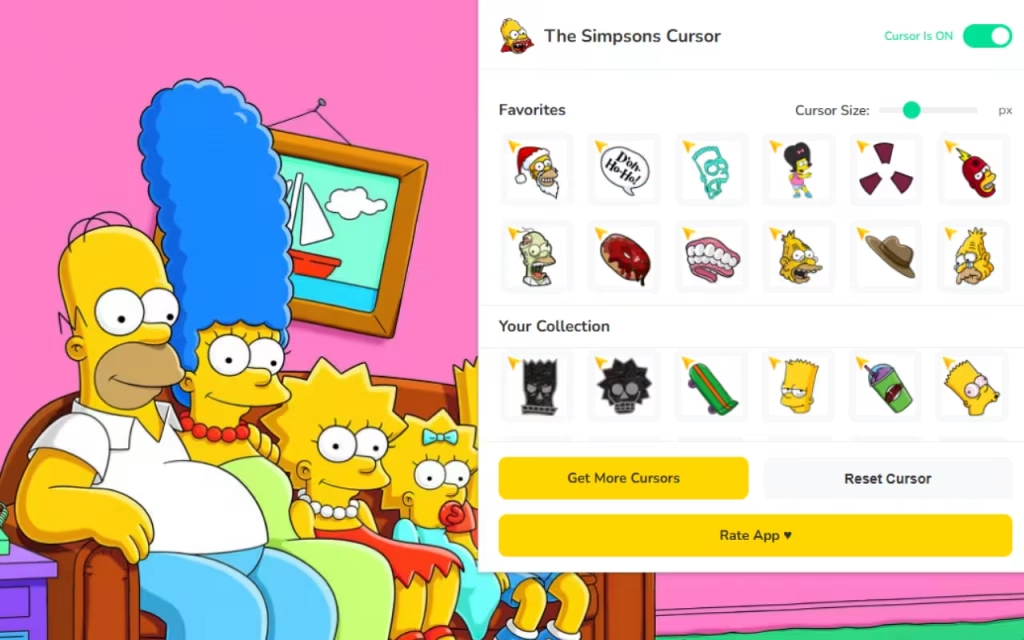
With such a massive library in the The Simpsons Cursor extension, it can be overwhelming to choose. Here are some tips for curating your experience.
-
The "Monday Morning" Mood: Use a cursor of Homer sleeping or grumpy Moe. It signals that you are just trying to get through the start of the week.
-
The "Productivity" Mood: Switch to Lisa Simpson or a notebook icon. Channel that intellectual energy for your research or work.
-
The "Weekend" Mood: Time for Duffman or a party-ready Bart. Let the chaotic energy loose!
Standard vs. Springfield Style
Is it worth installing the extension? Let's compare the default experience against the custom experience.
| Feature | Standard Windows/Mac Cursor | The Simpsons Cursor Extension |
| Visual Style | Plain White/Black Arrow | 130+ Colorful Characters |
| Customization | Very Limited (System wide) | High (Instant Browser Swap) |
| Sizing | System scaling only | Adjustable (16px - 128px) |
| Fun Factor | None | High (Nostalgic & Funny) |
| Resource Usage | Zero | Lightweight / Optimized |
| Target Audience | General Users | Fans, Gamers, Students |
Why Is This Extension So Popular?
The popularity of the boils down to three main factors:
-
💛 Simplicity: It does one thing, and it does it well. It doesn't clutter your browser with ads or toolbars; it simply changes the aesthetic.
-
🎨 Fan Dedication: As a Fan-Made project, the details are correct. The colors match the show's palette, and the character expressions are authentic.
-
😂 Escapism: In a stressful world, seeing a tiny Ralph Wiggum on your screen provides a brief moment of levity.
Important Note: This extension is not affiliated with FOX or the official The Simpsons franchise. All content is fan-made and unofficial, created by enthusiasts for fellow car lovers and animation fans.
The The Simpsons Cursor extension is a fantastic way to bring a little bit of joy to your digital life. It combines the nostalgia of the world's most famous animated family with the utility of a modern browser tool.
Whether you want to show off your love for the classics or just want a cursor that is easier to see on a high-resolution screen, this extension offers a solution that is both Simple and Fun. With 130+ unique designs, you can have a different character guide you through the web every single day for months.
Ready to enter Springfield?
Head over to the Chrome Web Store and search for the extension. Don't let your browsing experience be a "D'oh!" moment.
We want to hear from you: If you could request one obscure character to be added to the pack—someone like Disco Stu or Comic Book Guy—who would it be? Drop your suggestions in the comments!