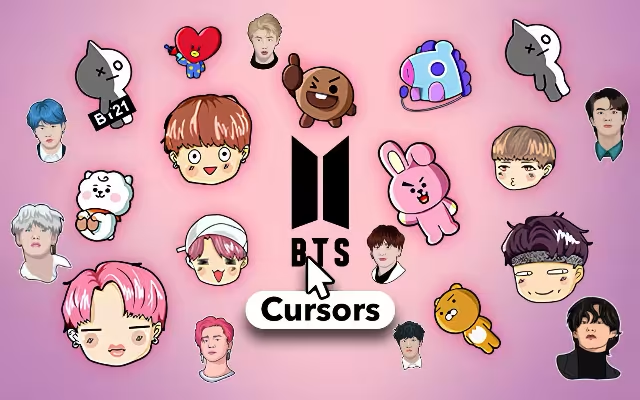
For millions of fans around the world, BTS is more than just a boy band; they are a movement. From the historic sold-out shows at Wembley Stadium to the UN General Assembly, the "Bangtan Boys" have left an indelible purple mark on pop culture. But for the dedicated ARMY, the connection doesn't stop when the music video ends. It lives on in every aspect of daily life, including the digital space.
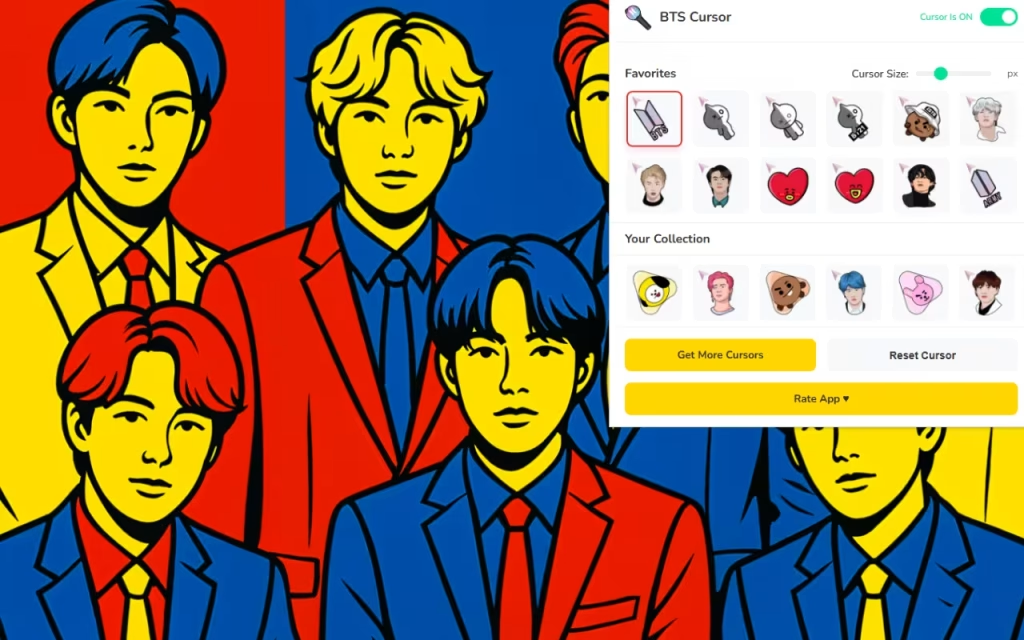
BTS Cursor ★ Custom Cursor for Chrome™ is the ultimate tool for fans who want to infuse their browsing experience with the energy, style, and charm of the world's biggest musical act. By replacing the standard, boring mouse arrow with 60+ stunning custom cursors, you can navigate the web with RM, Jin, SUGA, j-hope, Jimin, V, and Jungkook by your side.
In this article, we will explore why this extension is a must-have for fans, dive deep into the specific designs available for each member, and provide a guide on how to curate your own digital "purple ocean."
The Power of the Purple Ribbon: Why Custom Cursors?
Why settle for a generic white arrow when you could be clicking with a "Microkosmos" microphone or a tiny "TinyTAN" figure? The resurgence of desktop customization is driven by a desire for digital ownership. For ARMY, this is a natural extension of fandom.
A Daily Dose of Serotonin
The BTS Cursor extension taps into the psychology of "micro-joy." Seeing a small, animated version of Jimin doing his signature hair flip or Jin blowing a hand kiss every time you click a link adds a subtle but powerful boost to your mood. It transforms a mundane task like checking emails into a small interaction with your favorite artists.
60+ Unique Designs: A Cursor for Every Era
The collection covers the vast history of the group, ensuring there is a cursor for every type of fan:
-
The "Butter" Era: sleek, yellow-accented cursors featuring the members in their iconic suits.
-
BT21 Characters: For fans of the cute mascots, you can choose cursors featuring Koya, RJ, Shooky, Mang, Chimmy, Tata, and Cooky.
-
Signature Poses:
-
RM: Often depicted with his "dragon eyes" focus or a book, symbolizing his intellectual leadership.
-
V (Taehyung): His signature "V" peace sign over the eye is a fan favorite for precision clicking.
-
SUGA (Yoongi): Cursors featuring his "shrug" from the Mic Drop music video capture his legendary swagger.
-
Jungkook: Look for designs featuring his tattoos or the "bunny" smile that fans adore.
-
Features That Make It "Smooth Like Butter"
This extension is designed to be as efficient as the group's choreography. It’s lightweight, fast, and packed with features that make customization easy.
🧩 Customization Control
-
Adjustable Size (16px - 128px): Whether you want a subtle 32px pointer for reading articles or a massive 128px icon to show off the details of j-hope's streetwear, you have full control.
-
Tip: The "Golden Size" for most 1080p screens is roughly 48px—large enough to see the art, but small enough to be precise.
-
-
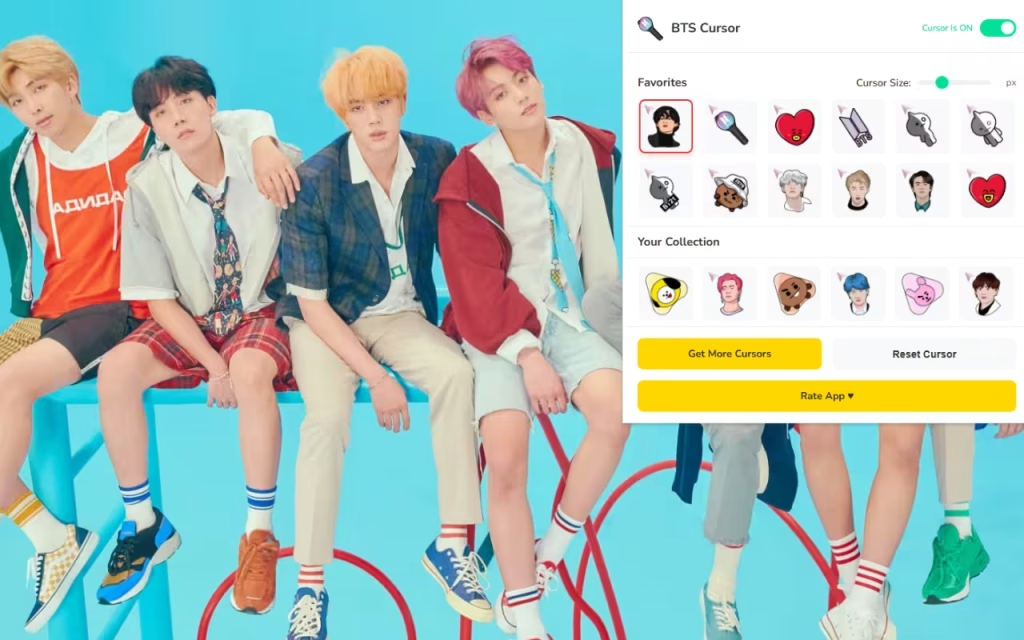
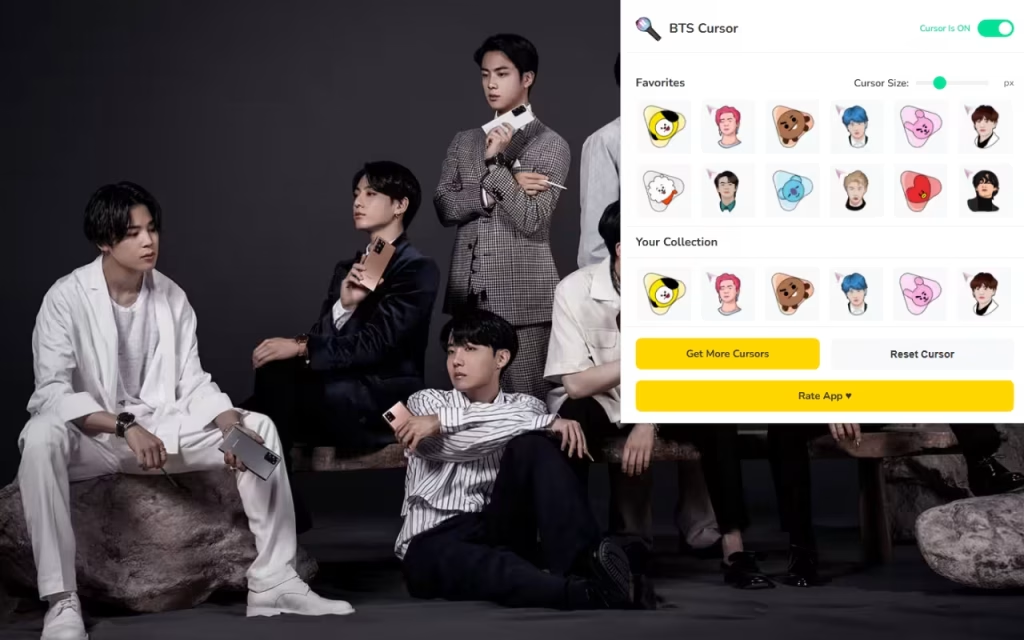
Favorites System: With 60+ options, scrolling can get tedious. The "Heart" feature allows you to save your top picks—like a "Bias Wrecker" list for your mouse—so you can switch between members instantly.
⚡ Performance and Ease of Use
-
One-Click Switch: No need to restart your browser. Click the extension icon, select Jimin, and your cursor updates instantly.
-
On/Off Toggle: Need to share your screen for a serious work presentation? The toggle button lets you revert to the default system cursor in a split second.
DIY: How to Create Your Own BTS Digital Decoration
Inspired by the fan-made nature of this extension? You can create your own digital assets to match. The BTS Cursor extension celebrates fan creativity, and you can join in by designing your own icons.
The Art of the Transparent PNG
To create a cursor similar to those in the extension, you need to understand the Transparent PNG format.
-
Find Your Image: Look for a high-resolution photo of a specific item, like the "Army Bomb" lightstick or the "Whalien 52" whale.
-
Remove the Background: Use a tool like Photoshop or a free online background remover to isolate the object. The background must be transparent, or your cursor will look like a floating square.
-
The Hotspot: Every cursor has a single pixel that registers the click (the "hotspot"). For a standard arrow, it's the tip. If you are designing a cursor of Jin, ensure his finger or a specific point is positioned at the top-left corner of the image canvas.
-
Resize: Save your image as a 128x128 pixel PNG file.
| Feature | Standard System Cursor | BTS Custom Cursor |
| Visual Appeal | Generic / Sterile | Vibrant / Fandom-Focused |
| Resolution | Low (Basic Vector) | High (Detailed Pixel Art) |
| Emotional Connection | None | High (Fandom Pride) |
| Variety | 1 Option | 60+ Options (All 7 Members) |
Tips for Collectors: Curating Your Browser Era
With so many options, how do you choose? Here are some tips for organizing your digital space to match your cursor:
-
Match the Aesthetics: If you are using a "Dynamite" era cursor (pastel colors), change your Chrome Browser theme to a soft pink or baby blue.
-
The "Bias" Protocol: Many fans rotate their cursor based on member birthdays. In September, switch to RM or Jungkook to celebrate their special days.
-
Music Video Synergy: When streaming a specific comeback, switch your cursor to match the outfit from that era. Using the "ON" era cursor (dark, kinetic) while streaming the Kinetic Manifesto film adds an extra layer of immersion.
The BTS Cursor ★ Custom Cursor for Chrome™ is more than a novelty; it is a digital badge of honor. It allows you to carry the spirit of "Love Yourself" into every corner of the internet. Whether you are studying, working, or just scrolling through Weverse, these cursors serve as a constant reminder of the joy and inspiration that BTS brings to the world.
So, are you ready to light it up like dynamite? Download the extension, pick your bias, and let your mouse pointer dance.
Tell us in the comments below: Which member is your current browser "bias," and which iconic outfit would you love to see added to the collection next?







