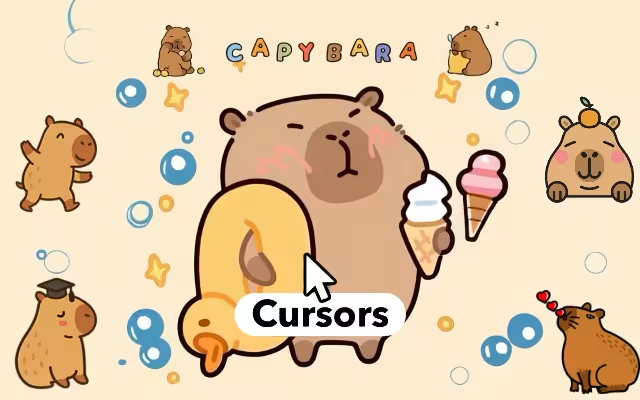
The internet can be a chaotic place. Between endless notifications, breaking news, and the hustle of remote work, our digital lives are often anything but relaxing. But what if you could introduce a little zen to your daily browsing? What if every click was accompanied by the world's most unbothered animal?
Enter the Capybara Cursor ★ Custom Cursor for Chrome™. This isn't just a browser extension; it is a digital vibe shift. By replacing your standard, boring mouse arrow with one of 95+ custom capybara cursors, you are inviting the "ok i pull up" energy directly onto your screen.
From the hot springs of Japan to the viral memes of TikTok, the capybara has conquered the world with its stoic cuteness. Now, you can bring that same energy to your work or study sessions. In this article, we will explore why this rodent is the internet's favorite therapy animal, dive into the features of this extensive collection, and show you how to turn your browser into a sanctuary of chill.
The King of Chill: Why We Love Capybaras
To understand why a Capybara Cursor is the ultimate browser accessory, we must first look at the animal itself. Native to South America, the capybara is the world's largest rodent. But it’s not their size that made them famous—it’s their attitude.
The "Ok I Pull Up" Phenomenon
Capybaras went from obscure zoo animals to global superstars thanks to their incredibly docile nature. They are often photographed with other animals—birds, monkeys, and even crocodiles—sitting on them, completely undisturbed. This "friend-shaped" energy resonates with a generation seeking peace in a chaotic world.
The Capybara Cursor ★ Custom Cursor for Chrome™ captures this essence perfectly. Whether you choose a cursor of a capybara with a yuzu fruit on its head (a nod to the famous Japanese hot spring tradition) or one wearing cool sunglasses, you are interacting with a symbol of absolute relaxation.
Meme Culture Meets Functionality
Why settle for a white arrow when you can click with a "Gort" or "Quandale Dingle" reference? This collection bridges the gap between internet humor and utility.
-
The Yuzu Bath: Represents self-care and warmth.
-
The Pelican-Proof: Represents resilience (we've all seen the video of the pelican trying to eat a capybara who simply doesn't care).
-
The "Pull Up": Represents confidence and swagger.
Feature Breakdown: More Than Just a Cute Face
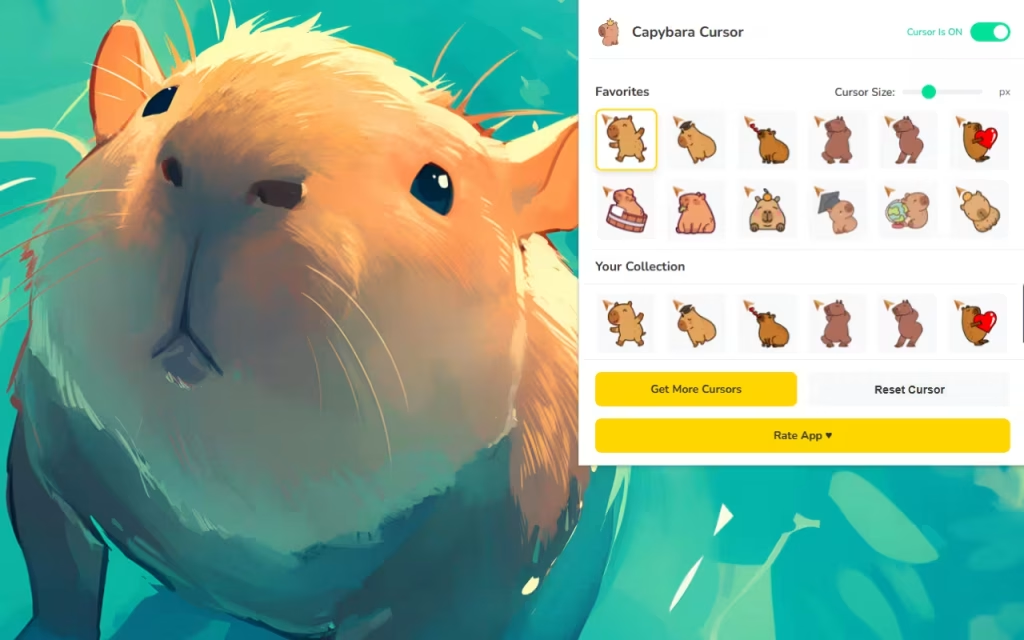
This extension is designed to be as smooth and efficient as a capybara gliding through water. Let’s break down the technical features that make Capybara Cursor ★ Custom Cursor for Chrome™ a top-tier choice for customization.
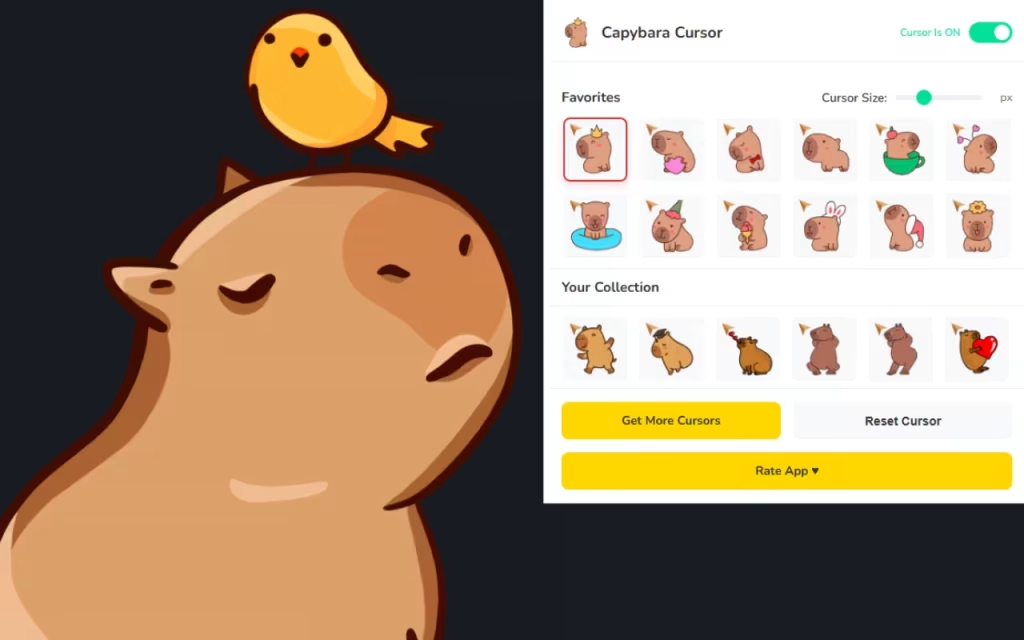
A Massive Library of 95+ Styles
Most cursor packs offer a handful of options. This extension goes overboard with 95+ unique designs.
-
The "Classic" Collection: Realistic capybaras in various walking and sitting poses.
-
The "Dress-Up" Collection: Capys in wizard hats, astronauts suits, cowboy gear, and hoodies.
-
The "Meme" Collection: Pixel art styles and funny reaction faces that fans will instantly recognize.
Total Control Over Your Experience
-
📏 Adjustable Size: Do you want a subtle companion or a massive mascot? You can scale your cursor from a tiny 16px up to a glorious 128px.
-
Pro Tip: A size of 48px is usually the "sweet spot" for visibility without obstructing text.
-
-
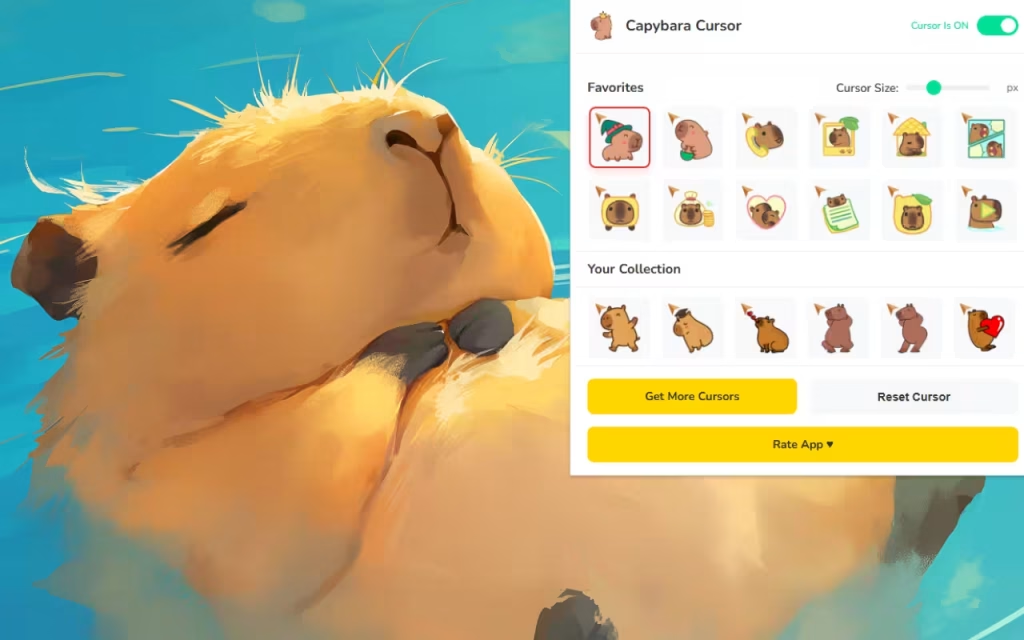
⭐ Favorites System: With nearly 100 options, scrolling can get tedious. Use the "Favorites" star to save your top 5 moods—maybe a "Working Capy" for the day and a "Party Capy" for the night.
-
⚡ One-Click Swap: Changing your cursor is instantaneous. No browser restarts required.
DIY: How to Create Your Own Capybara Digital Decor
If 95 cursors aren't enough, or if you want to match your desktop to your new browser aesthetic, you can embrace the DIY spirit. The community around capybara art is vast and welcoming.
Creating Custom Cursors
Many extensions allow you to upload your own images. Here is how to make a custom capybara cursor:
-
Find a PNG: Search for a "transparent background capybara" image. Pixel art works best for cursors.
-
Define the Hotspot: This is crucial. The "hotspot" is the single pixel that registers the click. If you use a picture of a capybara's face, set the hotspot to the nose for maximum boop-ability.
-
Upload: Use the extension's "Upload" feature to add your unique creation to your local library.
Comparison: Standard vs. Capybara Mode
Is it worth the switch? Let's look at the data.
| Feature | Standard Mouse Pointer | Capybara Custom Cursor |
| Vibe | Corporate, Sterile, Boring | Chill, Wholesome, Fun |
| Variety | 1 (White Arrow) | 95+ (Costumes, Poses, Memes) |
| Emotional Impact | Neutral | Dopamine Boost |
| Customization | System Default Only | Fully Resizable (16px-128px) |
| Community | None | Fan-Made by Lovers |
Tips for Collectors: Curating Your Chill Zone
For true fans, the cursor is just the beginning. Here is how to curate a digital environment that fully embraces the capybara lifestyle.
-
Match the Wallpaper: Pair your new cursor with a desktop background of a capybara in a hot spring. The warm oranges and steamy whites create a cozy atmosphere that matches the "relaxed" cursor styles.
-
Themed Folders: Change your desktop folder icons to little oranges (yuzu) to match the capybara's favorite snack.
-
Soundscapes: For the ultimate experience, listen to "lo-fi beats to chill/study to" while browsing. The slow tempo perfectly matches the slow, deliberate movement of a capybara.
The Capybara Cursor ★ Custom Cursor for Chrome™ is more than a novelty; it is a reminder to slow down. In a world that demands constant speed and attention, the capybara is a beacon of unbothered peace.
By inviting these gentle giants onto your screen, you are making a conscious choice to prioritize "chill" over chaos. Whether you are clicking through spreadsheets or scrolling through social media, let the internet's favorite rodent guide your way.
Are you ready to pull up? Download the extension, pick your favorite rodent, and embrace the zen.
Tell us in the comments below: Which capybara personality are you today—the "Hot Spring Chiller" or the "Chaos Potato"?







