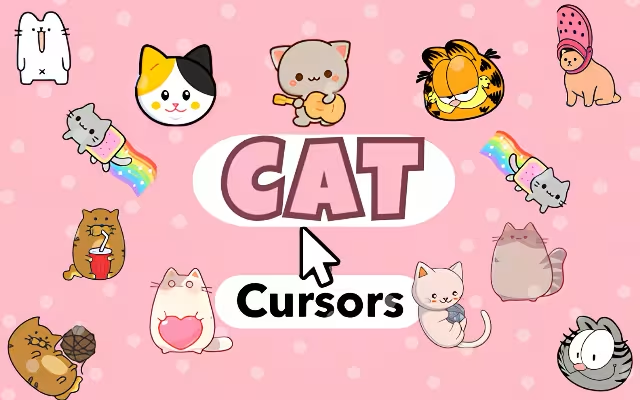
The internet was practically built for cats. From the early days of "I Can Has Cheezburger?" to the viral dominance of TikTok felines, our digital lives are inextricably linked with our four-legged friends. But why should the cuteness stop at your social media feed? It's time to bring that feline energy to every single click, scroll, and hover.
Cat Cursor ♥ Custom Cursor for Chrome™ is the ultimate browser extension for cat lovers, transforming your mundane mouse pointer into a showcase of the internet's most iconic kitties. With over 60+ cute cat cursors, this tool lets you navigate the web with the charm of Pusheen, the energy of Nyan Cat, and the sass of Garfield.
In this article, we will explore the origins of these legendary characters, dive into the features that make this extension a must-have, and show you how to turn your browser into a digital cat cafe.
Meet the Feline Stars: Origins of the Icons
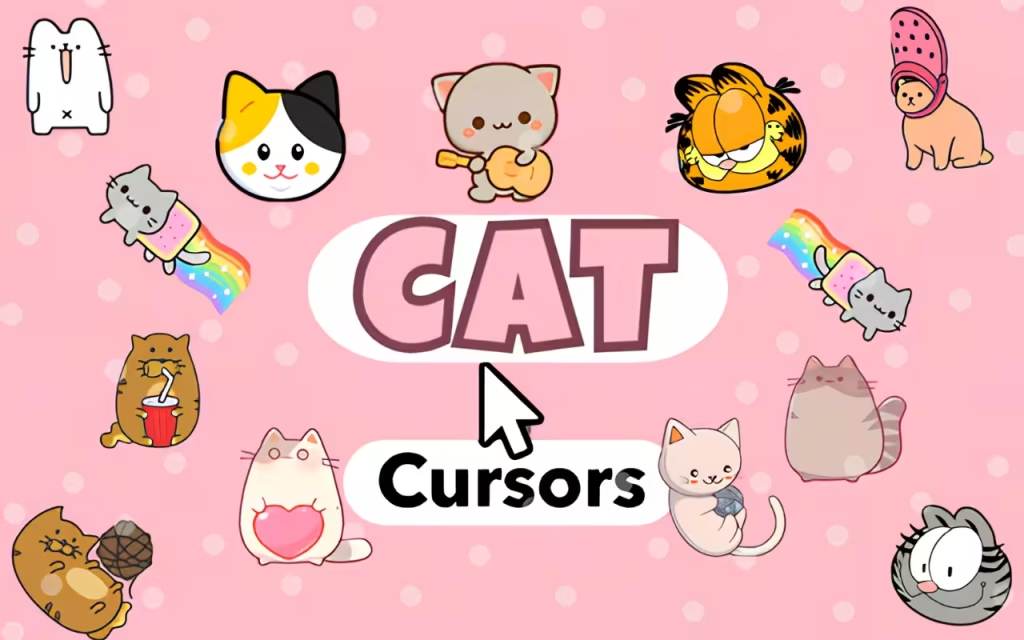
The Cat Cursor collection isn't just random clip art; it is a curated hall of fame featuring the internet's most beloved cats. Let's take a look at the history behind the stars you can now use to click your way through the web.
The Legends of Meme Culture
-
Nyan Cat: Exploding onto the scene in 2011, this Pop-Tart-bodied cat flying through space with a rainbow trail is a symbol of pure internet joy. Using the Nyan Cat cursor brings a burst of color and nostalgia to your screen, reminding us of the golden age of YouTube viral videos.
-
Crying Cat (Schmuserkadser): Known for its teary, glassy eyes, the "Crying Cat" is the king of relatable sadness. As a cursor, it adds a hilarious layer of irony to your browsing—perfect for when you're clicking through difficult homework or endless work emails.
-
Garfield: The original grumpy cat. Created by Jim Davis in 1978, this lasagna-loving, Monday-hating tabby is a cultural icon. His cursor brings a touch of classic comic strip humor to your desktop.
The Kawaii Royals
-
Pusheen: Originating from a webcomic in 2010, Pusheen the Cat has become the global face of "kawaii" (cute) culture. Her chubby, gray, bobbing form is universally loved for its wholesome vibes.
-
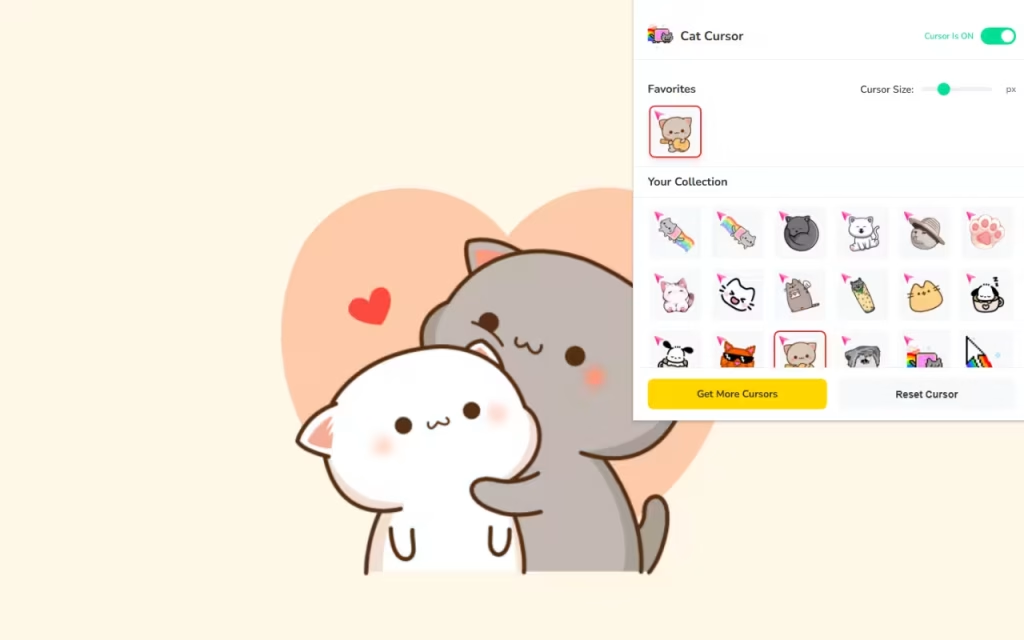
Peach and Goma: These "Mochi Cats" took the internet by storm with their adorable relationship dynamics. Often seen cuddling or playfully fighting, they represent the sweeter side of connection.
The New Age Icons
-
Baby Yoda Cat: A hilarious fusion of The Mandalorian's Grogu and a kitten, representing how meme culture evolves and remixes itself.
-
Cat Transcendence: Based on the "Prophecy is True" meme, this cursor is for those who want their browsing experience to feel enlightening and galaxy-brained.
Features That Make You Say "Meow"
This extension is more than just a pretty face (or snout). Cat Cursor ♥ Custom Cursor for Chrome™ is built with powerful features that ensure your customization doesn't come at the cost of performance.
🐱 A Massive Library of 60+ Cursors
Variety is the spice of life. The library includes everything from Doodle Cats for a hand-drawn artistic look to OMG Cat for dramatic reactions.
-
Anime Cats: For fans of Japanese animation.
-
Meme Cats: For the internet historians.
-
Minimalist Cats: For those who want cuteness without the clutter.
⚡ Smart Functionality
-
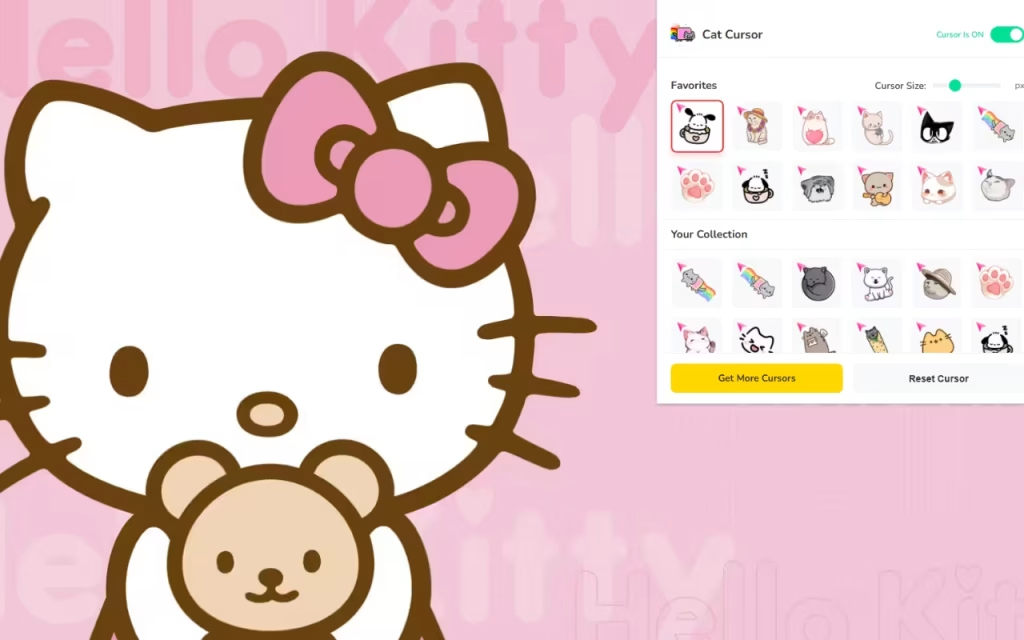
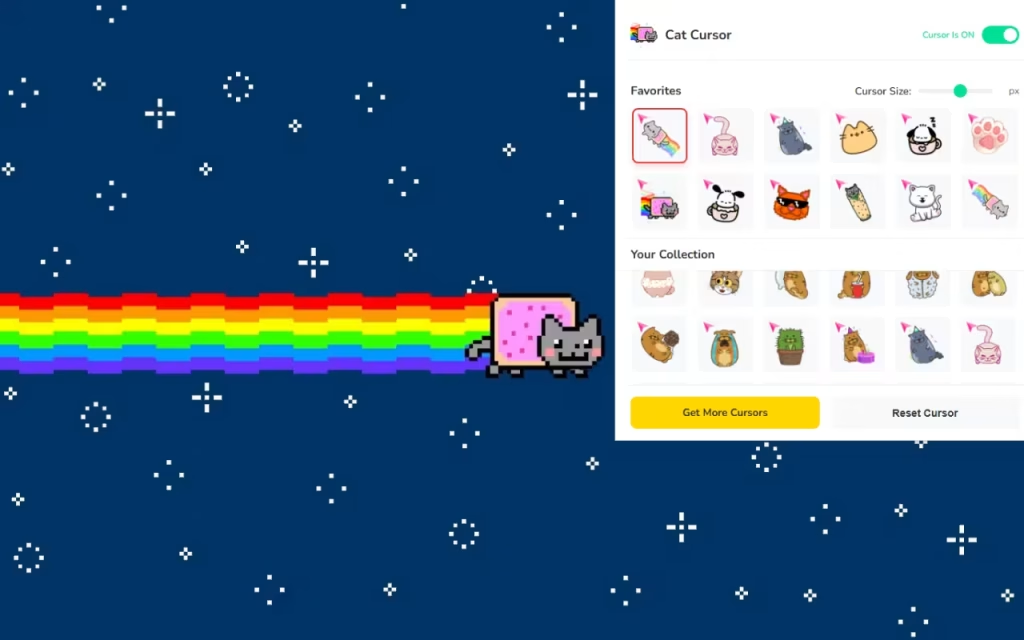
One-Click Apply: No complicated settings menus. Just open the extension, click the cat you want, and your cursor updates instantly.
-
Favorites System: With 60+ options, you might lose track of your besties. The "Favorites" feature allows you to star your top picks—like Pochacco or Adorable Karameru Cat—so they are always at the top of your list.
-
On/Off Toggle: Need to get serious for a minute? The toggle button lets you instantly revert to the default system cursor without uninstalling the extension.
Why Customization Matters: The Psychology of Micro-Joy
Why do we love changing our wallpapers, skins, and cursors? It comes down to "digital ownership." In a world where we spend hours on generic websites and platforms, customizing your interface is a way to reclaim your space.
The "Purr-fect" Stress Reliever
Using a Kawaii Cat cursor adds a micro-dose of serotonin to your day. Every time you point at a link, you're greeted by a friendly face. It’s a small, subtle mood booster that can make long browsing sessions feel less tedious and more playful.
Tips for Collectors
If you enjoy "collecting" digital aesthetics, here is how to get the most out of Cat Cursor:
-
Match Your Theme: Pair your cursor with your browser theme. If you use the Pusheen cursor, try a pastel pink or gray Chrome theme to match her color palette.
-
Rotate Weekly: Don't stick to just one! Use the Favorites System to rotate your cursor every week. Maybe make Monday a Garfield day (fittingly) and Friday a Nyan Cat party day.
-
Seasonal Cursors: Look for cats wearing scarves or holding items that match the current holiday or season to keep your browser festive.
Comparison: Default vs. Cat Cursor
Is it worth the switch? Let's compare the standard experience with the feline upgrade.
| Feature | Standard Mouse Pointer | Cat Cursor ♥ Custom Cursor |
| Visual Appeal | Boring White Arrow | 60+ Adorable Cat Designs |
| Personalization | None | High (Size, Character Choice) |
| Mood | Neutral / Corporate | Fun, Playful, Wholesome |
| Size Options | System Default Only | Adjustable (16px - 128px) |
| Ease of Use | N/A | One-Click Swap & Toggle |
The internet doesn't have to be a boring place filled with standard arrows and hourglasses. With Cat Cursor ♥ Custom Cursor for Chrome™, you can inject personality, humor, and overwhelming cuteness into every interaction.
Whether you're a fan of the classic Garfield, the viral Crying Cat, or the wholesome Pusheen, there is a cursor here waiting to guide your digital journey. It’s lightweight, free, and absolutely purr-fect for anyone who believes that everything is better with a cat involved.
Ready to adopt your new digital pet? Download the extension today and never click alone again.
Tell us in the comments below: Which iconic cat is your spirit animal—the hungry Garfield or the adventurous Nyan Cat?







