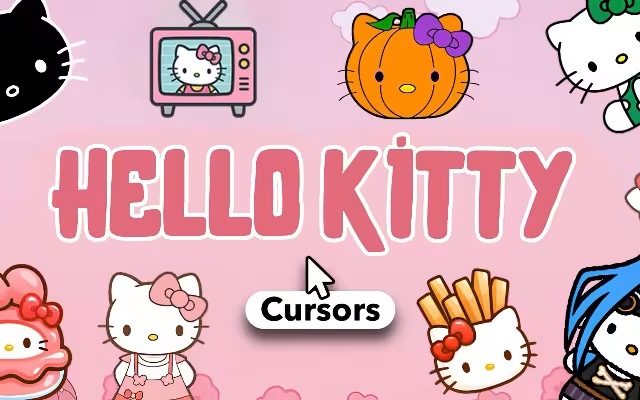
In a digital world dominated by sleek, minimalist, and often sterile interfaces, sometimes you just need a burst of pure, unadulterated joy. For over five decades, one global icon has stood as the undisputed queen of "kawaii" (cute) culture: Hello Kitty.
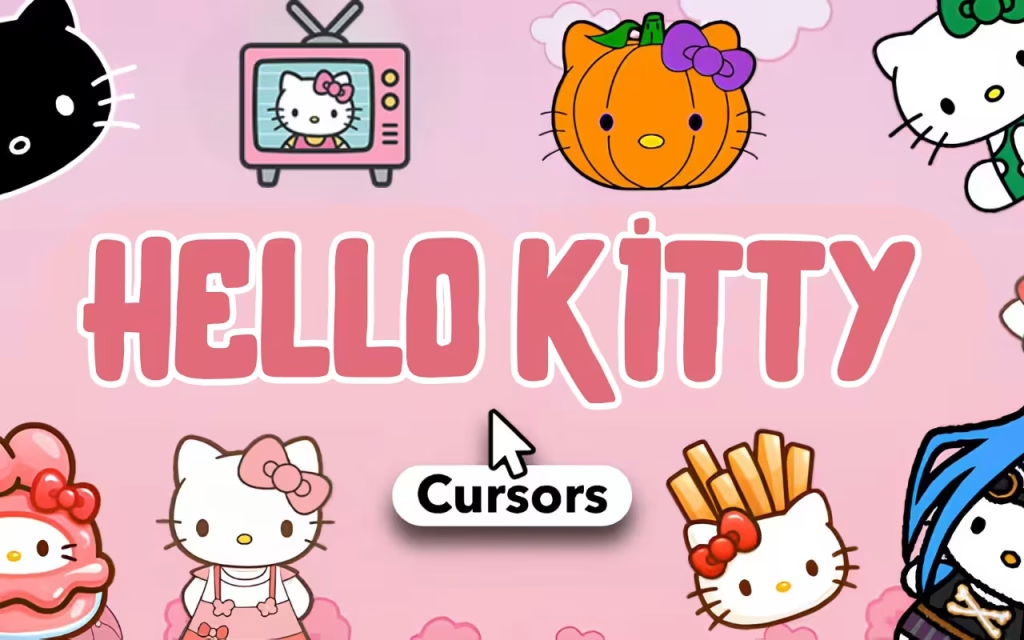
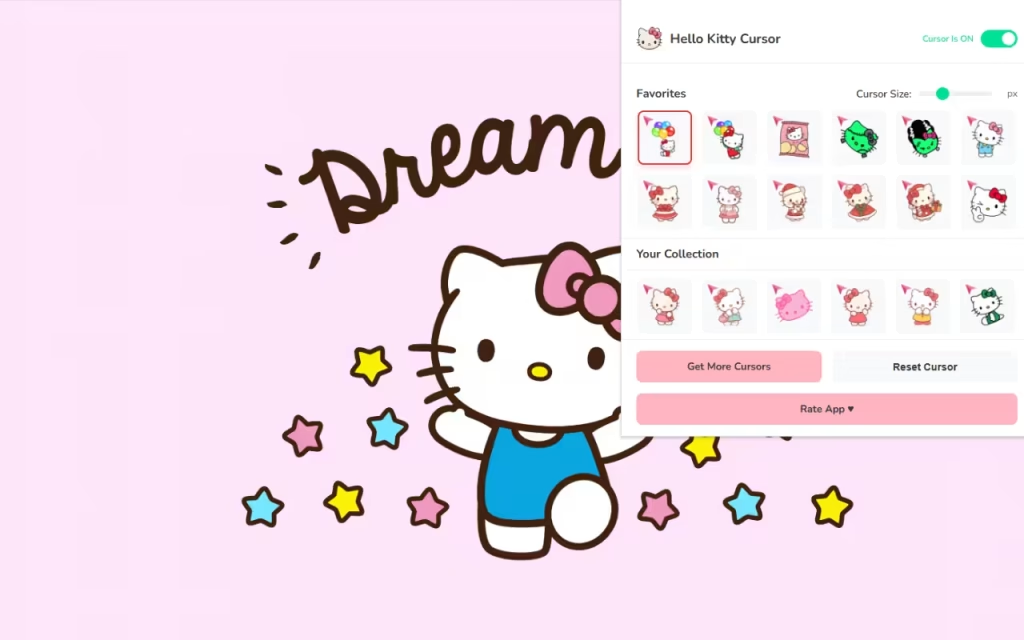
Now, you can bring that timeless charm directly to your daily web browsing. Hello Kitty Cursor ♥ Custom Cursor for Chrome™ is the ultimate browser extension for fans who want to replace their boring mouse pointer with something a little more magical. With 60+ unique cursors featuring Sanrio’s most famous character, this tool allows you to navigate the internet with sweetness, style, and a touch of nostalgia.
In this article, we will explore the enduring legacy of Hello Kitty, dive into the adorable features of this extensive cursor collection, and provide expert tips on how to curate the perfect kawaii digital workspace.
The Icon of Cuteness: Why We Love Hello Kitty
To understand why a Hello Kitty custom cursor is such a popular choice, we have to look at the history of the character herself. Why does a simple girl with a red bow (who is, famously, not a cat!) resonate with millions of people across generations?
Origin of a Global Phenomenon
Created by Yuko Shimizu for the Japanese company Sanrio in 1974, Hello Kitty made her debut on a humble vinyl coin purse. She was designed to embody the Japanese concept of kawaii—a culture that celebrates cuteness, innocence, and warmth. Unlike other characters who had elaborate backstories, Hello Kitty was given a simple design: five apples tall, three apples heavy, and mouthless so she could "speak from the heart."
This simplicity allowed fans to project their own feelings onto her. Whether you are happy, sad, or stressed, Hello Kitty is there as a comforting, non-judgmental friend. Using a Hello Kitty cursor extends that feeling of companionship to your computer screen, turning a cold piece of technology into a warm, friendly space.
The Psychology of "Kawaii" Browsing
Why customize your browser? Psychological research into user interfaces suggests that "aesthetic-usability" plays a huge role in our happiness. Attractive, cute designs can actually make us more patient and relaxed. By swapping a sharp, white arrow for a Hello Kitty Angel or a Strawberry Kitty, you are giving your brain a micro-dose of dopamine with every click. It’s digital self-care.
60+ Ways to Be Cute: Exploring the Cursor Collection
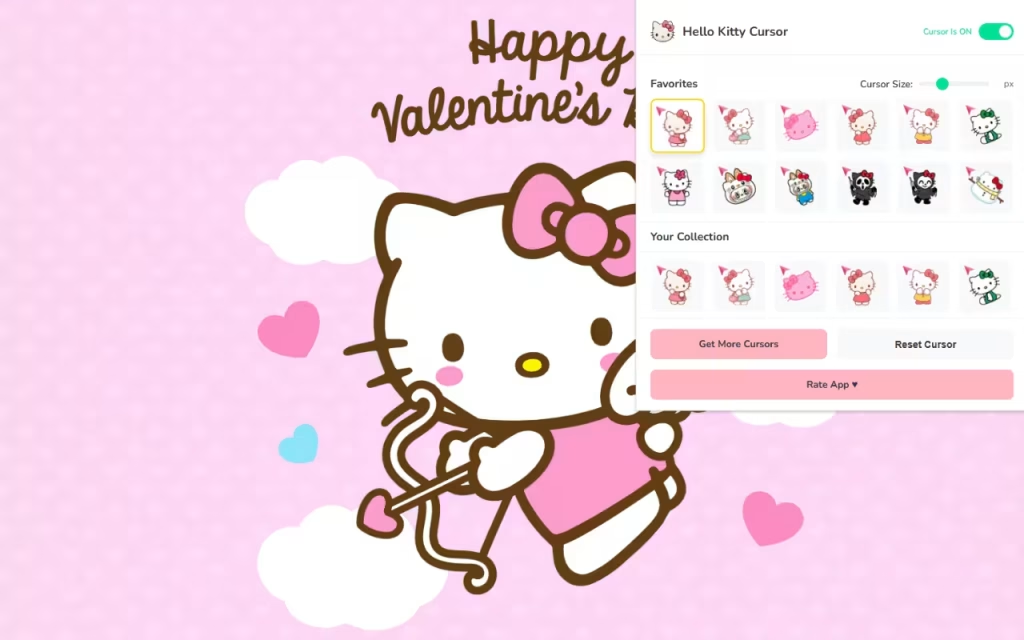
The Hello Kitty Cursor ♥ Custom Cursor for Chrome™ extension isn't just a single image swap; it’s a wardrobe for your mouse. Let’s break down the styles you can expect to find in this massive library.
A Style for Every Mood
-
Classic Red Bow: For the purists, the original 1974 look is timeless. It’s perfect for a clean, retro aesthetic.
-
The "Nerd" Kitty: Featuring Hello Kitty in thick black glasses. This is a fan favorite for students and professionals who want to feel studious while working.
-
Costume Party: Explore cursors where Hello Kitty dresses up as a mermaid, a unicorn, or even a strawberry. These colorful designs add a pop of vibrancy to your screen.
-
Sanrio Friends: While Hello Kitty is the star, the collection often includes nods to her universe, such as her teddy bear Tiny Chum or her twin sister Mimmy.
Technical Features That Shine
This extension is designed to be as functional as it is cute.
-
🎀 60+ Unique Options: You will never get bored. Rotate your cursor daily to match your outfit or your mood.
-
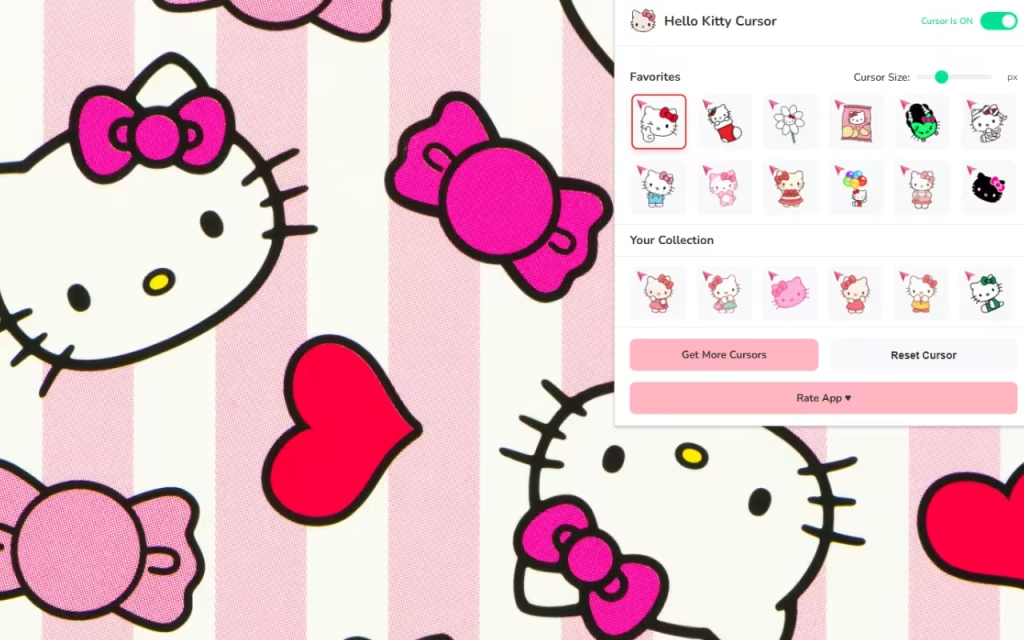
📏 Adjustable Size: Do you have a high-resolution 4K monitor? You can scale your cursor up to 128px so it doesn't get lost. Prefer something subtle? Scale it down to 16px.
-
⭐ Favorites System: Don't waste time scrolling through 60 options. "Heart" your top 5—maybe the Angel Kitty for Mondays and the Devil Kitty for Fridays—and switch between them instantly.
How to Create the Ultimate Kawaii Setup
Installing the extension is just the first step. To fully immerse yourself in the world of Sanrio, you need to coordinate your entire digital environment. Here is how to create a "similar decoration" for your whole desktop.
Matching Your Browser Theme
Your cursor needs a cute home. Chrome allows you to change the color theme of your browser window.
-
Pastel Pink: The classic choice. A soft baby pink theme matches 90% of Hello Kitty cursors.
-
Sky Blue: If you are using the Hello Kitty Angel cursor, a cloud-blue theme creates a dreamy, heavenly vibe.
-
Dark Mode with Neon: For a modern "Cyber-Kawaii" look, use a dark grey browser theme. The white face of Hello Kitty will pop beautifully against the dark background, reducing eye strain while looking stylish.
Tips for Collectors: Building a Digital Sanctuary
If you enjoy collecting physical Hello Kitty merch, you can treat your computer like a digital display case.
-
Desktop Icons: You can customize your desktop folder icons. Search for "Pastel Icon Packs" or convert transparent PNGs of Hello Kitty items (like her milk bottle or apple) into
.icofiles to replace boring yellow folders. -
Soundscapes: Pair your cursor with a browser extension that plays "click sounds." Imagine hearing a tiny, soft pop or a sparkle sound every time you click with your Hello Kitty cursor.
-
Wallpapers: Look for "Sanriocore" wallpapers on Pinterest. A chaotic, sticker-bomb style wallpaper looks amazing when paired with a simple, classic Hello Kitty cursor.
Default vs. Hello Kitty Style
Is it worth the switch? Let's compare the standard experience with the Kawaii upgrade.
| Feature | Standard Mouse Pointer | Hello Kitty Custom Cursor |
| Visual Appeal | Generic / Sterile | Adorable / Nostalgic |
| Variety | 1 Option (White Arrow) | 60+ Unique Outfits & Styles |
| Emotional Impact | Neutral | Sparks Joy & Comfort |
| Personalization | System Default Only | Fully Resizable & Swappable |
| Vibe | Corporate Office | Sanrio Gift Shop |
The Hello Kitty Cursor ♥ Custom Cursor for Chrome™ is more than just a novelty; it is a celebration of a character that has taught the world the power of friendship and kindness. By inviting Hello Kitty onto your screen, you are choosing to make your digital life a little softer, a little sweeter, and a lot more fun.
Whether you are a lifelong collector with a room full of plushies or someone who just wants to smile during a long workday, this extension offers the perfect blend of nostalgia and functionality.
Are you ready to make your browser the cutest place on the internet? Download the extension and let the fun begin!
Tell us in the comments below: Which Hello Kitty outfit is your favorite—the classic overalls, the mermaid tail, or the spooky skeleton suit?







