"You should enjoy the little detours to the fullest. Because that's where you'll find the things more important than what you want." This iconic quote from Ging Freecss isn't just about life; it’s about your digital journey too. Why rush through the web with a boring, standard mouse pointer when you can turn every click into a grand adventure?
For fans of Yoshihiro Togashi’s masterpiece, the Hunter x Hunter world is more than just a story—it’s a complex, emotional, and visually stunning universe. Now, you can bring the excitement of the Hunter Exam, the thrill of Greed Island, and the intensity of the Chimera Ant arc directly to your browser.
With the Hunter x Hunter Cursor ★ Custom Cursor for Chrome™, you can replace your default arrow with over 60+ custom cursors featuring your favorite characters, Nen abilities, and iconic items. Whether you’re a Enhancer like Gon or a Transmuter like Killua, this extension lets you express your inner Hunter with style.
In this article, we will explore the enduring legacy of the series, dive deep into the features of this massive cursor collection, and provide expert tips on how to curate a digital workspace that rivals the archives of the Hunter Association.
The Legacy of the Hunter Association: Why We Love HxH
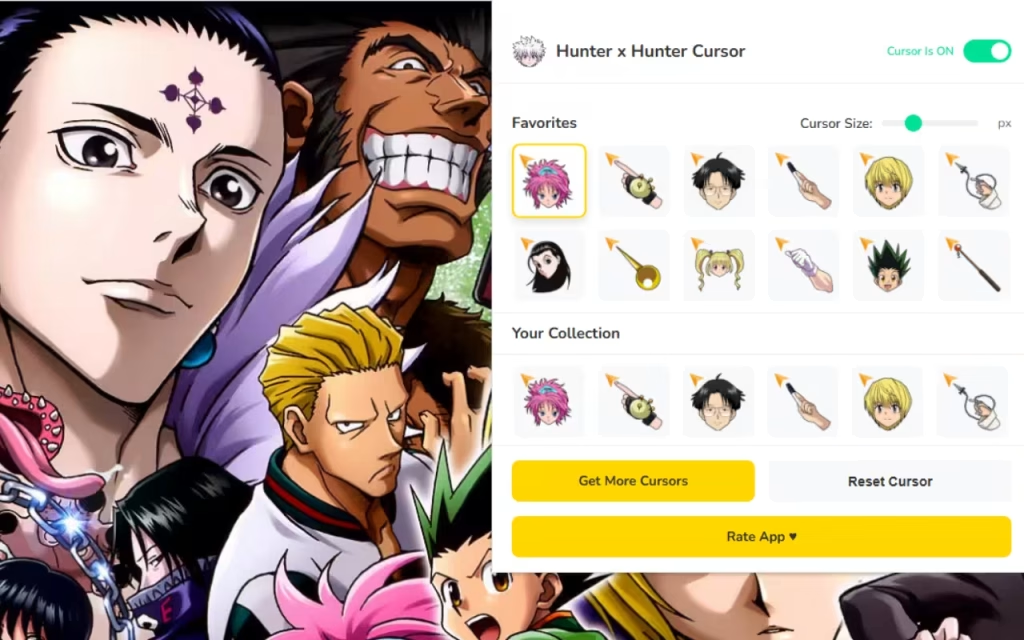
To understand why the Hunter x Hunter Cursor ★ Custom Cursor for Chrome™ is an essential tool for fans, we must first look at the cultural impact of the series. Even during its hiatuses, the fanbase remains one of the most loyal and passionate in the anime world. Why?
A World of Complexity and Heart
Unlike typical shonen anime, Hunter x Hunter deconstructs the genre. It gives us a protagonist, Gon Freecss, whose innocent exterior hides a terrifying resolve. It gives us Killua Zoldyck, an assassin finding the light of friendship. It gives us Hisoka, a villain so chaotic and charismatic he steals every scene.
This depth translates perfectly to digital customization. Using a Killua cursor isn't just about liking a cool character; it’s about connecting with his journey from darkness to light. Seeing Gon’s Jajanken ready to click a link reminds you of the determination required to achieve your goals.
The Visual Language of Nen
The power system of Hunter x Hunter, known as Nen, is famous for its visual distinctiveness. The glowing auras—Killua’s electric blue, Hisoka’s gum-pink, Kurapika’s chain-gold—are naturally eye-catching. This makes them perfect for cursor designs. High-contrast colors and distinct shapes (like chains, cards, or needles) ensure that your cursor is not only stylish but also functional and easy to spot on any web page.
Unlocking the Vault: 60+ Ways to Customize
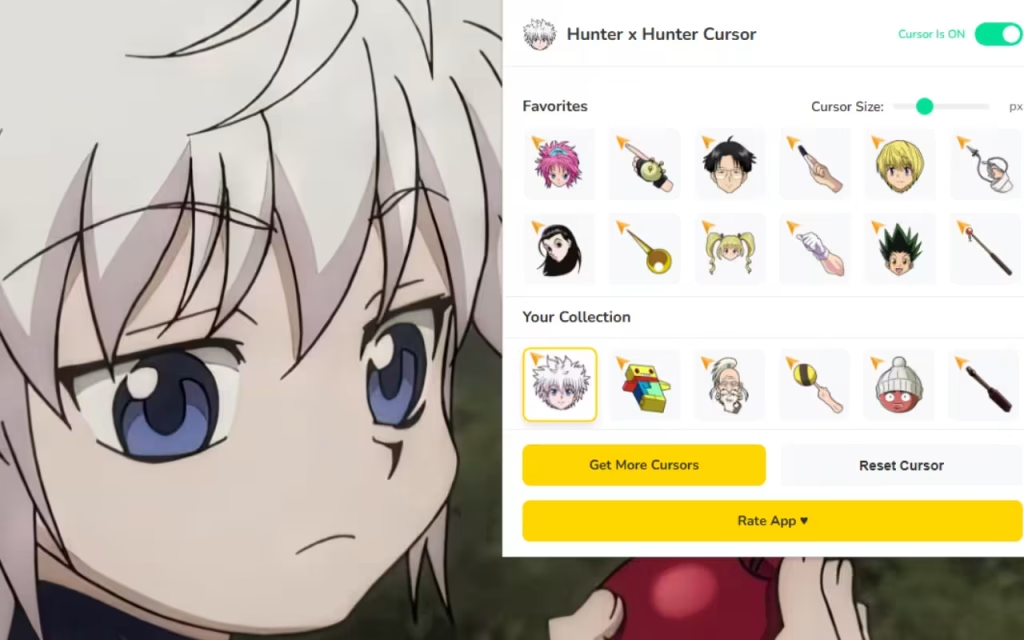
The Hunter x Hunter Cursor ★ Custom Cursor for Chrome™ extension is a veritable treasure trove, much like the rewards of Greed Island. Let’s break down the specific categories of cursors you can equip to your browser.
🎯 The Main Four and Their Allies
-
Gon Freecss: Choose from his fishing rod (perfect for "hooking" links), his Jajanken rock, or his determined smile.
-
Killua Zoldyck: Fan favorites include his yo-yos, his Godspeed lightning mode, and his cat-like "mischievous" face.
-
Kurapika: Wield the Judgment Chain or the scarlet eyes of the Kurta clan. Ideal for when you need to focus on "hunting" down information.
-
Leorio: The Oreo himself! Cursors featuring his briefcase or his punch (that hit Ging) add a touch of humor and reliability.
🃏 The Villains and Anti-Heroes
-
Hisoka Morow: Browse with the unpredictable energy of Bungee Gum or his deadly playing cards.
-
Chrollo Lucilfer: Use the "Skill Hunter" book cursor to feel like you are stealing the secrets of the internet.
-
Meruem & The Royal Guard: For those who prefer raw power, cursors of the Ant King or Pitou’s Terpsichora add an intimidating flair.
⚔️ Iconic Items and Symbols
It’s not just about faces. You can navigate using:
-
The Hunter License: The ultimate symbol of status.
-
Gungi Pieces: A nod to the tragic and beautiful bond between Meruem and Komugi.
-
Greed Island Cards: Use the "Book" or specific spell cards as your pointer.
How to Create Your Own Digital Hunter Archive
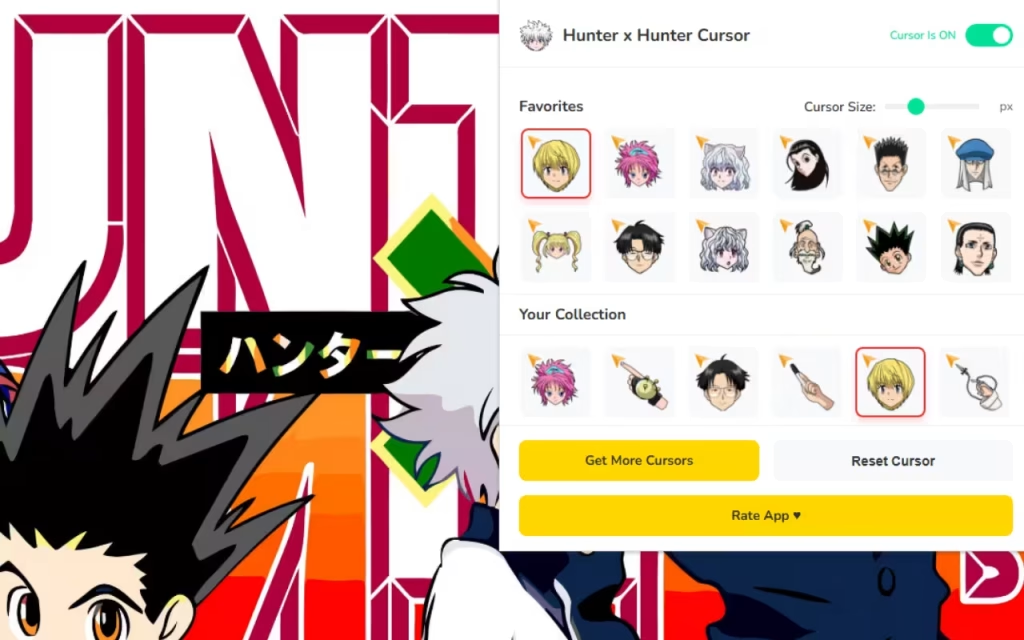
Installing the Hunter x Hunter Cursor is just the first step. To truly immerse yourself in the world of Hunters, you need to coordinate your entire digital environment. Here is a guide to creating a "Digital Ita-Bag" for your desktop.
Matching Browser Themes
Your cursor needs a proper backdrop. Chrome allows you to create or install themes that color your browser frame.
-
Gon Theme: Use a Green and Orange palette. Green for his iconic outfit and Orange for the energetic vibe.
-
Killua Theme: A Deep Purple and Electric Blue theme captures the assassin aesthetic perfectly.
-
Phantom Troupe Theme: Go for Black and Spider-Web Grey with a touch of crimson to represent the Spiders.
DIY Desktop Icons
Take the customization beyond Chrome. You can replace boring folder icons with HxH items.
-
Greed Island Book: Change your "Documents" folder icon to the Greed Island binder.
-
Hunter License: Make your "Work" or "School" folder look like a Hunter License card.
-
How to do it: Search for "Hunter x Hunter Icon Pack" on sites like DeviantArt. Look for
.icofiles. Right-click a folder -> Properties -> Customize -> Change Icon.
Aesthetic Wallpapers
Find a 4K wallpaper that complements your cursor.
-
Minimalist: A simple background of the Hunter Association logo allows detailed cursors to pop.
-
Scenic: A landscape shot of the World Tree or the Republic of Padokea adds a sense of scale and adventure.
Tips for Collectors: Curating Your Experience
For the dedicated fan, "collecting" digital assets is a serious hobby. Here is how to manage your cursor collection like a Pro Hunter.
Rotate by Story Arc
Keep your browsing experience fresh by rotating your cursor based on the anime arc you are currently feeling.
-
Hunter Exam Arc: Stick to the classic fishing rod and skateboard cursors.
-
Yorknew City Arc: Switch to Kurapika’s chains or Chrollo’s book for a darker, noir vibe.
-
Greed Island Arc: Use the spell card cursors or Biscuit Krueger’s "chibi" form.
-
Chimera Ant Arc: This is the time for the Kite’s scythe or Netero’s 100-Type Guanyin Bodhisattva hand.
The Favorites Tab Strategy
With 60+ options, scrolling can get tedious. Use the ⭐ Favorites Tab to build "Loadouts."
-
"Study Loadout": Use simple, precise cursors like Killua’s Yo-Yo or Kurapika’s Dowsing Chain.
-
"Chill Loadout": Use fun, larger cursors like Gon sleeping or Hisoka’s card.
Why This Extension is a 3-Star Hunter Tool
In a world of generic browser tools, the Hunter x Hunter Cursor ★ Custom Cursor for Chrome™ stands out because it captures the spirit of the show. It isn't just a static image; it’s a celebration of the series' art style.
It is Lightweight & Lag-Free, meaning it won't slow down your browser—essential for when you have 50 tabs open researching Nen theories. The Adjustable Sizes feature ensures that whether you are on a massive monitor or a small laptop, your favorite characters are always visible.
Key Highlights Summary
-
Variety: Heroes, Villains, and Items are all represented.
-
Usability: Simple one-click swapping.
-
Performance: Optimized for speed, just like Killua’s Godspeed.
The world of Hunter x Hunter is vast and full of mysteries waiting to be uncovered. By customizing your browser with this extension, you are taking a small step into that world every single day. It’s a reminder to be curious, to value your friends, and to never give up on the hunt.
Whether you are a seasoned Triple-Star Hunter or a rookie just starting your journey, this extension is the perfect companion. It brings style, nostalgia, and a whole lot of Nen to your digital life.
Are you ready to take the exam? Download the extension today and let the adventure begin!
Tell us in the comments below: Which Nen type do you think you would be—Enhancer, Transmuter, or Specialist? And which cursor will you equip first?







