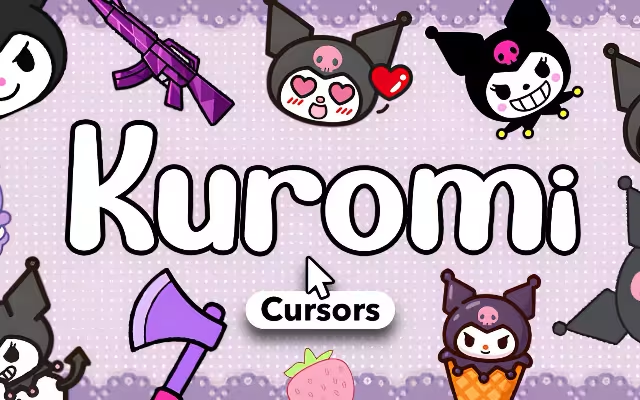
If you are tired of the standard, boring white arrow navigating your digital life, it is time for a rebellious upgrade. In the pastel-colored world of Sanrio, one character stands out by trading pink ribbons for a black jester's hat and a mischievous grin. She is the leader of her own biker gang, a romantic at heart, and the ultimate icon of "Gothic Kawaii." We are talking, of course, about Kuromi.
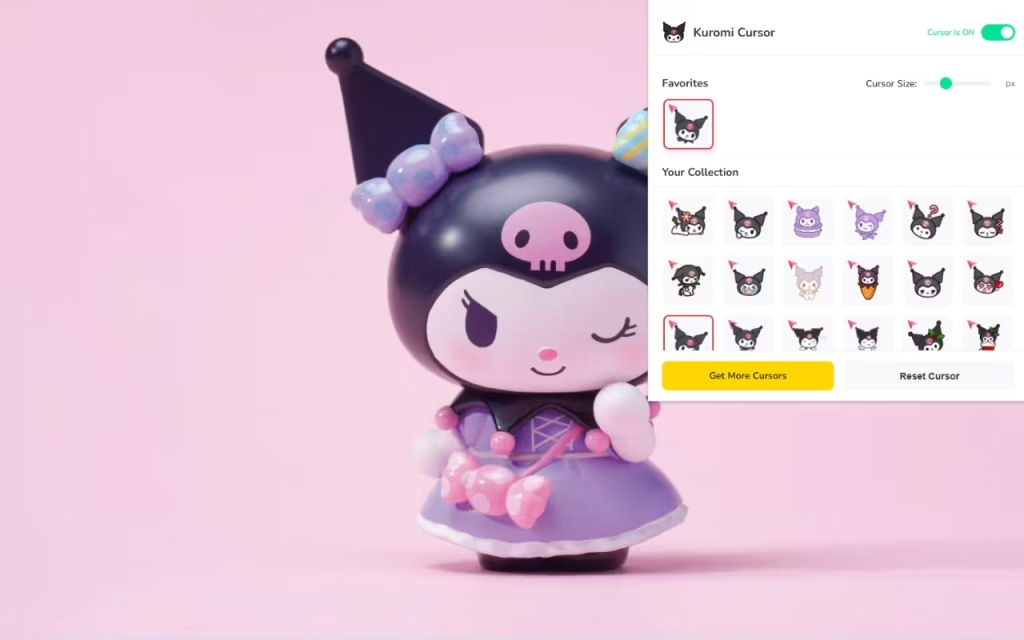
Now, you can bring that same cheeky energy to your web browser. Kuromi Cursor ★ Custom Cursor for Chrome™ is the ultimate tool for fans who want to inject a dose of attitude into their daily surfing. With over 30+ unique cursors ranging from sweet and shy to bold and punk-rock, this extension allows you to express every facet of your personality.
In this article, we will explore the meteoric rise of this Sanrio anti-hero, dive into the features of this sassy extension, and provide expert tips on how to curate the perfect "Kuromicore" digital workspace.
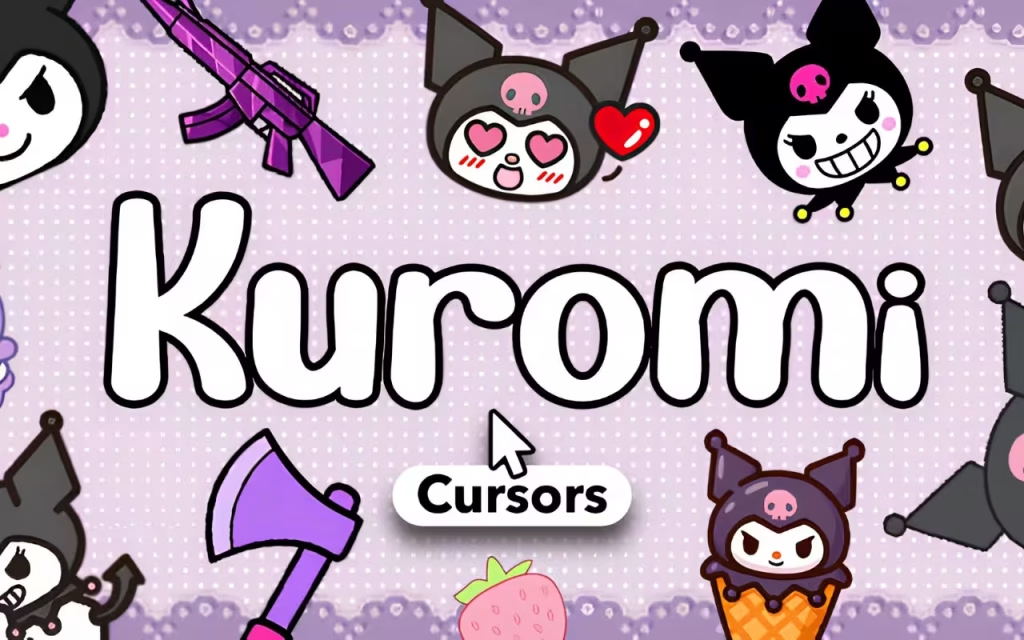
The Rise of the Rebel: Who is Kuromi?
To understand why the Kuromi Cursor ★ Custom Cursor for Chrome™ is essential for your browser, we must first look at the character who inspired it. While Hello Kitty is the face of Sanrio, Kuromi is its soul—or at least, its rebellious spirit.
Origin Story: The Rivalry with My Melody
Kuromi made her debut in 2005 as the antagonist in the anime series Onegai My Melody. Unlike the perpetually sweet My Melody, Kuromi was portrayed as a punk-rock rival. Born on Halloween (October 31st), she wears a black jester's hat with a pink skull on the front and a black "devil" tail.
However, Kuromi isn't a villain; she is misunderstood. She writes in her diary, reads romance novels, and leads a biker gang known as "Kuromi's 5." This complexity is what makes her so relatable. She represents the part of us that wants to look tough on the outside but is soft on the inside. Installing a Kuromi cursor is a nod to this duality—it says you are professional enough to use a computer, but cool enough to do it with style.
Why Kuromi Rules the Internet
In recent years, Kuromi's popularity has skyrocketed, often overtaking classic characters in global rankings. This is largely due to the rise of the "E-girl" and "Gothic Lolita" aesthetics on social media. Her color palette—black, hot pink, and purple—fits perfectly with modern gaming setups and dark-mode browsers.
By using Kuromi Cursor ★ Custom Cursor for Chrome™, you are aligning your digital space with a global trend that celebrates being unapologetically yourself, even if that self is a little bit "cheeky."
Features That Make This Extension "Cheeky but Charming"
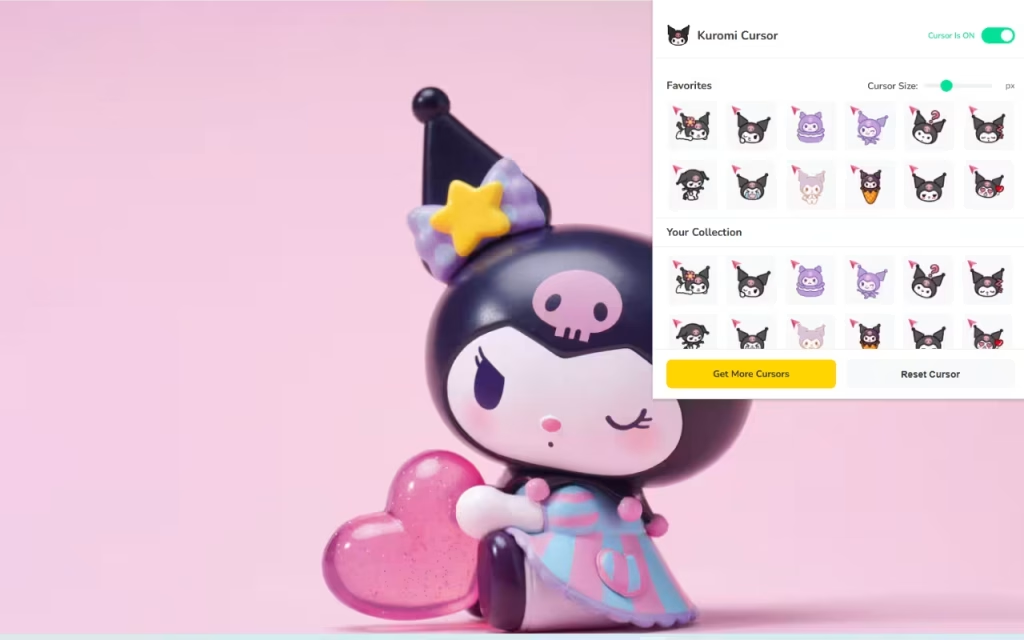
This extension is more than just a cosmetic change; it is a fully functional tool designed for performance and ease of use. Let’s break down why this specific add-on is the best way to bring Sanrio’s punk princess to your screen.
30+ Unique Styles for Every Mood
The standout feature is the variety. Kuromi is a character of many moods, and this collection reflects that.
-
The Classic Punk: Cursors featuring her signature smirk and black hood.
-
The Soft Side: "Baku-Baku" styles where she looks shy or is holding a love letter.
-
Costume Changes: Enjoy Kuromi in various outfits, from maid dresses to pajamas, ensuring your cursor never gets boring.
Performance Meets Customization
A cute cursor is useless if it slows down your computer. The Kuromi Cursor ★ Custom Cursor for Chrome™ is optimized to be 🚀 Lightweight & Fast. It uses vector graphics to ensure sharp visuals without eating up your RAM.
Furthermore, the customization options are robust:
-
📏 Adjustable Size: Whether you have a massive 4K monitor or a small laptop, you can scale the cursor from 16px to 128px.
-
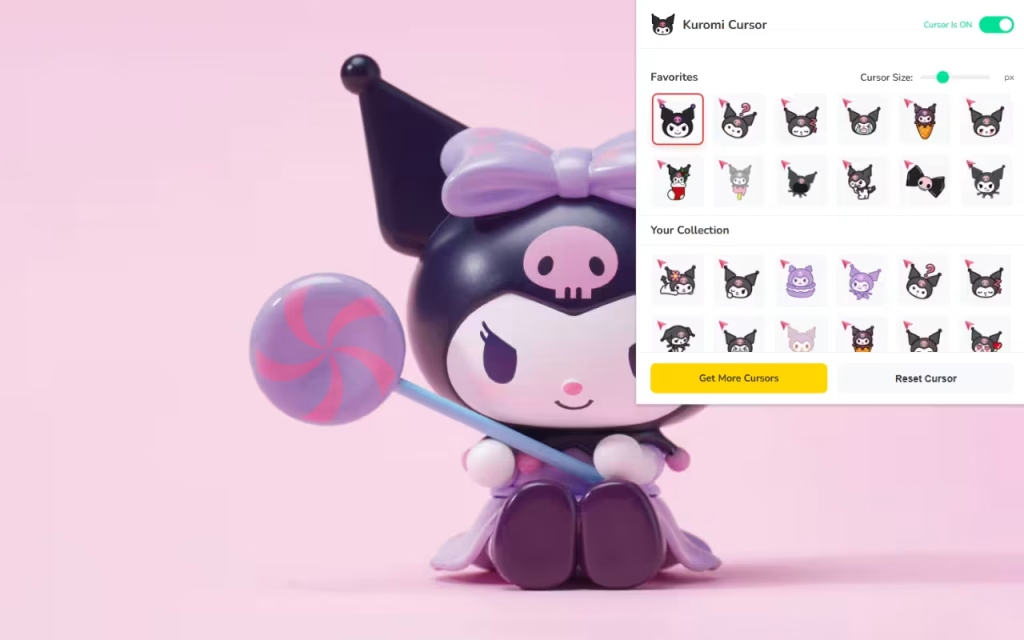
⭐ Favorites System: With 30+ options, you might have trouble choosing just one. The "Favorites" star allows you to save a rotation of your top picks.
-
⚡ One-Click Apply: Changing your vibe is instantaneous. Click the icon, select a new Kuromi, and get back to browsing.
Do you prefer a tiny, subtle cursor or a large, statement-making icon? The choice is entirely yours with the adjustable size slider.
Customizing Your Digital Dungeons: A Guide for Fans
If you are going to install the Kuromi Cursor ★ Custom Cursor for Chrome™, you shouldn't stop there. To truly embrace the "Kuromicore" aesthetic, you need to coordinate your entire digital environment.
Creating a "Kuromicore" Aesthetic
To create a similar decoration style for your whole desktop, focus on the "Black x Purple x Pink" color triad.
-
Browser Themes: Change your Chrome theme to "Midnight Purple" or "Deep Black." This provides high contrast, making the white and pink elements of the Kuromi cursor pop.
-
Desktop Icons: Replace your standard yellow folders with custom icons. Look for "Gothic Pink" icon packs. You can even find icons of Kuromi's sidekick, Baku (the flying tapir), to use for your recycle bin.
-
Wallpapers: Look for wallpapers that feature neon lights or grunge textures combined with cute Sanrio stickers. This mix of "hard" and "soft" is the essence of Kuromi.
Tips for Digital Collectors
For those who treat digital assets like physical collectibles, here is how to get the most out of the extension:
-
Seasonal Rotation: Kuromi loves holidays (especially Halloween). Use the Favorites System to curate specific lists for October or Valentine's Day.
-
Match the Activity: Use a "Studying Kuromi" (perhaps one with glasses) when you are on educational sites, and a "Smirking Kuromi" when you are on social media or gaming sites.
The Boring Arrow vs. The Sassy Skull
Is it really worth switching from the default system cursor? Let's look at the data.
| Feature | Standard Mouse Pointer | Kuromi Custom Cursor |
| Visual Appeal | Generic White Arrow | 30+ Unique Kuromi Designs |
| Color Palette | Monotone | Black, Purple, & Hot Pink |
| Personality | None (Corporate) | Sassy, Gothic, Kawaii |
| Customization | System Default Only | Fully Resizable (16px - 128px) |
| Vibe Check | 0/10 | 10/10 (Pure Attitude) |
The internet is vast, and often, it can feel a bit impersonal. By customizing your interface with the Kuromi Cursor ★ Custom Cursor for Chrome™, you are reclaiming your digital space. You are telling the world (and yourself) that you value creativity, fun, and a little bit of rebellion.
Whether you relate to Kuromi's diary-writing sensitive side or her biker-gang leader tough side, there is a cursor in this pack for you. It is lightweight, free, and packed with enough attitude to power you through the longest browsing sessions.
Are you ready to join Kuromi's 5? Download the extension today and let the mischief begin.
Tell us in the comments below: Which Kuromi outfit is your absolute favorite—the classic black hood or the purple Lolita dress?







