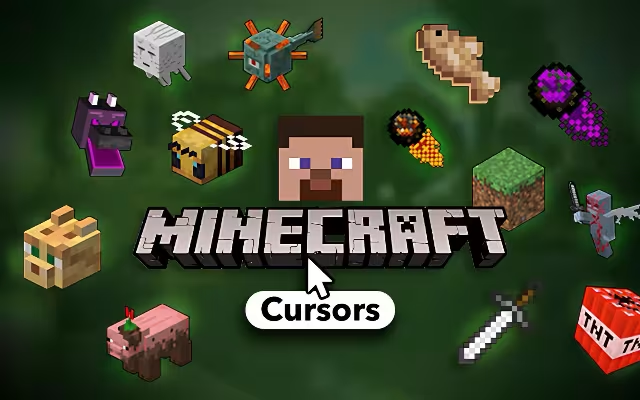
For over a decade, Minecraft has been more than just a game; it is a canvas for limitless creativity. From building dirt shacks to constructing redstone computers, players have shaped their worlds block by block. But why should the crafting stop when you close the game launcher?
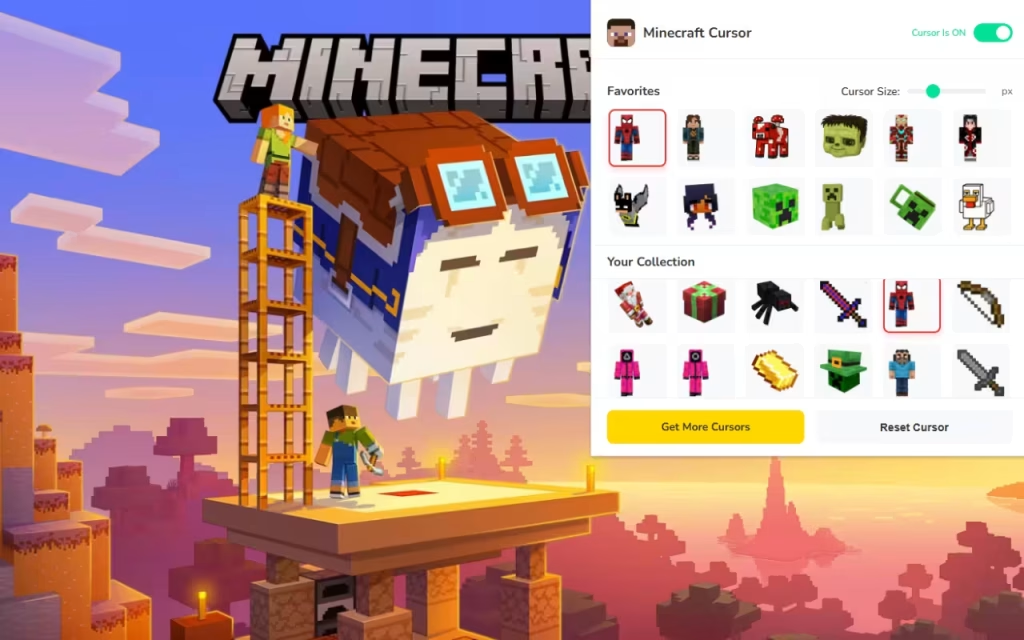
Minecraft Cursor ★ Custom Cursor for Chrome™ brings the blocky charm of the Overworld directly to your web browser. With over 140+ custom cursors, this extension lets you swap your boring, standard mouse arrow for a Diamond Sword, a wandering Creeper, or even a pixelated Naruto. It transforms every click into a mining adventure.
In this article, we will explore why the Minecraft aesthetic continues to dominate digital culture, dive into the massive variety of this cursor collection, and provide expert tips on how to build a digital workspace that feels like your very own server.
The Blocky Revolution: Why We Love the Voxel Aesthetic
To understand why a Minecraft custom cursor is a must-have, we need to look at the game's enduring legacy. Since its full release in 2011, Minecraft has become the best-selling video game of all time. Its visual style—low-fidelity voxels—became an icon of "cozy gaming" long before the term existed.
A Tool for Self-Expression
The game's core philosophy is about making the world your own. This browser extension applies that same logic to your computer.
-
Nostalgia: For many, the sight of a Grass Block or a Steve head triggers instant memories of their first survival night.
-
Identity: Are you a builder? Equip a Pickaxe cursor. Are you a fighter? Equip a Netherite Sword.
-
Comfort: The simple, readable shapes of Minecraft art make for excellent cursors that are easy on the eyes while adding a layer of fun to mundane tasks like homework or data entry.
Crossover Culture
One of Minecraft's greatest strengths is its ability to absorb other pop culture icons through skins and mods. This extension reflects that by including "Anime-Inspired" and "Crossover Hero" cursors. Seeing a pixelated Goku or Iron Man in the distinct Minecraft style bridges the gap between your favorite fandoms.
140+ Ways to Craft Your Experience: Exploring the Collection
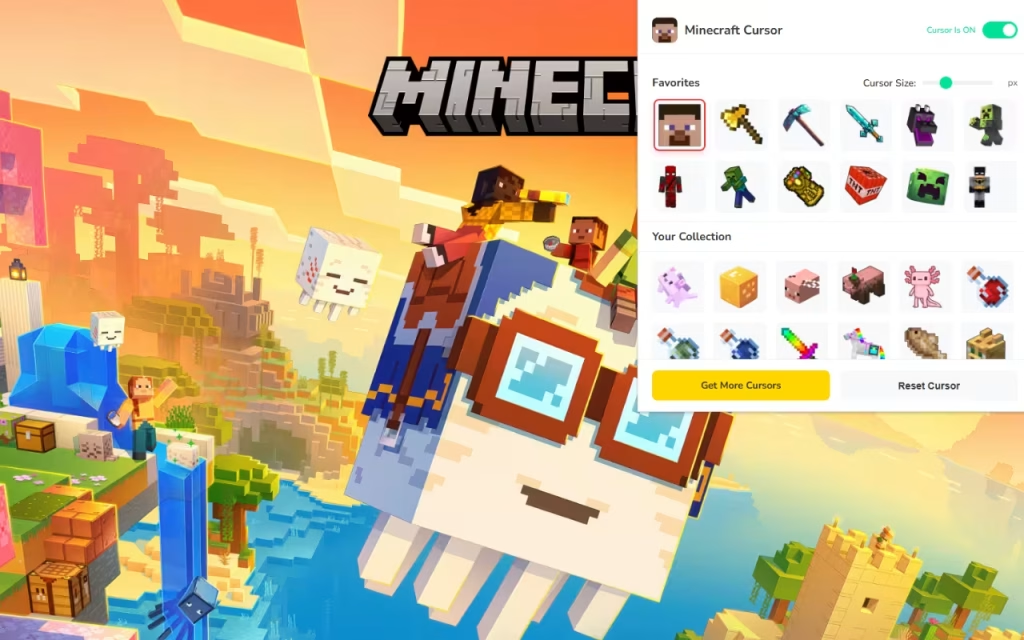
The Minecraft Cursor ★ Custom Cursor for Chrome™ extension is a massive inventory of digital assets. Let’s break down the categories you can equip.
🟩 🎮 Minecraft Mobs & Characters
This category features the classic entities that populate your world.
-
Passive Mobs: Relax while browsing with a Pig, Sheep, or the fan-favorite Axolotl.
-
Hostile Mobs: Add some edge to your screen with a Creeper, Enderman, or Warden cursor.
-
The Classics: Of course, Steve and Alex are available for the purists.
🟫 🛠️ Minecraft Tools & Items
Perfect for the "Builder" personality type.
-
Weapons: Diamond Swords, Tridents, and Bows.
-
Tools: Pickaxes (Wood to Netherite), Shovels, and Axes.
-
Food: Browse while hungry with a Golden Apple, Steak, or Cake cursor.
🟥 🍥 Anime-Inspired & 🟪 🌌 Crossover Heroes
This is where the collection truly shines. It reimagines famous characters as if they were Minecraft skins.
-
Anime: Find pixelated versions of Naruto, Luffy (One Piece), and Tanjiro (Demon Slayer).
-
Heroes: Equip the shield of Captain America or the web-shooters of Spider-Man, all rendered in glorious 8-bit style.
Technical Features: Smooth as Ice
A good mod shouldn't lag your game, and a good extension shouldn't lag your browser.
-
Adjustable Size: Whether you play on a 4K monitor or a laptop, the size slider (16px to 128px) ensures your cursor is always visible.
-
One-Click Swap: Instantly switch from a "Survival Mode" sword to a "Creative Mode" block with a single click.
-
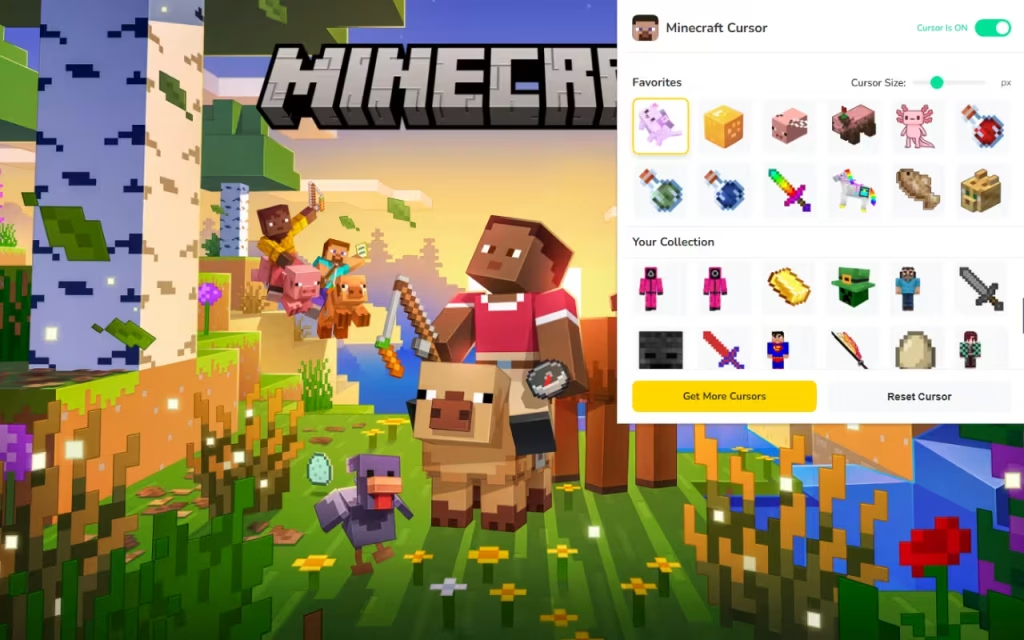
Favorites System: "Star" your top cursors to create a hotbar of favorites, just like in the game.
How to Build the Ultimate Minecraft Desktop
If you love the Minecraft Cursor, you can create a "similar decoration" style for your entire computer to match.
Matching Browser Themes
Your cursor needs a biome to explore.
-
Overworld Theme: Set your Chrome theme to Sky Blue and Grass Green.
-
Nether Theme: A Red and Maroon theme pairs perfectly with Netherite tool cursors.
-
End Theme: A dark Purple and Black aesthetic creates a mysterious vibe for Enderman cursors.
Tips for Collectors
Treat your digital assets like your survival inventory.
-
Organize by "Game Mode": Use the Favorites system to group cursors. Have a "Mining" group (Pickaxes, Torches) for work/study, and a "Combat" group (Swords, Heroes) for gaming/social media.
-
Desktop Icons: Replace your standard folder icons with Chest or Shulker Box icons. You can easily find these as
.icofiles online. It makes opening a folder feel like looting a chest!
Vanilla vs. Modded Experience
Is it worth the switch? Let's compare the standard experience with the Minecraft upgrade.
| Feature | Standard Mouse Pointer | Minecraft Custom Cursor |
| Visual Appeal | Boring White Arrow | 140+ Pixel Art Designs |
| Variety | None | Mobs, Tools, Anime, Heroes |
| Vibe | Corporate / Sterile | Creative / Nostalgic / Fun |
| Personalization | System Default Only | Fully Resizable & Swappable |
| Cool Factor | Zero | Diamond-Tier |
The Minecraft Cursor ★ Custom Cursor for Chrome™ is more than just a novelty; it is a way to keep the spirit of creativity alive in your daily life. It reminds you that the digital world, like a Minecraft seed, is what you make of it.
Whether you want to wield a diamond sword to slash through emails or let a cute Axolotl guide you through YouTube, this extension has something for every player. It is lightweight, free, and absolutely packed with blocky charm.
Are you ready to craft? Download the extension today and start your adventure!
Tell us in the comments below: Which Minecraft tool is your most used—the Pickaxe for mining or the Sword for fighting?







