"Go Beyond, Plus Ultra!" This isn't just a catchphrase; it is a lifestyle for millions of anime fans around the globe. But let’s be honest, does your current web browsing experience feel "Plus Ultra"? Or does it feel more like a quirkless day at a boring office job? It is time to inject the explosive energy of U.A. High School directly into your daily digital routine.
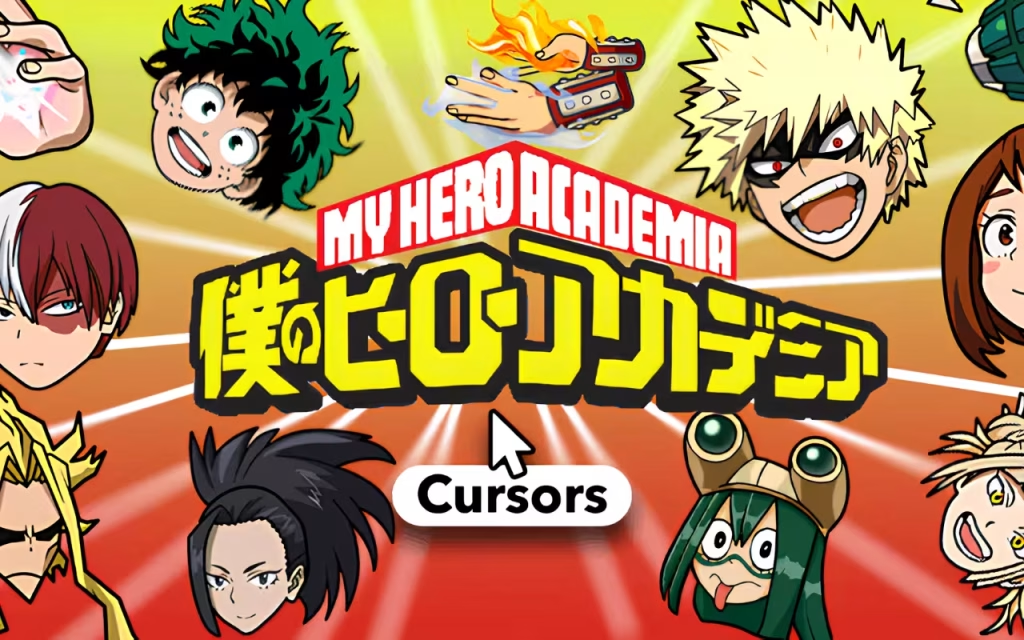
The My Hero Academia Cursor ★ Custom Cursor for Chrome™ is more than just a simple browser add-on; it is a statement of your fandom. Whether you align with the determination of Izuku "Deku" Midoriya, the explosive temper of Katsuki Bakugo, or the icy-hot precision of Shoto Todoroki, this extension allows you to navigate the web with the spirit of a hero.
In this comprehensive guide, we will explore why My Hero Academia has captivated the world, dive deep into the features of this 40+ cursor collection, and provide expert tips on how to turn your computer into a digital hero agency.
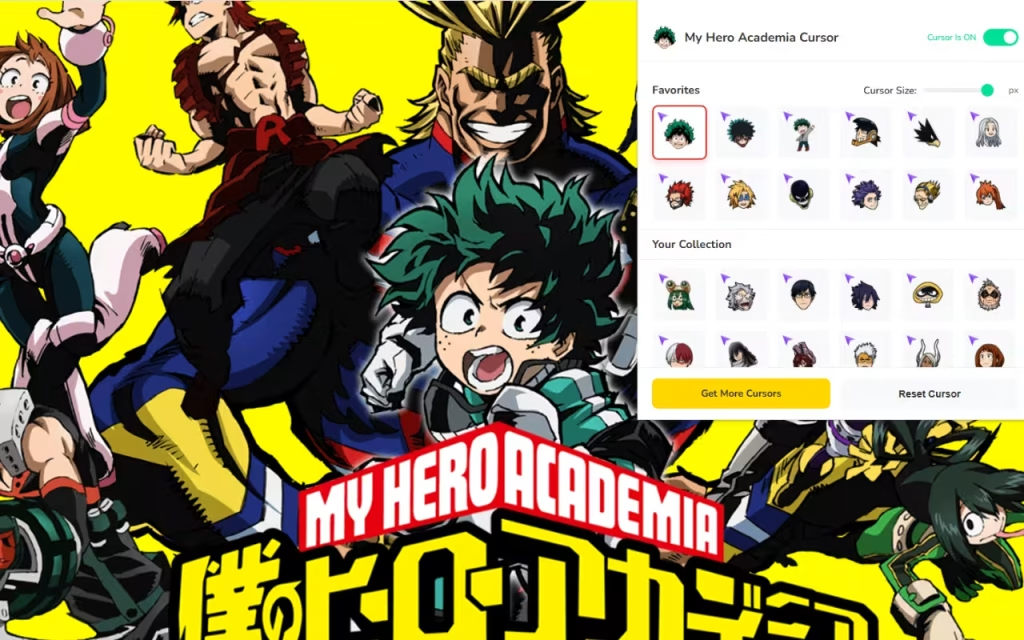
The Phenomenon of Heroes: Why We Love MHA
To understand why the My Hero Academia Cursor ★ Custom Cursor for Chrome™ is a must-have, we first need to look at the cultural juggernaut behind it. Since its debut in Weekly Shonen Jump in 2014, Kōhei Horikoshi’s masterpiece has redefined the superhero genre.
From Manga Pages to Global Icons
The story of a boy born without power in a world full of superheroes resonates because it is an underdog story at its core. It teaches us that anyone can be a hero. This emotional connection is why fans want to surround themselves with these characters.
When you install a My Hero Academia Cursor, you aren't just changing a mouse pointer; you are keeping a reminder of that heroic spirit on your screen. It serves as a digital talisman. When you are grinding through homework or finishing a tough work project, seeing All Might’s smile or Deku’s cowl can give you that extra push to keep going.
The Psychology of Anime Customization
Why is this extension so popular? In the digital age, customization is the ultimate form of self-expression. Just as heroes design their costumes to reflect their quirks, fans design their digital spaces to reflect their personalities.
-
Identity: Using a Bakugo cursor might signal that you are feeling ambitious and energetic.
-
Comfort: Using a Tsuyu Asui (Froppy) cursor might signal a need for calm and reliability.
Who is your favorite pro hero, and does their vibe match your browsing style?
Unpacking the Features: A Tool Fit for a Hero
This extension is built with the precision of a support item developed by Mei Hatsume. It balances high-quality aesthetics with seamless performance. Let’s break down the features that make this extension the "Number One Hero" of browser customization.
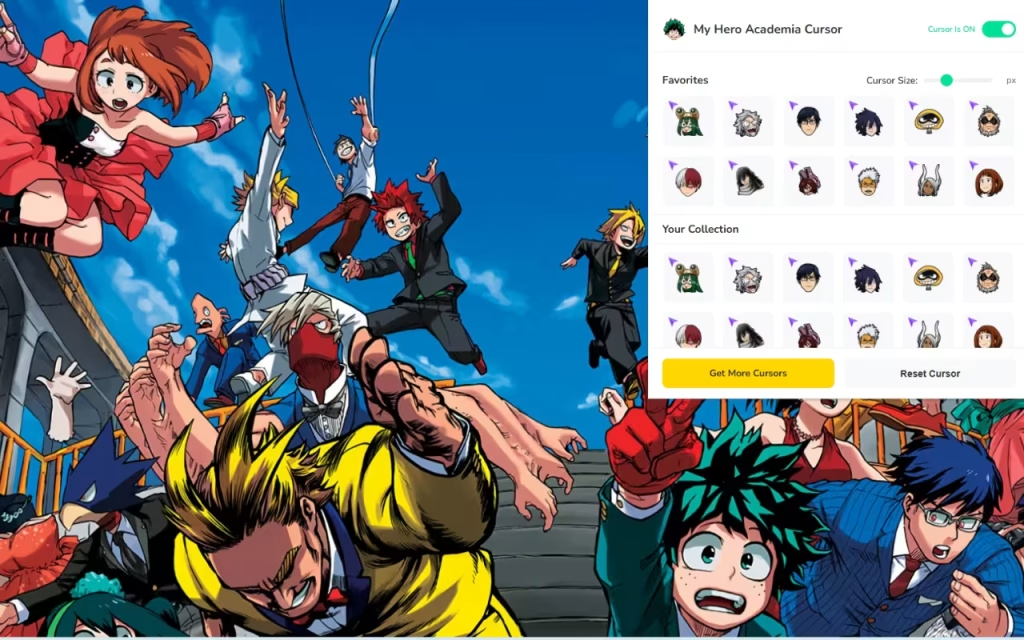
🦸 40+ Unique Cursors
The library is vast. You aren't limited to just the main trio. The collection includes:
-
The Students: Class 1-A favorites like Ochaco Uraraka, Tenya Iida, and Eijiro Kirishima.
-
The Pros: The legendary All Might, the brooding Eraserhead, and the fierce Hawks.
-
The Villains: For those who walk the darker path, cursors featuring Tomura Shigaraki, Dabi, and Himiko Toga are available.
⚡ Performance and Usability
A hero must be fast, and so is this extension.
-
One-Click Apply: Switch from a study-mode Deku cursor to a party-mode Present Mic cursor instantly.
-
🚀 Lightweight & Smooth: The extension is optimized to ensure no lag. It runs as smoothly as Iida’s Recipro Burst, ensuring your browsing speed isn't compromised.
-
🔘 On/Off Toggle: Need to switch back to a standard pointer for a professional presentation? The toggle button allows you to go undercover in seconds.
📏 Adjustable Size for Every Screen
Whether you are on a compact laptop or a massive 4K monitor, the Adjustable Size feature (16px to 128px) ensures your hero is always visible.
-
Tip: A size of 48px is generally considered the "Golden Mean" for visibility and precision.
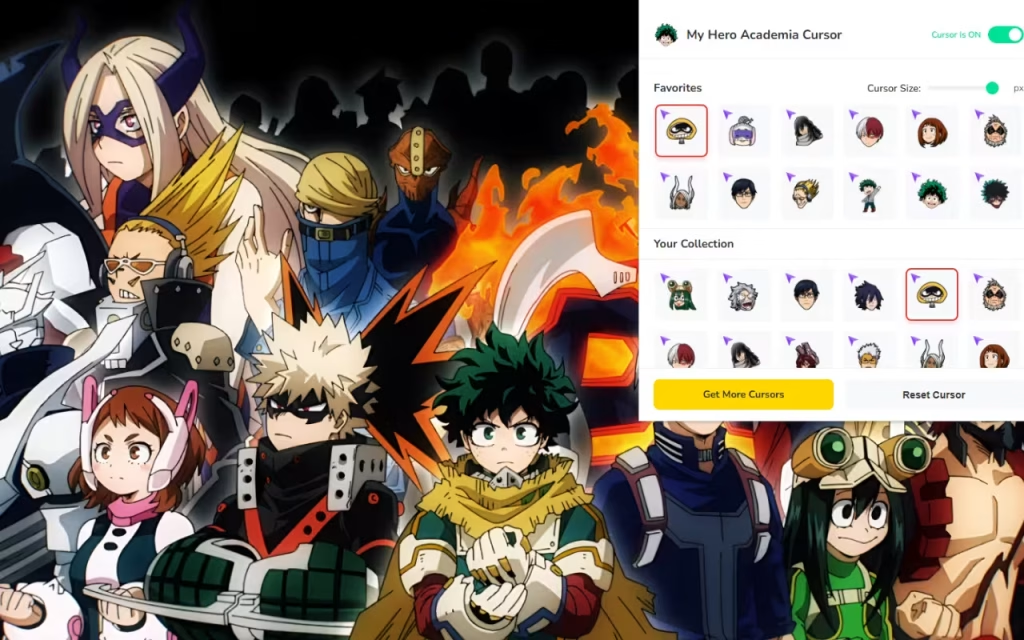
Character Match-Up: Finding Your Perfect Cursor
With over 40 options, choosing can be difficult. To help you decide, we have compiled a table matching specific browsing moods with the perfect My Hero Academia Cursor.
| Character | Cursor Design Elements | Best Used For... | Vibe |
| Izuku Midoriya (Deku) | Green Cowl / One For All Lightning | Studying, Research, Learning | Determined & Focused |
| Katsuki Bakugo | Grenade Gauntlet / Explosion | Gaming, Fast-paced Browsing | Energetic & Aggressive |
| Shoto Todoroki | Half-Ice / Half-Fire | Multitasking, Complex Work | Balanced & Cool |
| Ochaco Uraraka | Pink Helmet / Zero Gravity | Social Media, Shopping | Bubbly & Light |
| All Might | V-Sign / Texan Smash | Finishing Projects, Big Wins | Powerful & Inspiring |
| Shota Aizawa | Capture Scarf / Goggles | Late Night Browsing | Tired but Efficient |
| Himiko Toga | Syringe / Mask | Stalking Profiles (Joking!), Horror | Chaotic & Edgy |
How to Create the Ultimate U.A. High Digital Setup
Installing the My Hero Academia Cursor ★ Custom Cursor for Chrome™ is just the first step in your hero journey. To truly create a "similar decoration" style for your entire computer, follow these tips.
Matching Browser Themes
Your cursor needs an environment to thrive in. Chrome allows you to change the color theme of your browser window.
-
Team Deku: Set your browser theme to Teal and Black.
-
Team Bakugo: Go for a vibrant Orange and Black contrast.
-
Team Todoroki: A split Red and White (or Light Blue) theme looks incredible.
Wallpaper and Icons
Don't stop at the browser.
-
Wallpapers: Look for high-resolution "U.A. High Classroom" or "Pro Hero Agency" wallpapers. A minimal wallpaper often makes the detailed custom cursor pop more effectively.
-
Desktop Icons: You can download MHA icon packs to replace your standard folders. Imagine your "Homework" folder looking like a stack of All Might's hero notes!
Tips for Collectors
For the true "Otaku," treating digital assets like physical collectibles adds to the fun.
-
Weekly Rotation: Use the ⭐ Favorites System to create a weekly roster. Feature a different student from Class 1-A each day of the week.
-
Arc-Specific Themes: Are you re-watching the Sports Festival Arc? Switch your cursor to the gym uniform versions of the characters to match the show you are watching.
Why This Extension is Essential for Fans
In a world of generic digital interfaces, the My Hero Academia Cursor ★ Custom Cursor for Chrome™ offers a spark of joy. It brings the "Stylish & Powerful" aesthetic of the anime to the most mundane tool on your computer: the mouse.
It is Fan-Made, which means the designs catch the small details that only true fans appreciate—the specific shade of green in Deku’s lightning or the texture of Kirishima’s hardening. It creates an immersive experience that makes you feel part of the MHA universe.
Key Highlights Summary
-
Variety: 40+ heroes and villains.
-
Usability: Simple interface with instant switching.
-
Fun Factor: Adds color and energy to every click.
The path to becoming a hero starts with small steps—or in this case, small clicks. The My Hero Academia Cursor ★ Custom Cursor for Chrome™ is the perfect way to celebrate your love for the series while adding a layer of fun functionality to your browser.
Whether you want to feel the power of One For All or simply enjoy the kawaii design of your favorite characters, this extension has something for everyone. It is lightweight, easy to use, and absolutely bursting with Plus Ultra energy.
Are you ready to enroll? Download the extension today and let your browsing adventure begin!
Tell us in the comments below: If you could have any Quirk for browsing the internet (like super-speed typing or instant ad-blocking), what would it be?







