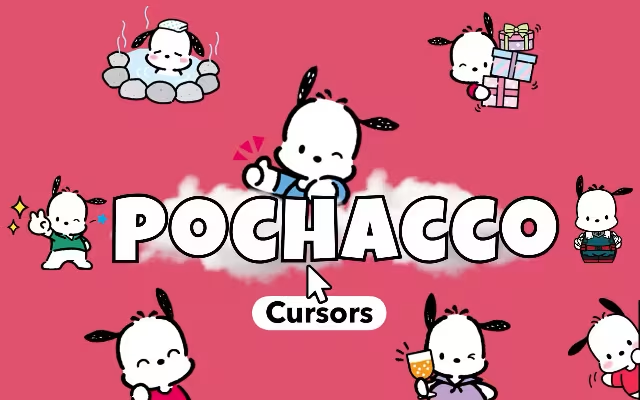
In the colorful and comforting universe of Sanrio, few characters capture the spirit of boundless energy and curiosity quite like Pochacco. With his floppy black ears and sporty attire, this white puppy has been sprinting into hearts since the late 80s. Now, thanks to the Pochacco Cursor ★ Custom Cursor for Chrome™, he can sprint right across your computer screen.
If you are tired of the standard, lifeless mouse pointer that comes with your operating system, it is time for a "kawaii" upgrade. Imagine navigating your tabs with the adorable face of the Yorimichi Dog or clicking links with his tiny bird friend, Choppy. This extension isn't just a tool; it is a digital dose of serotonin designed to make your browsing experience playful and paws-itively cute.
In this article, we will explore the history of this beloved character, dive into the features of this extensive cursor collection, and provide expert tips on how to curate a Sanrio-themed digital workspace that sparks joy.
The Yorimichi Dog: Who is Pochacco?
To understand why the Pochacco Cursor ★ Custom Cursor for Chrome™ is a must-have for fans, we must first look at the legacy of the character himself. While Hello Kitty might be the face of the brand, Pochacco has a dedicated cult following that rivals the biggest stars.
Origin Story: From Uguisu Yokocho to the World
Pochacco made his debut in 1989, a golden era for Sanrio characters. He was introduced as a curious and clumsy little guy who loves to go for walks. In fact, his nickname is the "Yorimichi Dog," which translates to a dog who wanders off the path or makes detours. He was born on February 29th (a leap year baby!) in Uguisu Yokocho (Nightingale Lane).
Unlike some of his more sedentary Sanrio peers, Pochacco is an athlete. He loves basketball and soccer, and he is a vegetarian who loves carrots. This energetic personality makes him the perfect companion for a web browser—he is always on the move, just like your mouse cursor!
Why is He So Popular?
Pochacco’s popularity has seen a massive resurgence in recent years, frequently landing in the top tiers of the annual Sanrio Character Ranking. Fans love him because he is relatable. He is sporty but clumsy, often tripping over his own feet. He represents the joy of curiosity and the fun of getting a little sidetracked.
Using a Pochacco Cursor captures this essence. It adds a layer of "Joyful Aesthetic" to your work or study sessions, reminding you not to take the internet too seriously.
Unpacking the Cuteness: Extension Features
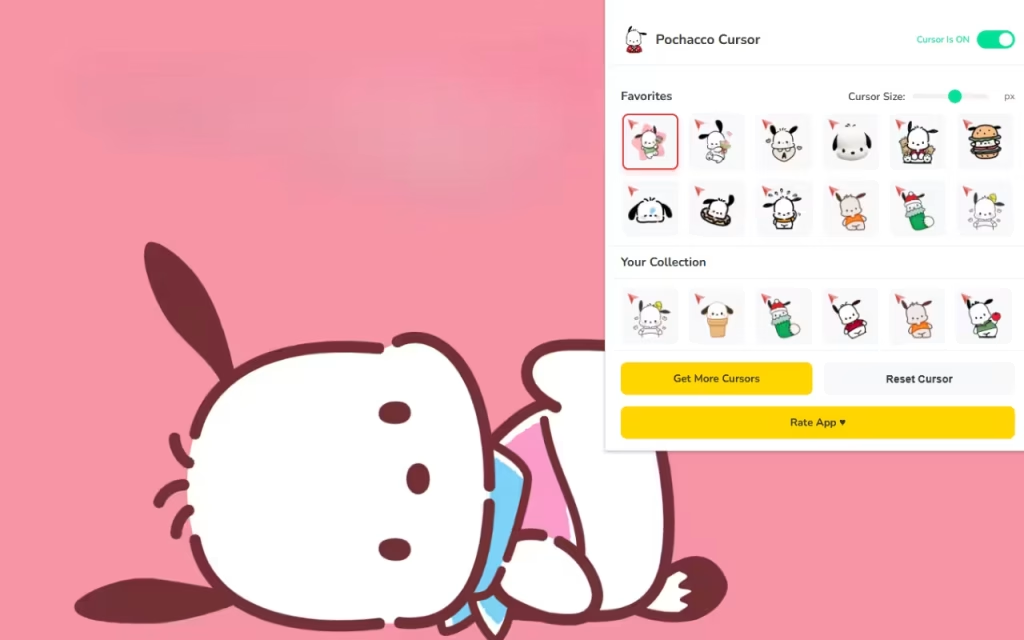
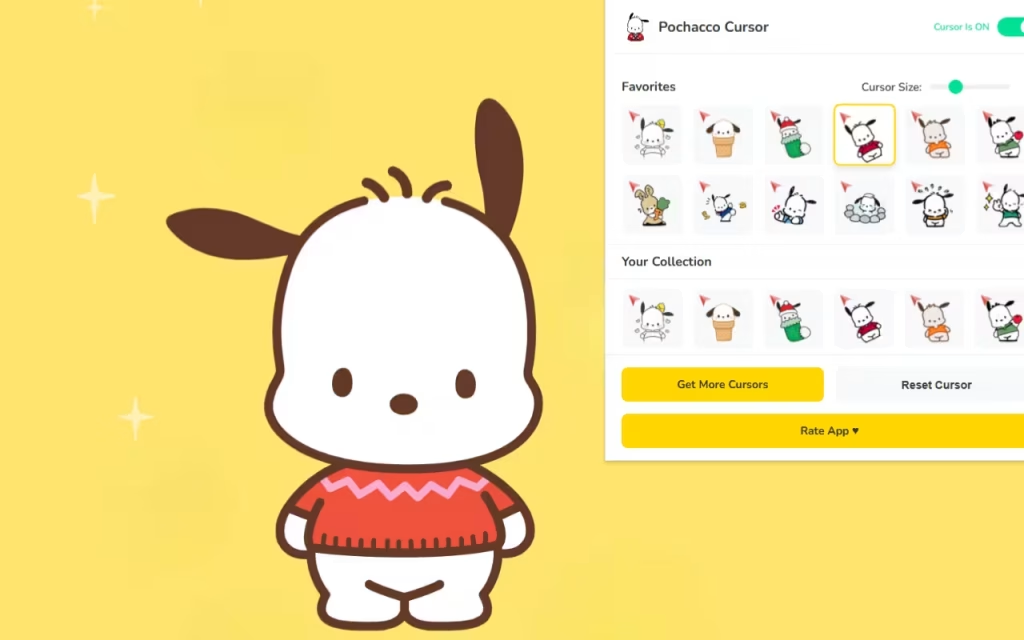
This extension is more than just a static image swap. Pochacco Cursor ★ Custom Cursor for Chrome™ is a feature-rich tool designed to enhance your user experience without compromising performance. Let's break down what makes this extension the "ultimate way" to customize Chrome.
🐶 40+ Unique Cursors
The standout feature is the sheer variety. You aren't limited to just one image of Pochacco. The library includes over 40 designs featuring:
-
Sporty Styles: Pochacco playing soccer or basketball.
-
Classic Poses: The iconic winking face or the "ears flying" run.
-
The Friends: It wouldn't be complete without his crew. You can choose cursors featuring Choppy (the mouse), Popple (the duck), the Pi-Chans (the trio of chicks), MonMon (the squirrel), and Samus (the cat).
⚡ Performance and Usability
A cute browser is great, but a fast browser is better.
-
🚀 Lightweight & Fast: The extension is optimized to ensure that adding high-quality graphics doesn't slow down your RAM or cause lag.
-
⚡ One-Click Switch: Changing your vibe is instantaneous. Switch from a "Study Mode" pencil cursor to a "Party Mode" Pochacco cursor with a single click.
-
📏 Adjustable Size: This is a crucial feature for accessibility and aesthetics. Whether you have a massive 4K monitor or a compact laptop screen, you can resize the cursor from 16px to 128px to fit your visual preference.
Standard Arrow vs. Pochacco Style
Is it worth the switch? Let's compare the standard browsing experience with the Sanrio upgrade.
| Feature | Standard Mouse Pointer | Pochacco Custom Cursor |
| Visual Appeal | Boring White/Black Arrow | 40+ Adorable Character Designs |
| Vibe | Corporate, Sterile, Cold | Warm, Playful, Nostalgic |
| Customization | System Default Only | Fully Resizable (16px-128px) |
| Variety | None | Pochacco, Choppy, Popple, & More |
| Emotional Impact | Neutral | Sparks Joy & Comfort |
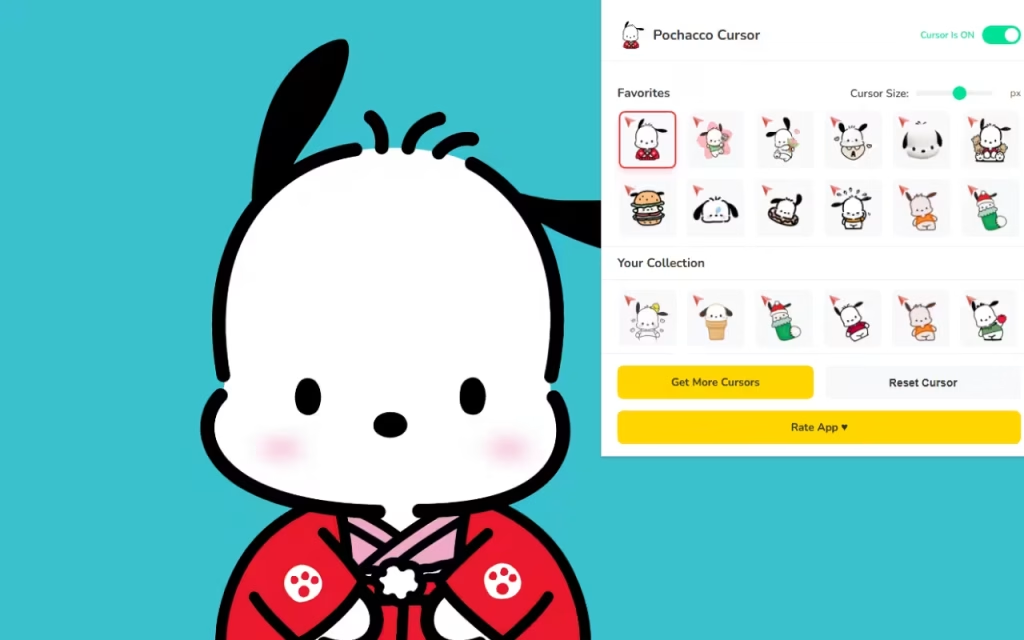
How to Create a Sanrio-Themed Digital Space
Installing Pochacco Cursor ★ Custom Cursor for Chrome™ is just the first step. To truly immerse yourself in the world of Nightingale Lane, you should coordinate your entire digital environment.
Matching Browser Themes
Your cursor needs a cute home. Chrome allows you to change the color theme of your browser frame. To match Pochacco:
-
Mint Green & White: These are Pochacco’s signature colors (often seen in his retro merch).
-
Banana Yellow: Matches the color of the Pi-Chans and adds a sunny vibe.
-
Soft Red: Complements the accents often found on Pochacco's sports gear.
DIY Decoration: Icons and Wallpapers
-
Desktop Icons: You can create a "similar decoration" for your desktop folders. Search for "Sanrio Icon Packs" or convert transparent PNGs of Choppy or carrots into
.icofiles. Replace your boring yellow folder icons with these custom images. -
Wallpapers: Look for a wallpaper that features the "Uguisu Yokocho" town scenery. A green, park-like background works perfectly with the active nature of the Pochacco cursor.
Tips for Collectors
If you are a fan of Pochacco Cursor ★ Custom Cursor for Chrome™, you likely enjoy collecting physical items too.
-
Vintage Vibes: Pochacco had a massive boom in the 90s. Look for vintage stationery or "Sanrio Smiles" items from 1990-1996 on auction sites.
-
The "Friends" Collection: Items featuring his friends like Popple and Pochamii are rarer. If you see a plush or sticker set with the whole gang, grab it! It matches the "40+ Unique Cursors" vibe of having the whole team together.
Why This Extension is a Must-Have
In a digital world that can often feel stressful and demanding, the Pochacco Cursor ★ Custom Cursor for Chrome™ offers a small, daily respite. It brings the "Fan-Focused Design" to the forefront, proving that software can be built with love.
The simple act of changing your cursor to a winking puppy or a tiny mouse can shift your mindset. It makes the browser feel less like a tool for work and more like a playground. The "Simple Interface" ensures that anyone, regardless of tech skill, can bring this charm to their screen.
Do you prefer the classic Pochacco look, or do you love seeing him with his friends like Choppy and the Pi-Chans?
Pochacco teaches us to be curious, to stay active, and to enjoy the little detours in life. With the Pochacco Cursor ★ Custom Cursor for Chrome™, every click becomes a delightful little detour into the world of cute.
Whether you are a long-time Sanrio collector or just someone looking to brighten up a dreary desktop, this extension offers the perfect blend of nostalgia, functionality, and pure cuteness. It is lightweight, free, and packed with over 40 reasons to smile.
Are you ready to run with the Yorimichi Dog? Download the extension today and let the fun begin!
Tell us in the comments below: Which Sanrio character would you like to see added to a custom cursor collection next?







