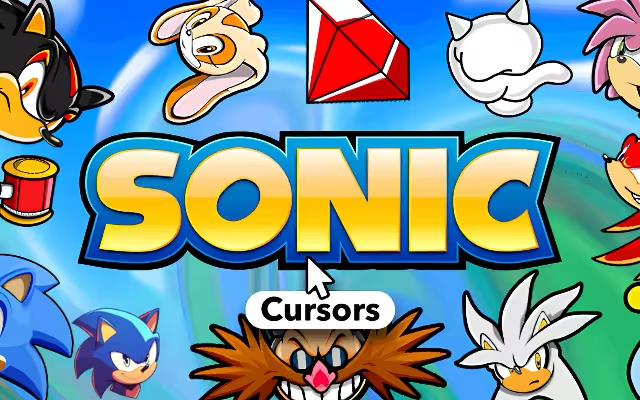
"Gotta go fast!" For over three decades, this simple mantra has defined the world of video games. From the Green Hill Zone to the chemical plants of the Death Egg, Sonic the Hedgehog has been a symbol of speed, attitude, and freedom.1 But why should the adrenaline rush end when you put down the controller?
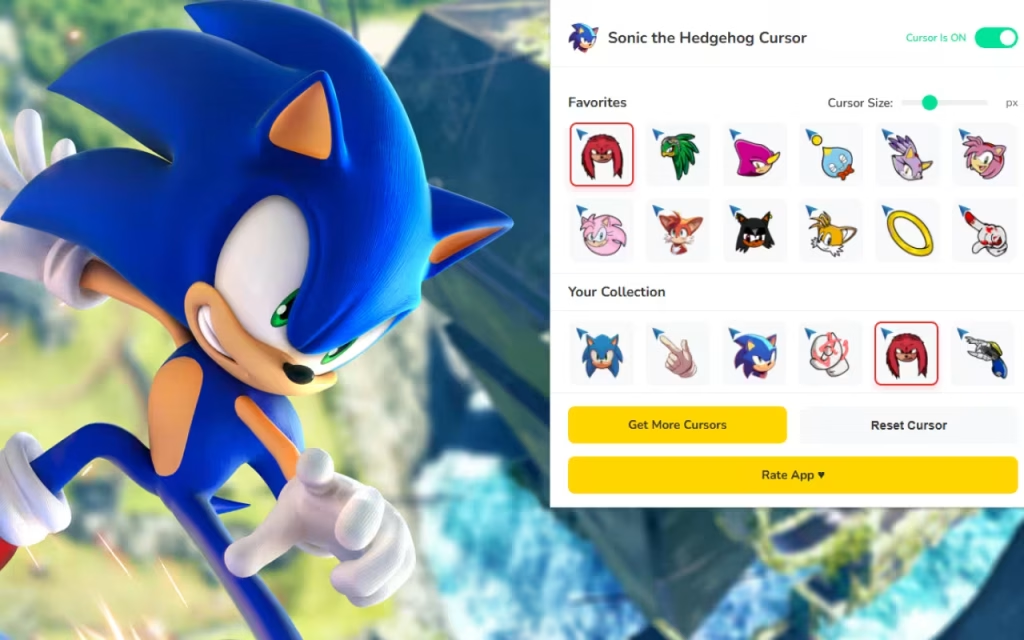
It’s time to bring the "Blue Blur" to your daily digital routine. With the Sonic the Hedgehog Cursor ★ Custom Cursor for Chrome™, you can replace your standard, sluggish mouse pointer with the energetic heroes and villains of the SEGA universe. Featuring over 60+ custom cursors, this extension lets you spin-dash through tabs and collect digital rings with every click.
In this article, we will explore the legacy of the fastest hedgehog alive, dive into the features of this high-speed collection, and provide expert tips on how to turn your browser into a zone worthy of an S-Rank.
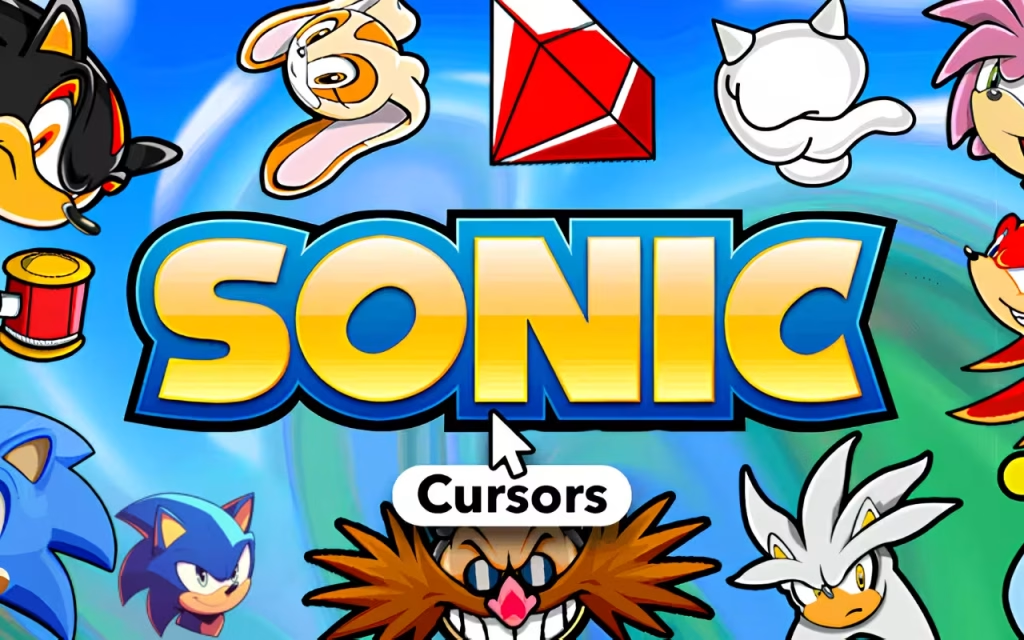
The Legacy of Speed: Why We Love Sonic
To understand why the Sonic the Hedgehog Cursor ★ Custom Cursor for Chrome™ is a must-have, we have to look at the history behind the quill. Debuting in 1991, Sonic was created to be everything Mario wasn't: fast, edgy, and cool.2
A Design That Defines Generations
Sonic’s design has evolved from the chubby, 16-bit sprite of the Genesis era to the sleek, green-eyed hero of modern 3D games.3 This extension celebrates that history.
-
Classic Era: Cursors featuring the pixelated look of the 90s are perfect for retro gaming fans who grew up with a Mega Drive.
-
Modern Era: Sleek, detailed designs of Shadow, Rouge, and Silver represent the expanded universe seen in games like Sonic Adventure 2 and Sonic Frontiers.
The Personality of the Roster
Why is this extension so popular? Because Sonic characters have distinct personalities that fit different browsing moods.
-
Sonic: Impatient and energetic. Perfect for when you're speed-running through homework or emails.
-
Shadow: "The Ultimate Life Form." Use his cursor when you need to focus and get serious.
-
Tails: The genius mechanic. Ideal for coding, studying, or technical tasks.
-
Knuckles: The tough guardian. Great for when you need to protect your digital "Master Emerald" (or just your private data).
60+ Ways to Speed Up: Exploring the Collection
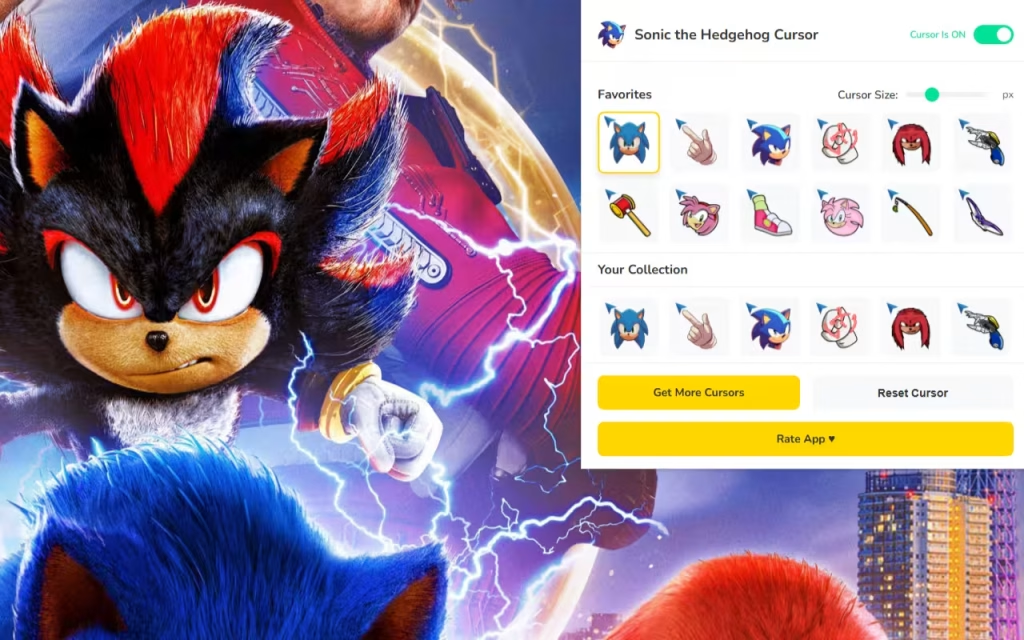
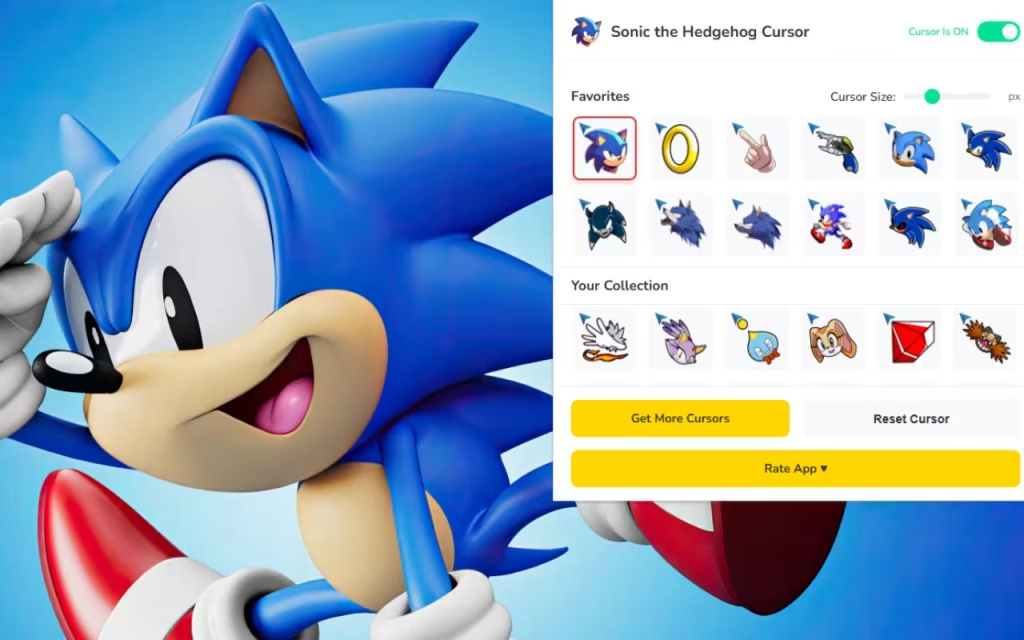
The Sonic the Hedgehog Cursor ★ Custom Cursor for Chrome™ is a massive library of SEGA history. You aren't stuck with just one blue blur; you have the entire Freedom Fighter roster at your fingertips.
Choose Your Team
-
Team Hero: Sonic, Tails, and Knuckles.
-
Team Dark: Shadow, Rouge, and Omega.
-
The Villains: Dr. Eggman, Metal Sonic, and Infinite.
-
The Chaos Emeralds: Navigate with the power of the legendary gems themselves.
Technical Features for a Smooth Run
This extension is designed to be as fast as a Spin Dash.
-
💨 60+ High-Speed Options: Rotate your cursor daily. Use Amy Rose for a cheerful vibe or Metal Sonic for a robotic, precise look.
-
📏 Adjustable Size: Sonic sprites can be detailed. The size slider (16px to 128px) allows you to scale them up so you don't miss a single pixel of detail.
-
⭐ Favorites System: Don't waste time scrolling. "Heart" your top picks to create a custom rotation, just like selecting your team in Sonic Heroes.
Creating Your Own Green Hill Zone: Decor Tips
If you love the Sonic the Hedgehog Cursor, why stop there? You can create a "similar decoration" style for your entire computer to match the high-speed theme.
Matching Browser Themes
Your cursor needs a zone to run through. Chrome allows you to change the color theme of your browser window.
-
Sonic Blue: Set your browser to a vibrant Cobalt Blue and White.
-
Shadow Black: A sleek Black and Red theme matches the "Ultimate Life Form" perfectly.
-
Tails Orange: A warm Amber and White theme creates a friendly, studious vibe.
How to Create Custom Sonic Icons
Want to take it a step further?
-
Find Sprites: Search for "Sonic Sprite Sheets" or "Chaos Emerald PNG."
-
Convert: Use an online tool to convert these transparent images into
.icofiles. -
Apply: Replace your boring "Recycle Bin" icon with a Badnik (so when you delete files, you're "destroying" robots!). Replace your "Documents" folder with a Chao icon for a cute touch.
Tips for Collectors
Sonic fans are known for their massive collections of merch. Here is how to treat your digital assets like rare collectibles.
-
Match the Game: Are you playing Sonic Generations? Use the Classic Sonic cursor. Playing Sonic Adventure 2? Switch to Shadow or Rouge.
-
The "Super" Rotation: Save the Super Sonic cursor for special occasions—like when you finish a big project or ace a test. It adds a feeling of "invincibility" to your success.
The Walking Speed vs. The Sound Barrier
Is it worth the switch? Let's compare the standard browsing experience with the Sonic upgrade.
| Feature | Standard Mouse Pointer | Sonic Custom Cursor |
| Visual Appeal | Boring White Arrow | 60+ High-Energy Designs |
| Variety | None | Heroes, Villains, Chaos Emeralds |
| Vibe | Slow / Corporate | Fast / Fun / Nostalgic |
| Personalization | System Default Only | Fully Resizable & Swappable |
| Speed Factor | Walking Pace | Supersonic |
The Sonic the Hedgehog Cursor ★ Custom Cursor for Chrome™ is more than just a novelty; it is a way to inject energy into your digital life. It reminds you that no matter how slow the internet connection is, you can still go fast in spirit.
Whether you're a fan of the classic Sega Genesis era or the modern movie universe, this extension has something for every fan. It is lightweight, free, and absolutely packed with attitude.
Are you ready to level up? Download the extension today and let the adventure begin!
Tell us in the comments below: Which zone music is playing in your head right now—Green Hill or Chemical Plant?







