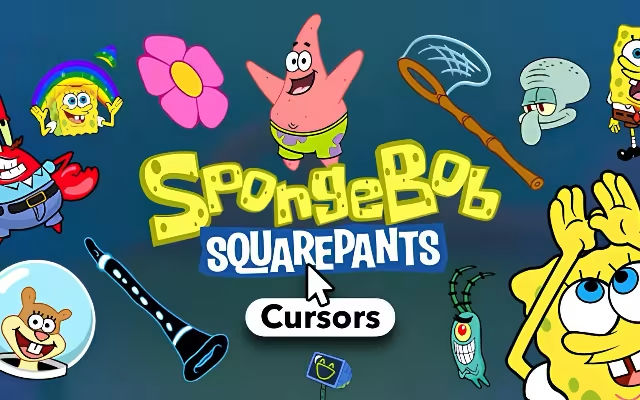
"Are you ready, kids?" If you shouted "Aye, aye, Captain!" then you are ready to transform your boring digital workspace into the vibrant, bubbly world of Bikini Bottom. For over two decades, a certain yellow sponge has lived in a pineapple under the sea and in the hearts of millions. Now, he can live right on your computer screen.
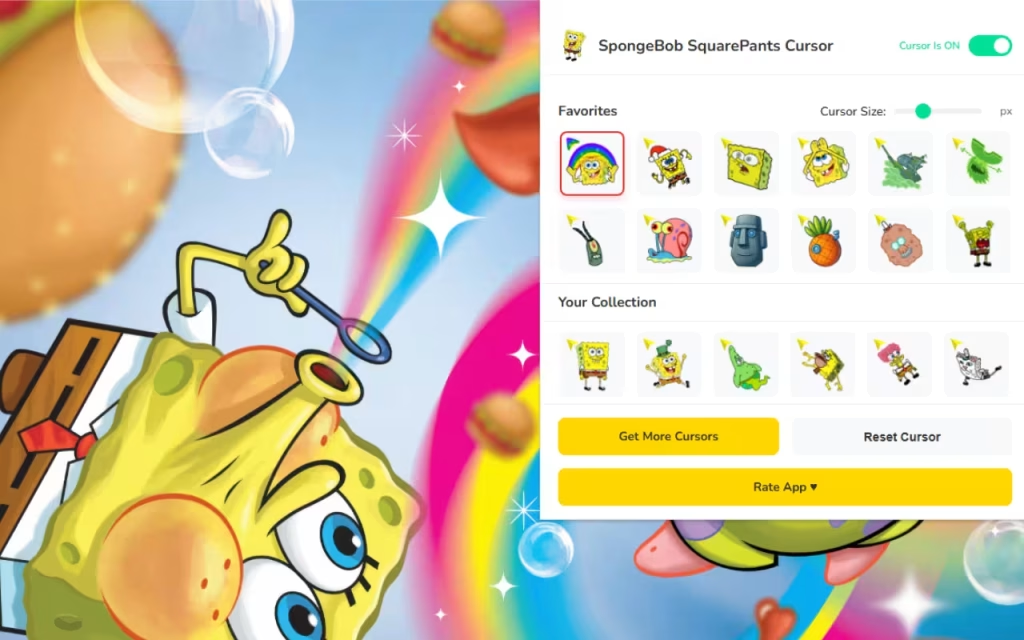
SpongeBob SquarePants Cursor ★ Custom Cursor for Chrome™ is the ultimate browser extension for fans who want to add a splash of nautical nonsense to their daily browsing. By replacing your standard, lifeless mouse pointer with one of 70+ custom cursors featuring the most iconic characters from the show, you can make every click an underwater adventure.
In this article, we will explore the enduring legacy of Stephen Hillenburg’s masterpiece, dive into the hilarious features of this extensive cursor collection, and provide expert tips on how to curate a desktop aesthetic that is ready for the best day ever.
Why We Love Bikini Bottom
To understand why the SpongeBob SquarePants Cursor ★ Custom Cursor for Chrome™ is such a must-have for fans, we have to look at the history of the show itself. Since its debut in 1999, SpongeBob SquarePants has transcended being just a cartoon to become a global cultural touchstone.
The Origin of a Masterpiece
It all started with Stephen Hillenburg, a marine science educator turned animator. He combined his love for the ocean with his artistic talent to create "The Intertidal Zone," a comic book that would eventually evolve into the show we know today. SpongeBob wasn't always a square; he began as a blob-like sea sponge! The decision to make him a kitchen sponge was a stroke of comedic genius, giving us the iconic silhouette that is instantly recognizable—even as a tiny 16px cursor on your screen.
Why is it So Popular?
SpongeBob resonates because of its dual appeal. For kids, it’s a colorful, slapstick comedy about a fry cook who loves his job. For adults, it’s a brilliant satire on modern life, filled with relatable moments—like Squidward’s existential dread or Patrick’s blissful ignorance. This "meme-ability" is exactly why this cursor pack is so popular. Using a SpongeBob cursor isn't just about nostalgia; it’s about expressing your current mood. Feeling confident? Use the "Handsome Squidward" cursor. Feeling chaotic? Use "DoodleBob."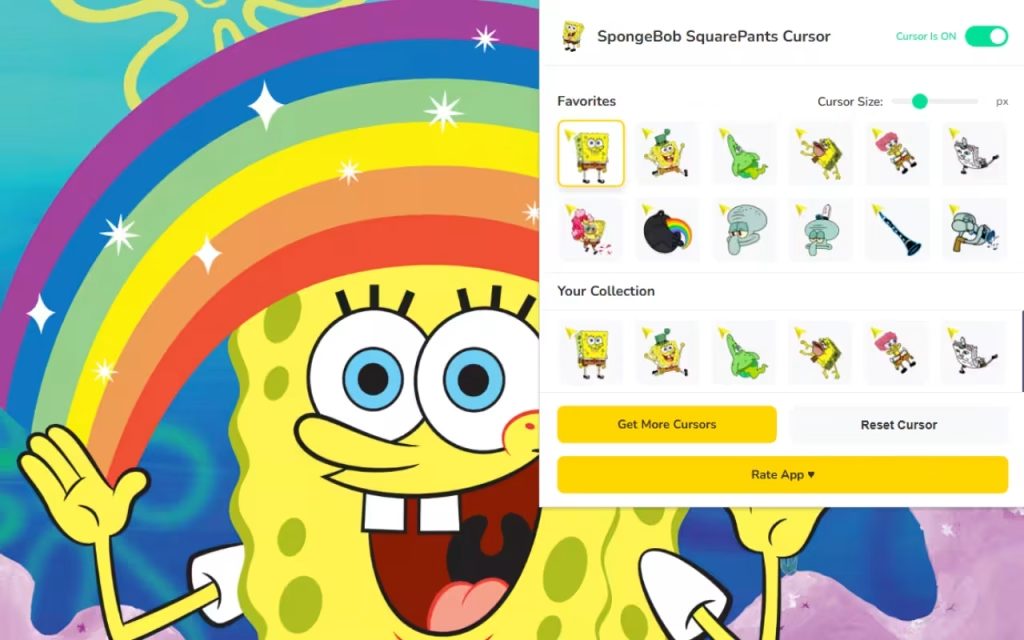
Dive Deep into the Features of SpongeBob SquarePants Cursor ★ Custom Cursor for Chrome™
This extension isn't just a simple image swap; it is a treasure chest of features designed to make your browsing experience as smooth as a Krabby Patty on the grill. Let's break down the specific features that make this extension the best choice for Chrome users.
70+ Unique Designs to Choose From
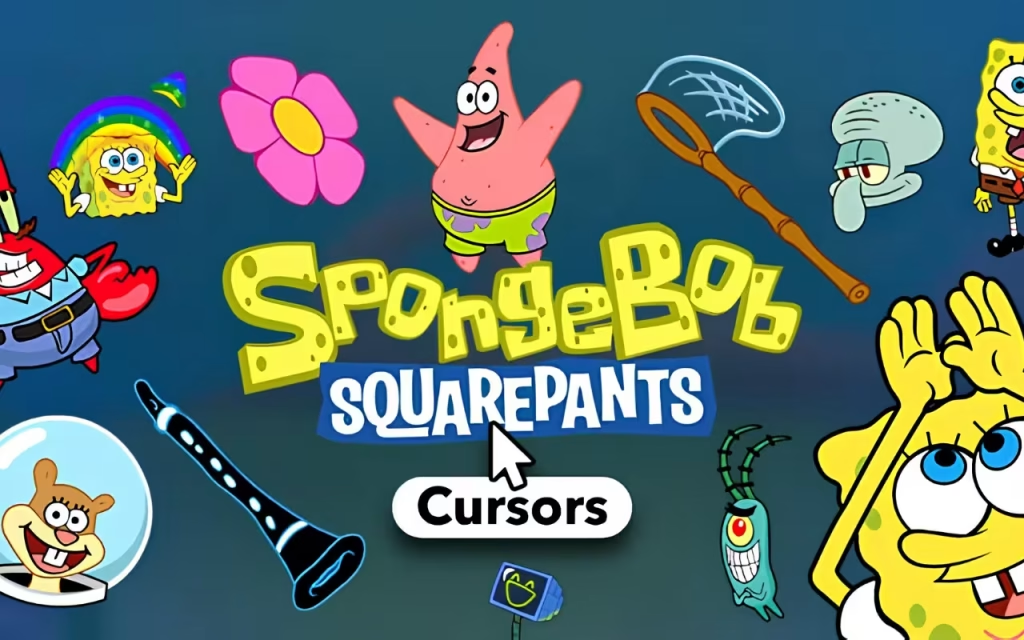
The standout feature is the sheer variety. You aren't stuck with just one yellow square. The library includes:
-
The Main Crew: SpongeBob, Patrick Star, Squidward Tentacles, Mr. Krabs, Sandy Cheeks, and Plankton.
-
Iconic Moments: Cursors featuring "Caveman SpongeBob," "Surprised Patrick," and even "Karen" the computer wife.
-
Fun Objects: Click away with a Krabby Patty, a Jellyfish net, or the Magic Conch Shell.
User-Friendly Features for Smooth Sailing
This extension is designed to be lightweight and fast, ensuring that your browser doesn't lag like Gary the Snail.
-
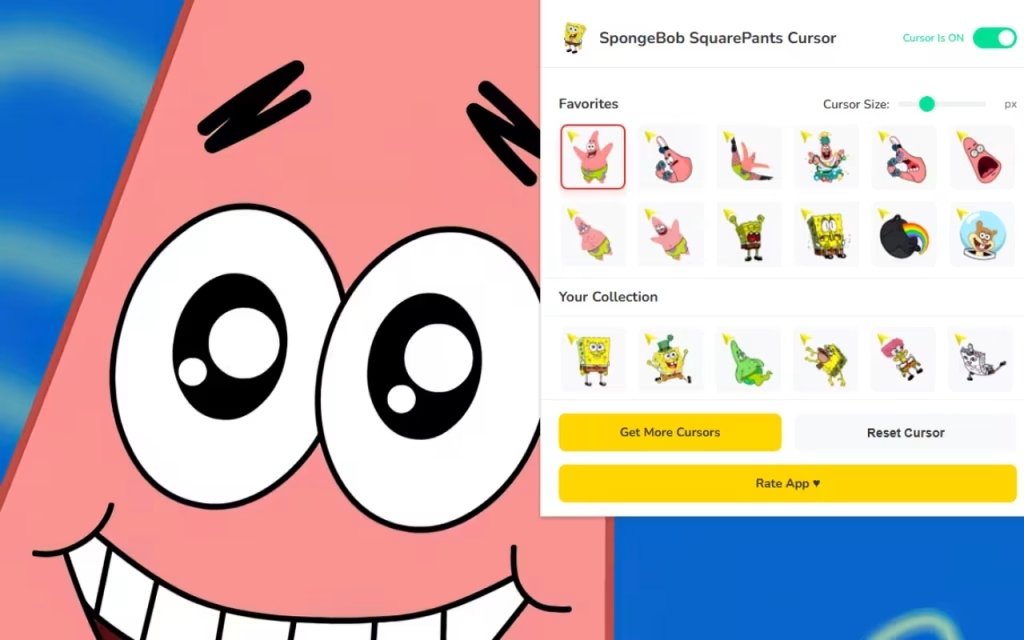
⭐ Favorites System: With 70+ options, you might lose track of your favorites. The favorites system allows you to save your top picks for instant access.
-
📏 Adjustable Size: Whether you have a massive 4K monitor or a compact laptop, the size slider (16px to 128px) ensures your cursor is always visible.
-
⚡ One-Click Swap: Changing your cursor is instantaneous. Switch from a "Working" Squidward cursor to a "Party" SpongeBob cursor with a single click.
-
🔘 Enable/Disable Toggle: Need to switch back to the standard arrow for a serious presentation? The toggle button lets you do it in seconds.
The Chum Bucket vs. The Krusty Krab
Is it worth the switch? Let's compare the standard browsing experience with the Bikini Bottom upgrade.
| Feature | Standard Mouse Pointer | SpongeBob Custom Cursor |
| Visual Appeal | Boring White Arrow | 70+ Iconic & Funny Designs |
| Vibe | Corporate / Sterile | Wacky / Nostalgic / Fun |
| Personalization | System Default Only | Fully Resizable & Swappable |
| Variety | None | SpongeBob, Patrick, Squidward |
| Fun Factor | Zero | Maximum Nautical Nonsense |
Creating the Ultimate Bikini Bottom Digital Setup
Installing the SpongeBob SquarePants Cursor ★ Custom Cursor for Chrome™ is just the first step. To truly live like you're in a pineapple under the sea, you need to coordinate your entire digital environment.
How to Create a Similar Decoration Style
Your cursor needs a matching home. Chrome allows you to change the color theme of your browser window.
-
SpongeBob Theme: Set your browser theme to Yellow and Brown to match his famous outfit.
-
Bikini Bottom Theme: A sky blue background with floral cloud patterns mimics the show's iconic sky.
-
Desktop Icons: Search for "SpongeBob Icon Packs." Replace your standard folder icons with pineapples, anchors, or jellyfishing nets.
Tips for Collectors
For the dedicated fan, "collecting" digital assets is just as fun as collecting physical figures.
-
Rotate Weekly: Don't stick to one cursor! Use the Favorites System to create a weekly rotation. Make Mondays a "Squidward" day (grumpy) and Fridays a "SpongeBob" day (excited).
-
Match the Season: Look for holiday-themed cursors in the pack. SpongeBob wearing a Santa hat is perfect for December, while a spooky "Flying Dutchman" cursor fits Halloween perfectly.
Why Choose This Extension?
In a world of generic tools, the SpongeBob SquarePants Cursor ★ Custom Cursor for Chrome™ offers a spark of joy. It brings the "Animated Vibes" of the show to the most mundane tool on your computer: the mouse.
It is Fan-Made, which means the designs catch the small details that only true fans appreciate—like Plankton's desperate expression or the specific shade of pink for Patrick. It creates an immersive experience that makes you feel part of the nautical crew.
Key Highlights Summary
-
Variety: 70+ characters and items.
-
Usability: Simple interface with instant switching.
-
Performance: Lightweight code that doesn't slow down Chrome.
"I'm ready! I'm ready!" The SpongeBob SquarePants Cursor ★ Custom Cursor for Chrome™ is more than just a novelty; it is a daily reminder to find the fun in everything. Just as SpongeBob finds joy in flipping patties, you can find joy in your daily browsing.
It combines the "Undersea Fun" of a classic cartoon with the modern need for digital self-expression. It is lightweight, free, and absolutely packed with fan service.
Are you ready to drop on the deck and flop like a fish? Download the extension today and let the nautical nonsense begin!
Tell us in the comments below: Which character is your spirit animal—the optimistic SpongeBob, the greedy Mr. Krabs, or the genius Sandy Cheeks?







