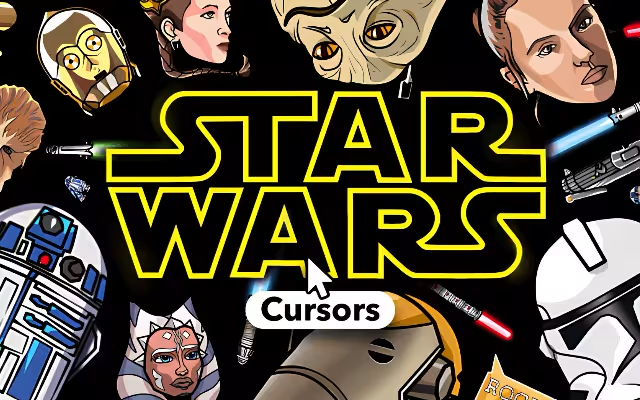
A long time ago, in a galaxy far, far away... or rather, right here on your computer screen, the battle between the light and dark sides of the Force continues. For nearly 50 years, Star Wars has been more than just a film franchise; it is a global cultural touchstone. It taught us about hope, redemption, and the power of believing in something greater than ourselves.
But why should the adventure stop when the movie credits roll? It is time to bring the excitement of the galaxy to your daily digital routine. With the Star Wars Cursor ★ Custom Cursor for Chrome™, you can replace your standard, boring mouse pointer with the legendary weapons, droids, and heroes of the saga.
Featuring over 90+ custom cursors, this extension lets you wield a lightsaber, pilot the Millennium Falcon, or harness the cuteness of Grogu with every click. In this article, we will explore the enduring legacy of the franchise, dive into the features of this massive collection, and provide expert tips on how to turn your browser into a fully operational battle station.
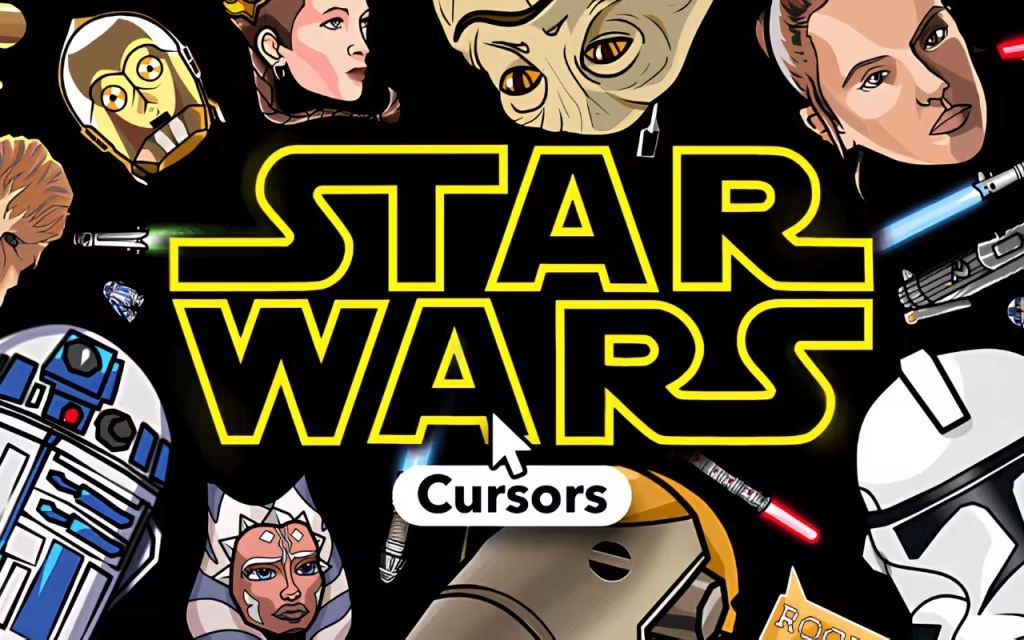
The Saga Continues: Why We Love the Galaxy
To understand why the Star Wars Cursor ★ Custom Cursor for Chrome™ is an essential upgrade for any fan, we must look at the impact of the series. From the original trilogy to The Mandalorian, Star Wars has captured the imagination of generations.
A Universe of Possibilities
The beauty of Star Wars lies in its variety. It isn't just about Jedi; it's about smugglers, bounty hunters, rebels, and adorable droids. This extension captures that diversity perfectly.
-
The Light Side: Cursors featuring Luke Skywalker, Rey, and Obi-Wan Kenobi represent hope and justice.
-
The Dark Side: For those who crave power, cursors of Darth Vader, Kylo Ren, and Emperor Palpatine offer a commanding presence on your screen.
-
The Scum and Villainy: Bounty hunters like Boba Fett and The Mandalorian (Din Djarin) bring a rugged, cool aesthetic to your browsing.
Why "The Force" Resonates Online
In the digital age, customization is how we express our identity. Using a Star Wars cursor is a subtle way to signal your fandom. It transforms a mundane task like checking email into a small moment of joy. Seeing R2-D2 beep across your screen or BB-8 roll over a link connects you to the nostalgia and excitement of the films.

90+ Ways to Rule the Galaxy: Exploring the Collection
The Star Wars Cursor ★ Custom Cursor for Chrome™ extension is a massive library of galactic history. You aren't stuck with just one lightsaber; you have the entire Jedi Order at your fingertips.
Choose Your Faction
-
The Jedi Order: Classic blue and green lightsabers, Yoda’s wisdom, and Mace Windu’s purple blade.
-
The Sith: The menacing red of Vader’s saber, Maul’s double-bladed weapon, and the First Order emblem.
-
The Droids: The lovable R2-D2, the golden C-3PO, and the spunky BB-8.
-
The Ships: Navigate the web with the speed of the Millennium Falcon or the precision of an X-Wing.
Technical Features for a Smooth Flight
This extension is designed to be as reliable as a hyperdrive (when fixed by Han Solo).
-
🌌 90+ Unique Options: Rotate your cursor daily. Use a stormtrooper for precision tasks (ironic, we know!) and a Jedi for creative work.
-
📏 Adjustable Size: Whether you have a massive Death Star-sized monitor or a datapad-sized laptop, the size slider (16px to 128px) ensures your cursor is always visible.
-
⭐ Favorites System: Don't waste time scrolling through 90 options. "Heart" your top picks to create a custom rotation.

Character Match-Up: Which Cursor Fits Your Mood?
With so many options, choosing a main cursor can be difficult. Here is a breakdown of which characters fit different browsing vibes.
| Character / Icon | Vibe & Mood | Best Used For... |
| Darth Vader | Dominant, Powerful, Serious | Work, Management, "Boss Mode" |
| Grogu (Baby Yoda) | Cute, Curious, hungry | Social Media, Shopping, Relaxing |
| Yoda | Wise, Calm, Patient | Studying, Reading Articles, Research |
| The Mandalorian | Efficient, Cool, Mysterious | Freelancing, Focused Tasks |
| Lightsaber (Any) | Energetic, Sharp | Gaming, Fast-paced Browsing |
| R2-D2 | Helpful, Loyal | Tech Support, Coding, Troubleshooting |
Creating Your Own Jedi Archive: Setup Tips
If you love the Star Wars Cursor, why stop there? You can create a "similar decoration" style for your entire computer to match the galactic theme.
Matching Browser Themes
Your cursor needs a galaxy to travel through. Chrome allows you to change the color theme of your browser window.
-
The Empire Theme: Set your browser to sleek Black and Red.
-
The Rebellion Theme: A rugged Orange (flight suit) and White aesthetic.
-
Tatooine Theme: Warm Yellows and Sandy Browns match the desert vibe perfectly.
Tips for Collectors
Star Wars fans are the ultimate collectors. Here is how to treat your digital assets like rare action figures.
-
Era Rotation: Rotate your cursor based on what you are watching. If you are re-watching the Prequels, use Anakin or Obi-Wan. If you are watching Ahsoka, switch to the Ahsoka Tano cursor.
-
Match Your Merch: Do you have a LEGO Millennium Falcon on your desk? Use the Falcon cursor to create a seamless link between your physical and digital space.

Why This Extension is the Chosen One
In a world of generic tools, the Star Wars Cursor ★ Custom Cursor for Chrome™ offers a spark of excitement. It brings the "Iconic Customization" of the films to the most mundane tool on your computer: the mouse.
It is Fan-Made, which means the designs catch the small details that only true fans appreciate—like the specific hilt design of Kylo Ren’s saber or the battered paint on Boba Fett’s helmet. It creates an immersive experience that makes you feel part of the saga.
Key Highlights Summary
-
Variety: 90+ characters, ships, and weapons.
-
Usability: Simple interface with instant switching.
-
Performance: Lightweight code that runs faster than the Kessel Run.
"The Force will be with you. Always." The Star Wars Cursor ★ Custom Cursor for Chrome™ is more than just a novelty; it is a daily reminder of the adventure that awaits. It allows you to carry the spirit of the Jedi (or the Sith) into every corner of the internet.
Whether you want to crush your tasks with the power of the Dark Side or explore the web with the curiosity of a droid, this extension has something for everyone. It is lightweight, free, and absolutely packed with galactic spirit.
Are you ready to jump to lightspeed? Download the extension today and may the Force be with your cursor!
Tell us in the comments below: Which color lightsaber would you choose for your cursor—classic Blue, Green, or the rare Purple?







