
Is your digital workspace feeling a little sluggish? Do you find yourself staring at that same, boring white arrow day after day? For automotive enthusiasts and lovers of high-performance engineering, the disconnect between the adrenaline of the racetrack and the monotony of a spreadsheet can be jarring.
Enter the world of browser customization. Just as you wouldn’t put stock rims on a hypercar, you shouldn’t settle for a stock interface on your browser.
In this deep dive, we explore the Supercars Cursor extension—a high-octane modification for Google Chrome that puts the world’s most powerful machines right at your fingertips. We will look at its features, the origins of cursor customization, and even how digital artists create these miniature masterpieces.

The Digital Garage: What is the Supercars Cursor Extension?
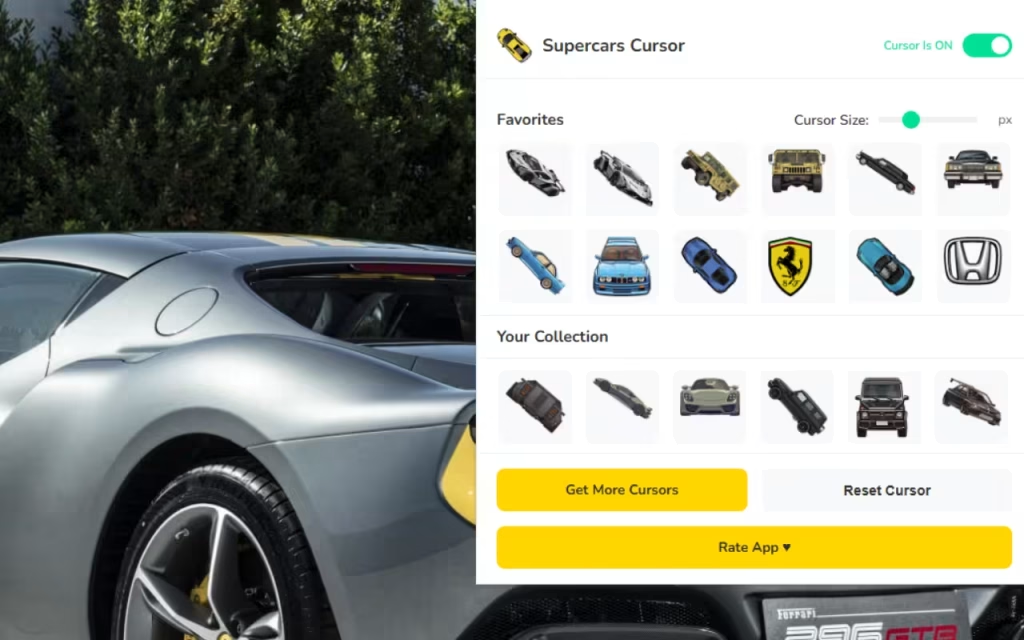
The internet is your highway, and your cursor is the vehicle you use to navigate it. The Supercars Cursor extension acts as your personal luxury garage, offering a collection of over 240+ custom cursors inspired by the legends of the automotive world.
Whether you are a fan of Italian elegance or German engineering, this tool allows you to swap the standard pointer for a miniature, pixel-perfect representation of iconic vehicles.
Unpacking the Features
What makes this extension stand out in a crowded marketplace of browser add-ons? It isn't just the aesthetics; it is the functionality. Let’s look under the hood:
-
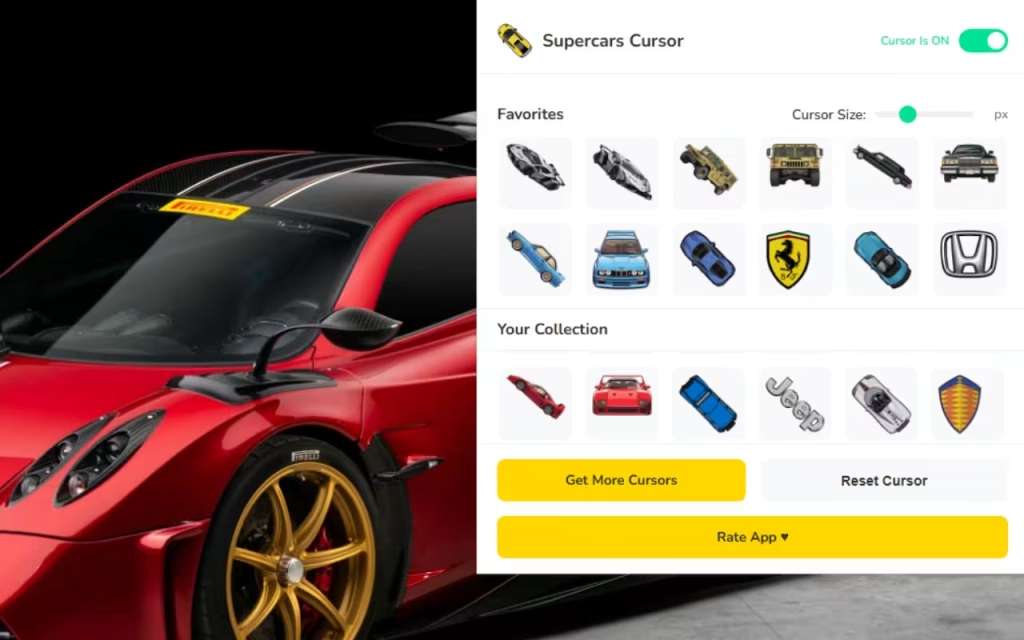
🏁 240+ Unique Cursors: The library is vast. It includes iconic supercars, recognizable brand logos, and performance-inspired styles. You aren't just limited to one car; you can drive a different model every day of the year.
-
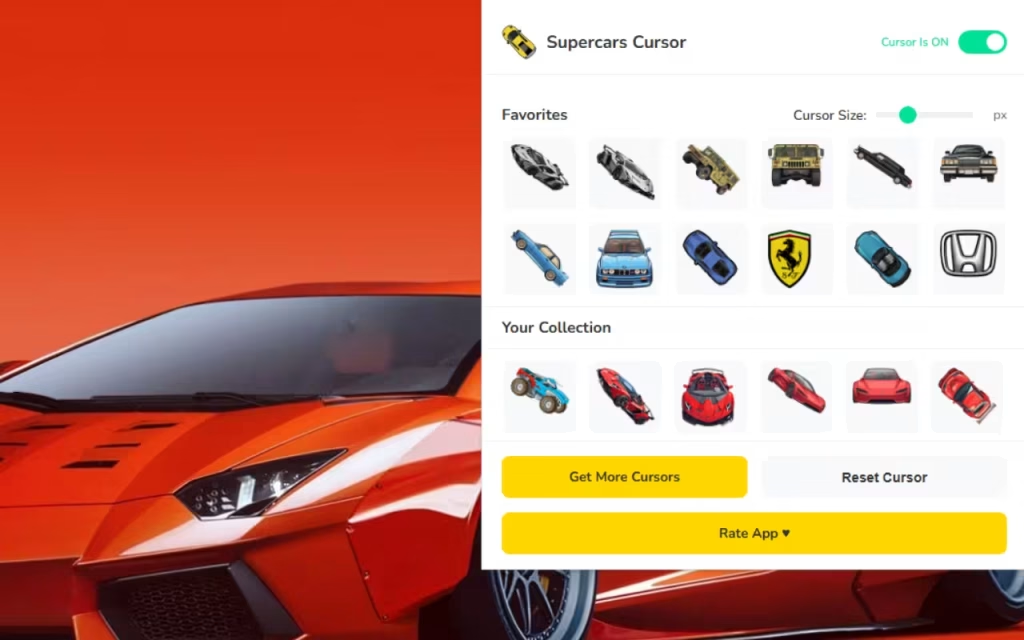
⭐ Favorites System: Just like a real collector, you have favorites. This system allows you to "park" your top choices in a dedicated tab for instant switching.
-
📏 Adjustable Size: Monitors vary, from compact laptops to massive 4K displays. This feature allows you to resize your cursor from a discreet 16px to a bold 128px for maximum visibility.
-
⚡ One-Click Swap: No complex coding or restart required. Click, and your cursor transforms instantly.
-
🚀 Lightweight & Fast: One of the biggest fears with extensions is "bloatware" that slows down browsing. This extension is optimized to ensure smooth scrolling without lag.
Why Supercars Cursor? The Philosophy of Speed
Why install a Supercar Cursor? The answer lies in the intersection of Speed & Style. For many, the computer is a tool for work. By adding a touch of motorsport to your everyday browsing, you inject a micro-dose of joy into mundane tasks. It brings Luxury & Power—from exotic hypercars to legendary classics—into a space that is usually purely utilitarian.
Furthermore, the Simple Interface ensures that you don't need to be a tech wizard to use it. It is a Fan-Made project, created by enthusiasts for enthusiasts, ensuring that the details on the cars (even at small pixel sizes) are respected.
From the Racetrack to Your Screen: Origins and Inspiration
Have you ever wondered where the concept of custom cursors came from?
The Evolution of Interface Customization
In the early days of the internet (think the late 90s and early 2000s), "customizing" your computer was a badge of honor. Users would download clunky software to change their desktop themes. As web browsers became more sophisticated, the ability to modify the UI (User Interface) became safer and more standardized through extensions.
The Supercars Cursor represents the modern evolution of this trend. It moves away from the chaotic, glitchy modifications of the past and utilizes modern CSS and JavaScript to overlay images without breaking website functionality. It stems from a desire to claim ownership over our digital spaces.
Iconic Models Featured
While this extension is fan-made and unofficial, the artistic tributes are unmistakable. The collection spans the history of speed:
-
The Italian Stallions: Designs inspired by the sharp angles of Lamborghini and the curves of Ferrari.
-
The French Speed Kings: Tributes to the record-breaking velocity of Bugatti.
-
The British Racers: The aerodynamic silhouettes of McLaren.
Quick Question for the Comments: If you could own any car featured in this extension in real life, which one would it be? The classic Countach or a modern Chiron? Let us know below!
How to Create a Similar Decoration
Perhaps using the extension has inspired you. You might be asking, "How do they make these?" or "Can I design my own cursor?"
Creating a custom cursor is a fantastic entry point for budding graphic designers and coders.
Design Basics: Pixel Art and Scalability
To create a cursor like the ones in the Supercars Cursor pack, you generally start with vector art or high-quality pixel art.
-
The Canvas: You typically design on a transparent background (PNG format).
-
The Hotspot: Every cursor has a "hotspot"—the single pixel that actually clicks the link. On a standard arrow, it is the tip. On a car, you must decide if the hotspot is the front bumper or a crosshair next to it.
-
Readability: The design must be readable at 32x32 pixels. This requires strong contrast and bold outlines.
Coding the Logic
For those interested in the technical side, an extension like this relies on a manifest.json file. This file tells the Chrome browser:
-
"I am an extension."
-
"I have permission to change the CSS of the active tab."
-
"Here are the images I want to use."
It is a blend of art and logic, much like the engineering of the supercars these cursors emulate.
Tips for Collectors: Building Your Digital Showroom
With over 240 options, the Supercars Cursor extension can be overwhelming. Here are some tips on how to manage your new fleet.
Managing Your Favorites
Don't just scroll through the list every time. Use the Favorites System effectively.
-
The Daily Driver: Pick a sleek, smaller cursor for work hours. Something that looks professional but cool.
-
The Weekend Warrior: Save the flashy, larger, brightly colored hypercars for your weekend browsing or gaming sessions.
-
The Toggle Trick: Use the Toggle Button to disable the extension when doing color-sensitive design work, then switch it back on for general browsing.
Standard vs. Supercar Cursor
To help you decide if this switch is right for you, here is a detailed breakdown of the differences.
| Feature | Standard Windows Cursor | Supercars Cursor Extension |
| Visual Style | Plain White/Black Arrow | 240+ Supercar Designs & Logos |
| Customization | Very Limited (System wide) | High (Per browser, instant swap) |
| Sizing | System scaling only | Adjustable (16px - 128px) |
| Entertainment Value | None | High (Gamification of browsing) |
| Resource Usage | Zero | Minimal/Lightweight |
| Target Audience | General Users | Car Enthusiasts & Gamers |
Why Is It So Popular?
The popularity of the Supercars Cursor boils down to identity. In the digital age, we spend more time looking at our screens than our driveways.
Every time you click a link, you are performing an action. When that action is performed by a symbol of luxury and power, it subtly changes your perception of the task. It turns a boring "click" into a "shift."
A Community of Petrolheads
Since this is a Fan-Made project, it resonates with the car community. It isn't a corporate ad; it’s a love letter to automotive culture. It allows users to signal their passion even when they are just reading the news or shopping online.
The Supercars Cursor extension is more than just a novelty; it is a way to reclaim your digital environment and align it with your passions. With features like adjustable sizing, a huge library of 240+ unique cursors, and a lightweight design, it brings high-octane style to your browsing without sacrificing performance.
Whether you are dreaming of a Bugatti or nostalgic for a classic Ferrari, this tool puts the wheel in your hands.
Ready to start your engines?
Head over to the Chrome Web Store and search for the extension today. Bring the roar of the racetrack to your daily workflow.
What feature would you like to see added next? Engine sound effects on click? Animated exhaust fumes? Drop your ideas in the comments!







