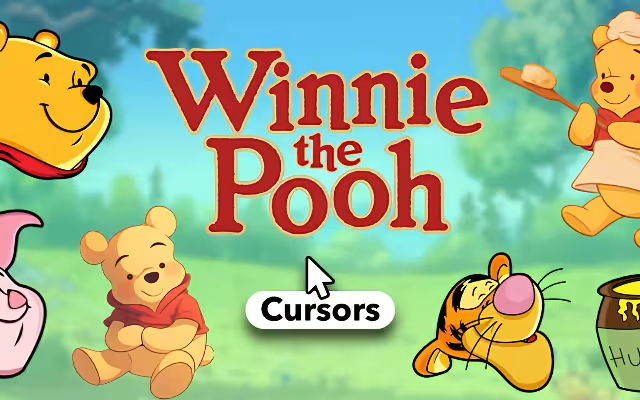
"Sometimes the smallest things take up the most room in your heart." This famous quote from A.A. Milne perfectly encapsulates the feeling of adding a touch of whimsy to your digital life. In a world of stark, white browser tabs and generic mouse pointers, we often forget that our digital workspaces can be places of comfort and joy.
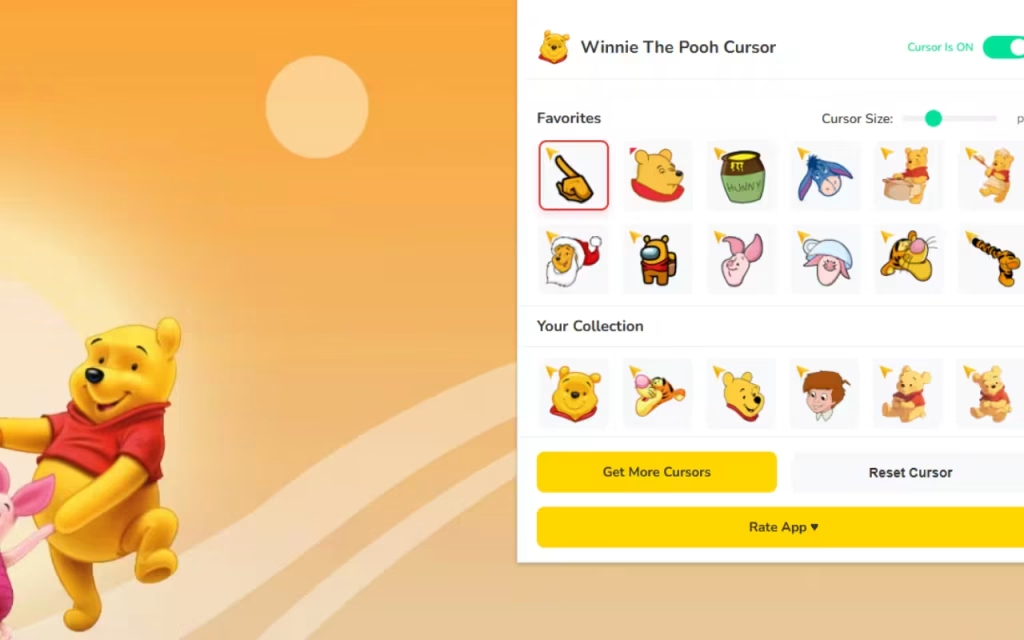
Enter the Winnie The Pooh Cursor ★ Custom Cursor for Chrome™. This delightful browser extension allows you to swap out your standard arrow for the lovable, honey-obsessed bear and his charming friends. Whether you are working, studying, or just surfing the web, this extension brings the warmth of the Hundred Acre Wood directly to your screen.
In this article, we will explore the enduring legacy of these characters, dive deep into the features of this 20+ cursor collection, and provide expert tips on how to curate a "cozy" digital environment that sparks joy with every click.
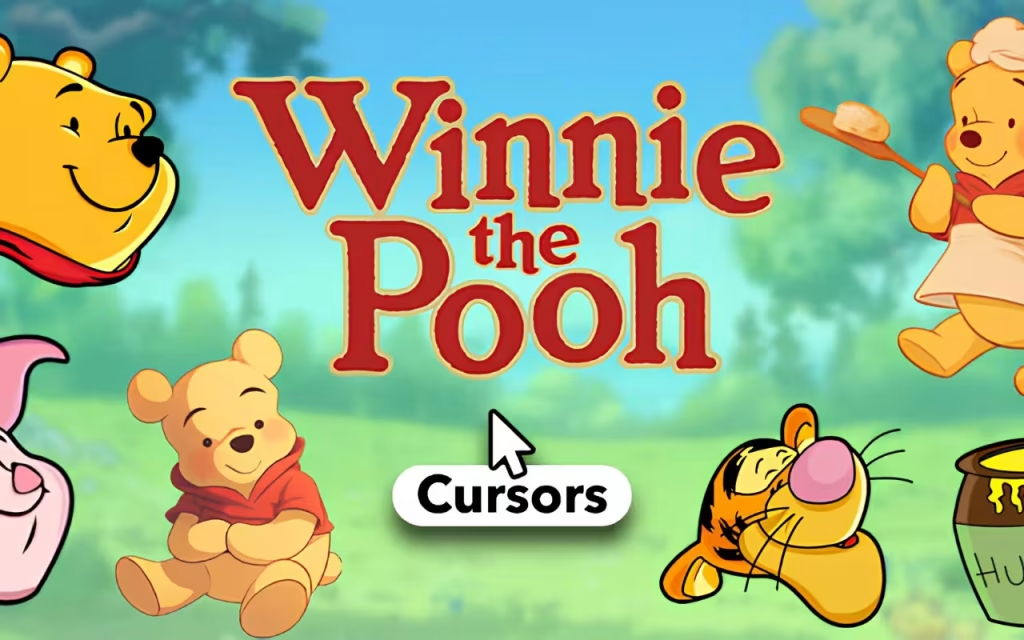
The Timeless Magic of the Silly Old Bear
To understand why the Winnie The Pooh Cursor ★ Custom Cursor for Chrome™ is such a popular choice for browser customization, we must first look at the history of the character himself. Why does a bear created nearly a century ago still resonate so deeply with modern internet users?
A Brief History of Pooh’s Origins
Winnie the Pooh first appeared in 1926, created by British author A.A. Milne and illustrated by E.H. Shepard. Inspired by his son, Christopher Robin Milne, and his stuffed animals, the stories were originally simple tales of friendship and imagination.
However, it was the acquisition by Disney in 1961 that catapulted Pooh into a global icon. The red t-shirt, the soft voice, and the gentle humor became staples of childhood for generations. This extension taps into that deep well of nostalgia. When you see a tiny Piglet cursor or a Tigger pointer, it doesn't just function as a tool; it acts as a portal to a simpler, happier time.
Why is He So Popular Today?
In the fast-paced digital age, "cozy" aesthetics have become a massive trend. From "cottagecore" visual styles to relaxing video games, people are seeking digital sanctuaries. Winnie the Pooh is the ultimate symbol of a slow, thoughtful life—one prioritized by friendship and snacks (mostly honey). The Winnie The Pooh Cursor ★ Custom Cursor for Chrome™ fits perfectly into this trend. It allows users to soften the harsh edges of the internet with designs that evoke warmth, safety, and unconditional friendship.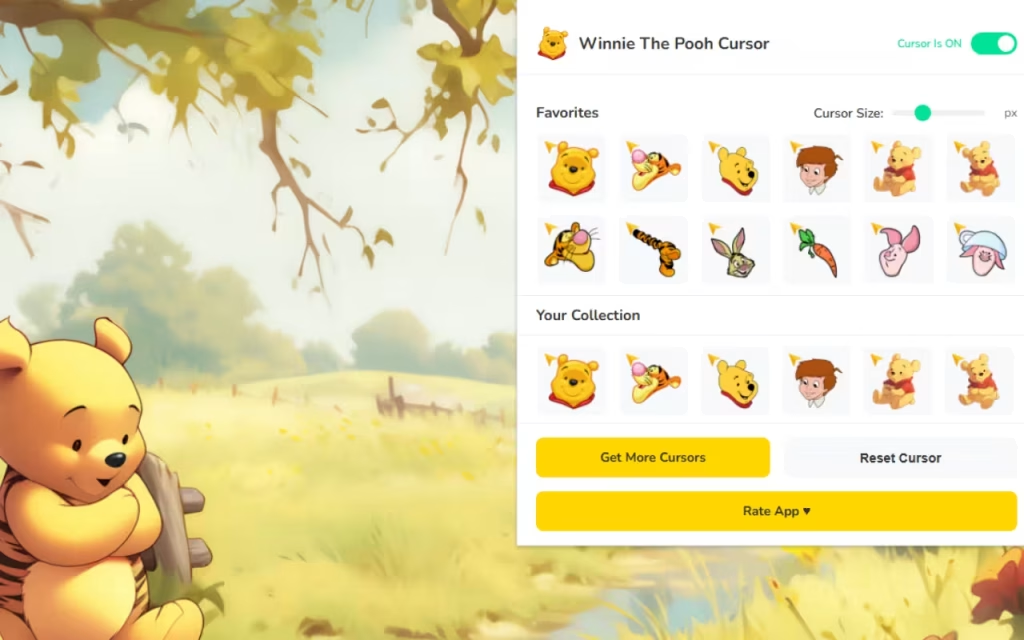
Exploring the Features: More Than Just a Cute Face
This extension isn't just a static image swap; it is a fully functional tool designed for user experience. Let’s break down the features that make this specific extension a must-have for fans.
🍯 20+ Wholesome Cursors
The library includes over 20 unique designs, ensuring you never get bored. The variety covers the entire cast:
-
Pooh Bear: Often depicted holding a honey pot or floating with a red balloon.
-
Tigger: Captured in mid-bounce, adding energy to your screen.
-
Eeyore: Despite his gloom, his cursor designs are incredibly endearing, often featuring his pink bow.
-
Piglet: Small, brave, and perfect for precision clicking.
-
Rabbit, Owl, Kanga, & Roo: The extended family is all here to complete the set.
🔧 Technical Excellence
A cute cursor is useless if it slows down your computer. The Winnie The Pooh Cursor ★ Custom Cursor for Chrome™ is engineered for 🚀 Lightweight & Fast performance. It ensures no browser lag, even when you have multiple tabs open. Additionally, the 📏 Adjustable Size feature (ranging from 16px to 128px) is crucial for accessibility. Whether you are browsing on a small laptop or a massive 4K monitor, you can scale Pooh and friends to be perfectly visible.Standard vs. Hundred Acre Wood Style
To truly appreciate the upgrade, let's compare the standard browsing experience with the Pooh-enhanced version.
| Feature | Standard System Cursor | Winnie The Pooh Custom Cursor |
| Visual Appeal | Generic White Arrow | Handcrafted, Colorful Art |
| Emotional Impact | Neutral / Sterile | Warm / Nostalgic / Joyful |
| Variety | 1 Option | 20+ Characters & Items |
| Customization | System Default Only | Fully Resizable & Swappable |
| Vibe | Corporate Office | Storybook Fantasy |
How to Create a Cozy Digital Atmosphere
Installing the Winnie The Pooh Cursor ★ Custom Cursor for Chrome™ is just the first step. To truly immerse yourself in the "Joyful Browsing" experience, you can coordinate your entire digital desktop to match. Here is a guide to creating a similar decoration style.
DIY Digital Decoration Tips
-
Browser Theme: Change your Google Chrome theme to match the color palette of the Hundred Acre Wood. Look for themes with soft yellows (honey), pastel greens (forest), or sky blues. This creates a seamless visual transition between your browser window and the custom cursor.
-
Desktop Icons: You can customize your desktop folder icons to match. Search for "Honey Pot" or "Bee" icons in .ico format. Replacing your standard yellow folders with honey pots turns your desktop into Pooh’s pantry!
-
Soundscapes: For the ultimate immersive experience, play "forest ambience" or "soft piano music" in the background while you browse.
Tips for Collectors
If you are a collector of physical Disney or Pooh merchandise, treating your digital assets like a collection is a fun way to engage with your fandom.
-
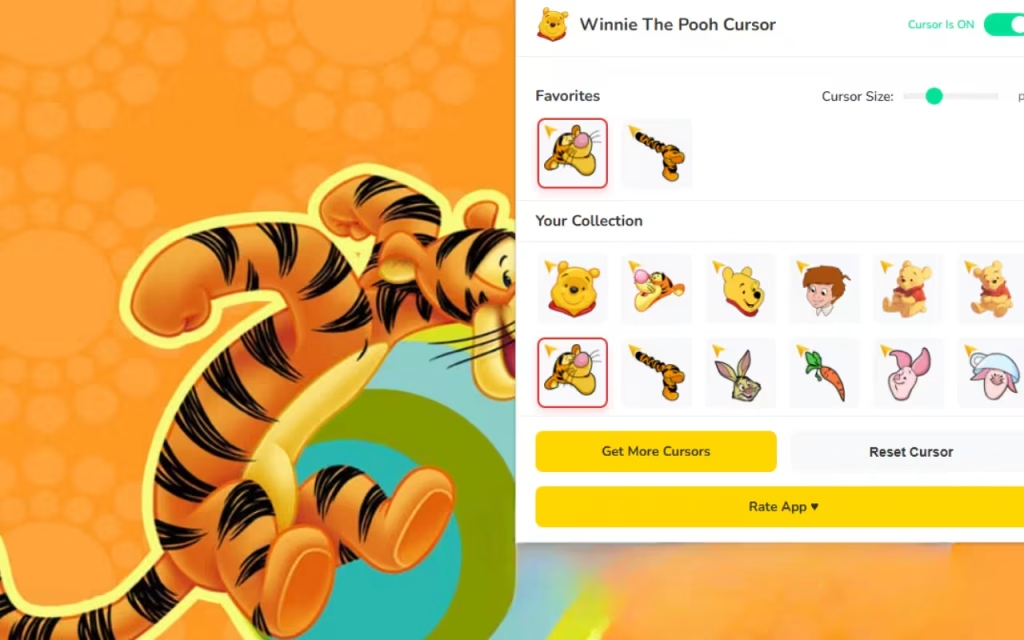
Rotate Your Roster: Use the ⭐ Favorites Feature to create a rotation. Use Eeyore on Mondays (when you might feel a bit sleepy) and Tigger on Fridays (for that high-energy excitement).
-
Match Your Merch: Do you have a Pooh plush on your desk? Use the matching cursor to bridge the gap between your physical and digital reality.
Why You Should Install This Extension Today
The internet can be a stressful place. We are constantly bombarded with news, notifications, and demands on our attention. The Winnie The Pooh Cursor ★ Custom Cursor for Chrome™ acts as a small shield against that stress.
It offers 💛 Nostalgic & Cozy vibes that remind you to take a breath. It is 🍃 Family-Friendly, making it a safe and fun addition for shared family computers. Most importantly, it is Fan-Made, meaning it was created with genuine love and attention to detail by people who adore these characters just as much as you do.
Key Highlights Summary
-
Instant Switcher: Change characters in seconds without restarting.
-
On/Off Toggle: Need to be professional for a minute? Disable the cursor with one click.
-
High-Quality Art: No pixelated messes; these cursors are crisp and clear.
"Any day spent with you is my favorite day. So, today is my new favorite day." Make every day of browsing your favorite day with the Winnie The Pooh Cursor ★ Custom Cursor for Chrome™.
By inviting Pooh, Piglet, and Tigger onto your screen, you aren't just changing a mouse pointer; you are choosing to add a sprinkle of sweetness to your daily life. It is a simple, free, and effective way to make your technology feel a little less like a machine and a little more like a friend.
Are you ready to visit the Hundred Acre Wood? Download the extension today and let the adventures begin!
Tell us in the comments below: Which character from the Hundred Acre Wood do you relate to the most, and which cursor will you be using first?







